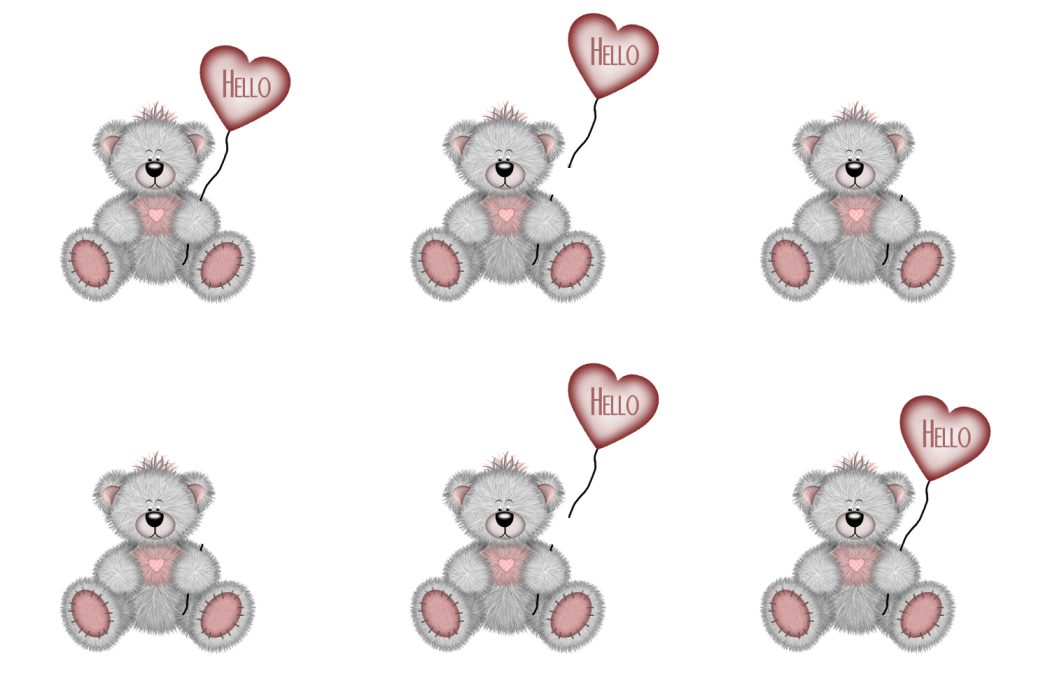
PSP 7
A tube of your choice
I am assuming you have working knowledge of PSP
Open a New Image 500 by 500. choose the tube you want. I used the one below

http://www.creographix.de
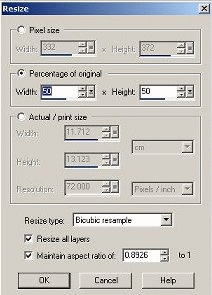
I resized my tube by 50%. Image / resize. If you use the one from hereit is already resized. Mine looks like this.
Leave the tube in place
Now click on your text tool> Click inside your New Image so that the text box comes up and choose the color of font that you want to use. I use color #A76666 and the font NiteClub. Make sure Floating and Antialias is checked. Now when you get it the way you want it click ok. Now move your text inside the balloon. When you have it in place then go to Selections / Select None. Now go to Layers/ Merge/ Merge Visible.
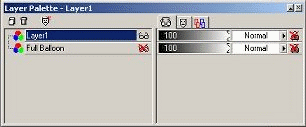
Now rename the layer Full Balloon in your layer palette. Go to Edit / Cop then Edit / Paste as a New Layer. Now go to your layer palette and x out the full balloon layer. Make sure layer 1 is highlighted like this