 |
 |
 |
 |
 |
 |
 |
 |
 |
| Transparent Background Tutorial |
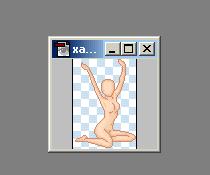 |
| Note-I used Abobe Photoshop6 for this tutorial.... and xanndorasplace, thanx! 1. Open the base you would like to use on your doll...... |
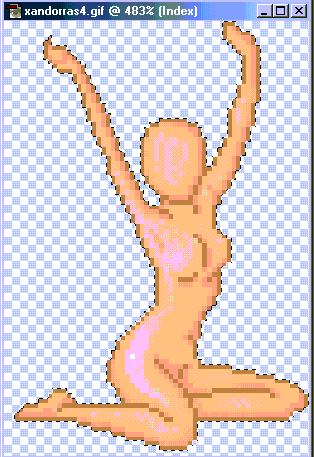 |
| 2. Use the Magicwand tool to outline the WHOLE base....using shift+click will help you to add parts to your doll base.... |
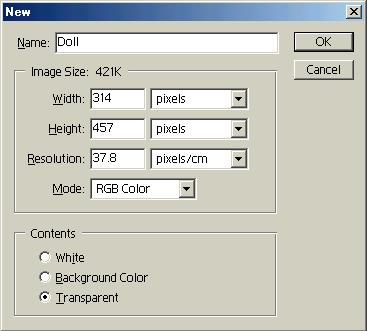 |
| 3. Go to File>New and type in the width& length basically by trial and error until you get it right(you'd MUCH rather have the new one bigger than smaller) and set your contents to TRANSPARENT! |
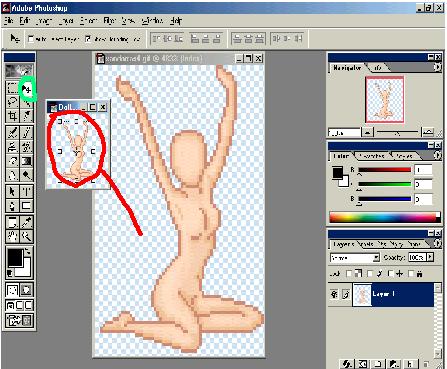 |
| 4. Choose the Move tool and click on your original file...drag the base into the new file and TA-DA....you have a doll with a transparent background....(you can also do this with a ready made doll as long as it wasn't saved OR it was saved as a .PSD file by simply deleting the background layer) |