 |
| Quick Flower Tile Page Two |
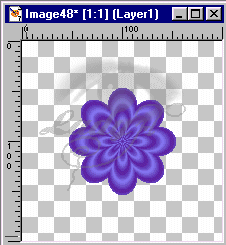
| 5. But we will go a step further. Using your selection Wand. Select the parts of the background near the flower and delete them. keep doing this till you are far enough away from the flower and change to your eraser tool on a fairly large width (you could also keep selecting and deleteing if this is working easier for you) and erase everything till you are left with only the flower. (Don't forget to deselect to use the eraser!!) |
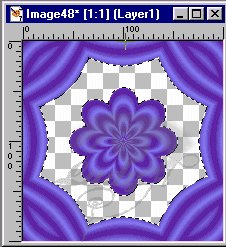 |
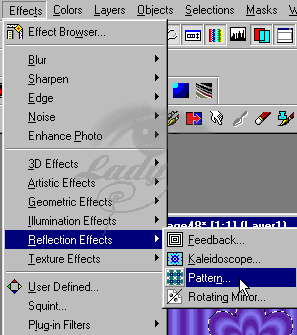
| 6. Now lets make it kinda funky ... Apply a pattern effect to the still selected area oe click your wand to select the now empty area around the flower. . Effects > Reflection Effects > Pattern. (about mow you can lower the opacity of your layer to make a muted tile) |
 |
 |
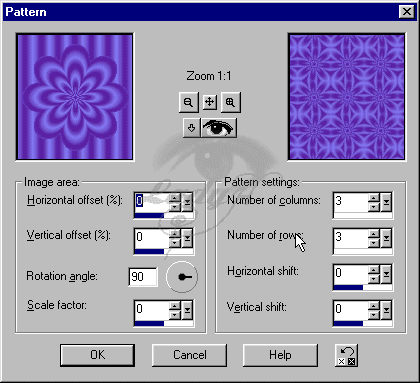
| 9. Use these settings... |
 |
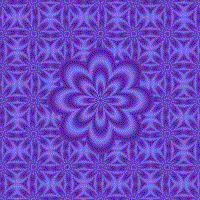
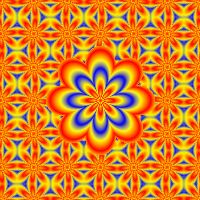
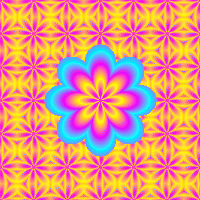
| 10. Select none and that about does it .... |
 |
 |
 |