 |
| Really Quick Seamless Flower Tile |
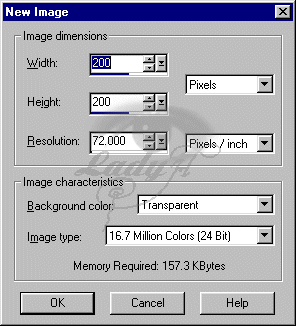
| 1. Open a new image (for background tiles i tend to use 200 x 200 ) |
 |
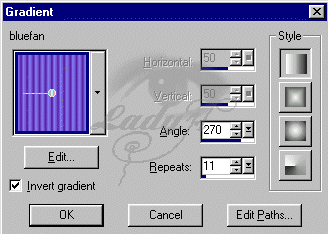
| 2. Flood fill with a gradient set at : angle at 90 and 11 repeats (these can be played with for different effects) |
 |
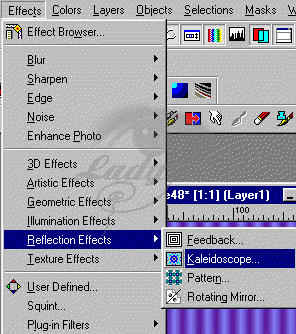
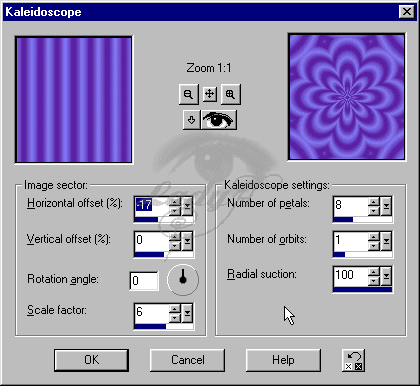
| 3. ok now apply a kaleidoscope effect. Effects > Reflection Effects > Kaleidoscope. this should give you a cool flower tile right there. This is also seamless.... and kinda cool !!! |
 |
| 4. Use these settings for the Kaleidoscope ... |
 |