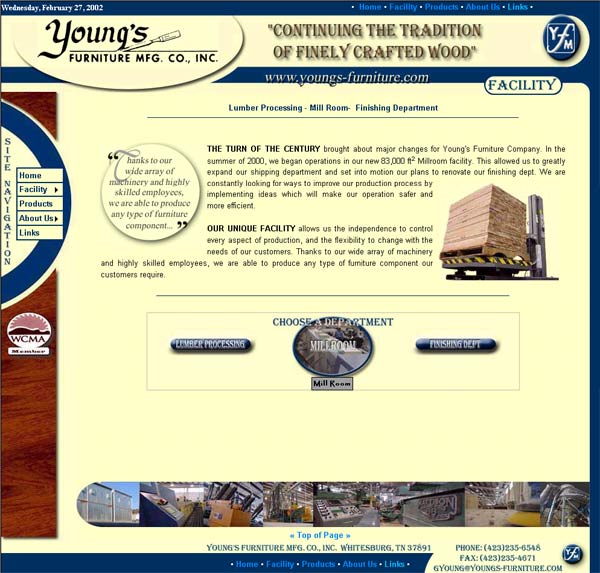
Youngs-furniture.com - My first hosted Commercial Website.
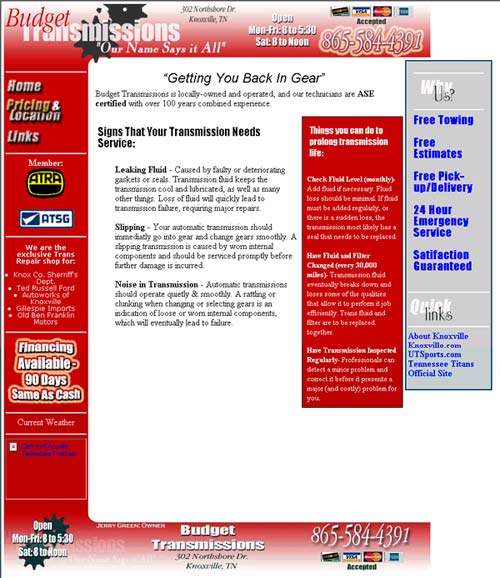
Budget Transmissions - This is just a tester page, and is not hosted yet
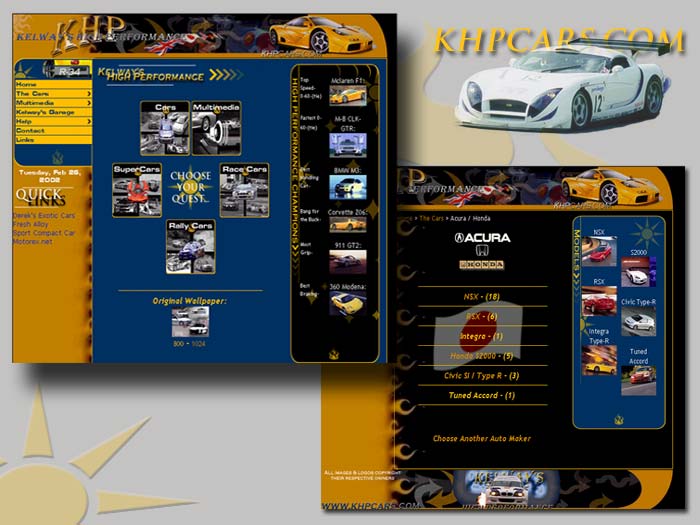
KHPCARS - Screenshots of my current project. This is going to be a huge (over 200MB) site with all high performance cars. I have close to 1000 wallpapers on it. I just have to come up with the funds to get it hosted.
I created this page to have a quick reference of some very basic but very common commands while learning HTML. I thought someone else might be able to use it. It's certainly not the best or most in-depth source for learning HTML, but makes a good quick reference, and might pique an interest in someone who's never dabbled in HTML.
White - #FFFFFF
Black - #000000
Red - #FF0000 Crimson -
#CA0000
Blue - #0000FF Navy - #000080
Yellow - #FFFF00 Pale
Yellow - #FFFF80 Tan - #FFFFCC
Green - #008000 Teal -
#008080 Dark Green - #005500
Gray - #C0C0C0 Silver - #E0E0E0 Gold -#FFBF00
Blue = Tags; GREEN =Attributes