 |
| pick the face that you like and left click on the name below it. in the box that pops up click save. in next box save to your desktop. repeat this for each face that you want. now go to your desktop and you will find the faces you picked there as a zipfile. double click on zip fille. |
 |
| kja62 |
 |
|
 |
 |
 |
 |
|
|
|
| STEP 1 |
| STEP 2 |
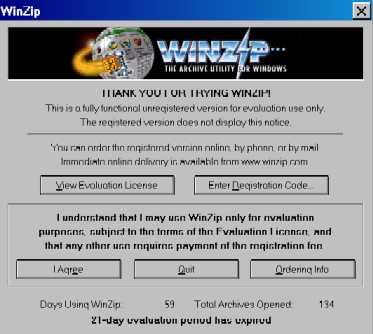
| if you are using winzip this box will appear, click on i agree. |
| STEP 3 |
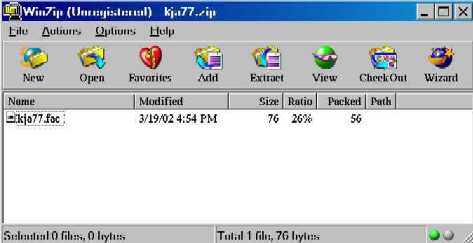
| next will appear this box with the face file in it. highlight the file then click on extract. |
| STEP 4 |
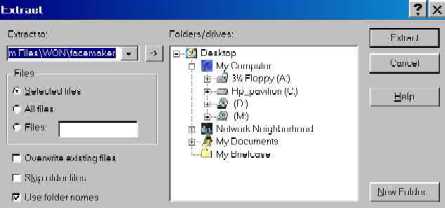
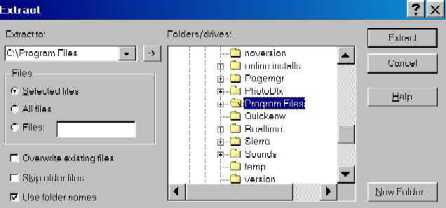
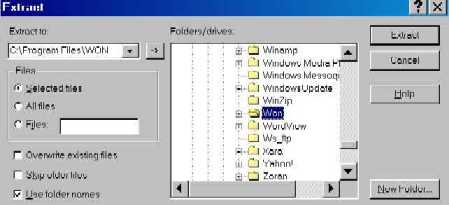
| in this box you will tell it where to extract it to, double click on C drive, then scroll down to program files |
| STEP 5 |
| when you see program files click on the plus in front of it, then scroll down till you find Won |
| STEP 6 |
| when you see Won single click on the plus in front of it |