 |
|||
| ARCHITECTURE |
TOPOLOGY |
BASIC CONCEPT |
|
BASIC CONCEPT
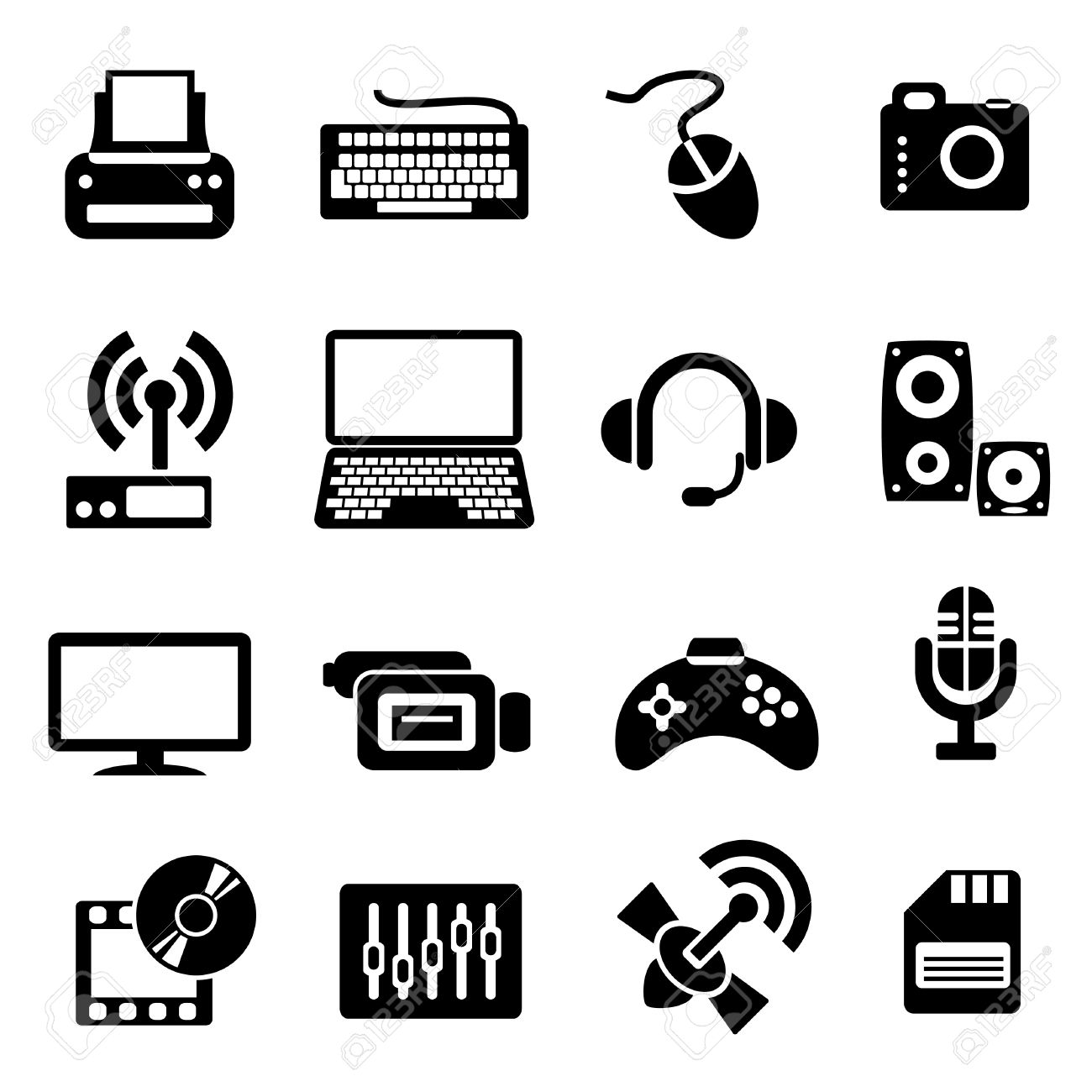
When looking at networking basics, understanding how a network operates is the first step to understanding routing, switching, and wireless. The network operates by connecting computers and peripherals using switches, routers, and access points. These devices are the essential networking basics that allow the various pieces of equipment connected to your network to communicate with one another, as well as with other networks.
Switches
Switches
are used to connect multiple devices on the same network within a
building or campus. For example, a switch can connect your computers,
printers, and servers, creating a network of shared resources. The
switch, one aspect of your networking basics, would serve as a
controller, allowing the various devices to share information and talk
to each other. Through information sharing and resource allocation,
switches save you money and increase productivity.
Routers
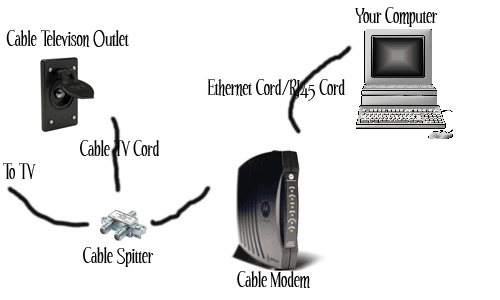
Routers,
the second valuable component of your networking basics, are used to
connect multiple networks together. For example, you would use a router
to connect your networked computers to the Internet and thereby share
an Internet connection among many users. The router will act as a
dispatcher, choosing the best route for your information to travel so
that you receive it quickly.
Routers analyze the data being sent over a network, change how it is packaged, and send it to another network or to a different type of network. They connect your business to the outside world, protect your information from security threats, and can even decide which computers get priority over others.
Access Points
An access point allows wireless devices to connect to the network. Having a wireless network makes it easy to bring new devices online and provides flexible support to mobile workers. Think of what an access point does for your network as being similar to what an amplifier does for your home stereo. An access point takes the bandwidth coming from a router and stretches it so that many devices can go on the network from farther distances away. But an access point does more than simply extend Wi-Fi. It can also give useful data about the devices on the network, provide proactive security, and serve many other practical purposes.
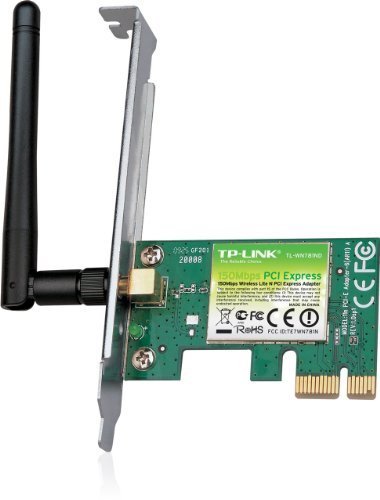
Wireless network interface card
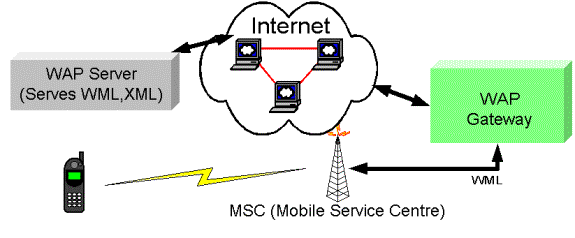
Wireless Access Point connection diagram
Routers analyze the data being sent over a network, change how it is packaged, and send it to another network or to a different type of network. They connect your business to the outside world, protect your information from security threats, and can even decide which computers get priority over others.
Access Points
An access point allows wireless devices to connect to the network. Having a wireless network makes it easy to bring new devices online and provides flexible support to mobile workers. Think of what an access point does for your network as being similar to what an amplifier does for your home stereo. An access point takes the bandwidth coming from a router and stretches it so that many devices can go on the network from farther distances away. But an access point does more than simply extend Wi-Fi. It can also give useful data about the devices on the network, provide proactive security, and serve many other practical purposes.
Wireless network interface card
Wireless Access Point connection diagram