Lesson Three: Some html Code
A. Why
do I need to know html code if Word XP writes the code for me?- Word XP does not do it all. So, you need to know some html code. For example, the picture hyperlink on the Disney World Pictures page, in order to make that work you need to know html code.
- Even if you use FrontPage you need to know html code, for there are times when the only way to fix a problem is to input the html Code.
- To edit the html Code of your webpage manually open the file in Notepad or WordPad.
- URL:
Uniform Resource Locators
- Are simply the Internet addresses of pages, pictures, and sounds. All pages and all parts of pages have a URL.
- Parts of a URL

Figure H: From Getting Stated With FrontPage 2000 p 114 ©1996-1998 Microsoft Corp. Click to enlarge.- As
shown in figure H a URL can have up to five parts
- Protocol
- Network location
- Path or Directory-place where the file is stored
- File name-the page, picture, or sound file.
- Bookmark-a hyperlink in a page that links specific part of that page.
- Hyperlinks
are the most common part of a webpage. They link webpages together,
to pictures, and to sounds.
- html code of a hyperlink.

Figure I: See Disney World Pictures page. Above is the old URL, but the format is the same.
Note: the dots between the words in the Link title are just spacebar marks, and are not part of the code. - As
shown in figure I a hyperlink has three parts
- Link tag-<a href=""</a> this is what allows you to click on it.
- URL-Go between the quotation marks. It is the location linked to.
- Link title-Is what people see on the webpage. It goes between ></a>.
- Pictures
are
another common part of webpages. In fact, the right combination of
text and pictures makes a great webpage.
- html code of a picture

Figure J: See Disney World Pictures page. Above is the old URL, but the format is the same.- As
shown in figure J the html code of a picture has three parts
- Image tag
- URL-Where the picture is located.
- Image size-Size of the picture that will appear on the webpage. NOT the size of the file.
- Pictures
as hyperlinks
- Pictures can use as hyperlinks just as text can

Figure K: See Disney World Pictures page. Above is the old URL, but the format is the same.- As shown in figure K the html code of a picture
hyperlink has five parts all of which you have seen above.
However, two are very important.
- URL-Comes first. It is the location, or in this case the sound, linked to.
- Image URL- Where the picture is located.
- All parts must be present, in the correct order, for the picture hyperlink to work.
- Image file formats
- There are two standard file formats for pictures and images.
- GIF-.gif
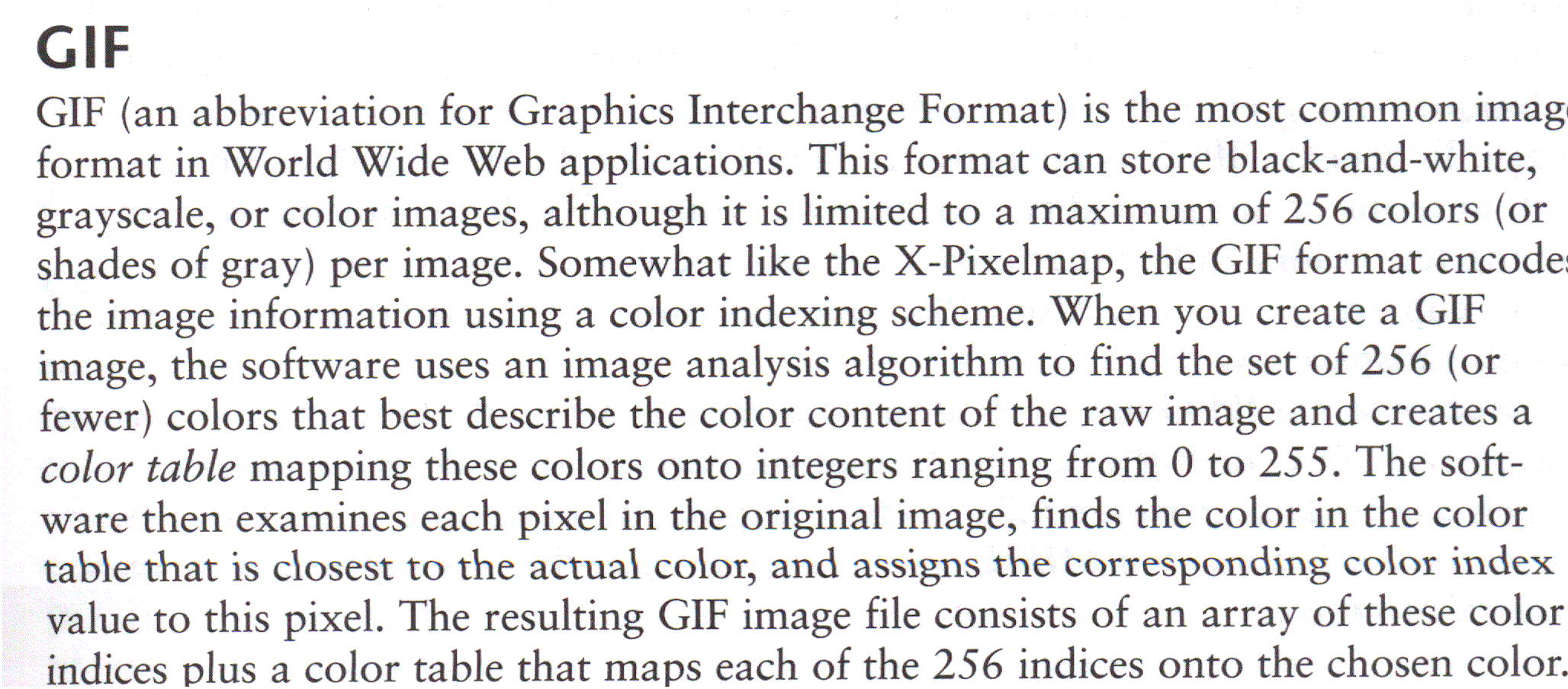
Figure L: Graham, I.S. (1998). HTML 4.0 Sourcebook. New York: John Wiley & Sons Inc. p 107. Click to enlarge.- JPEG-.jpg
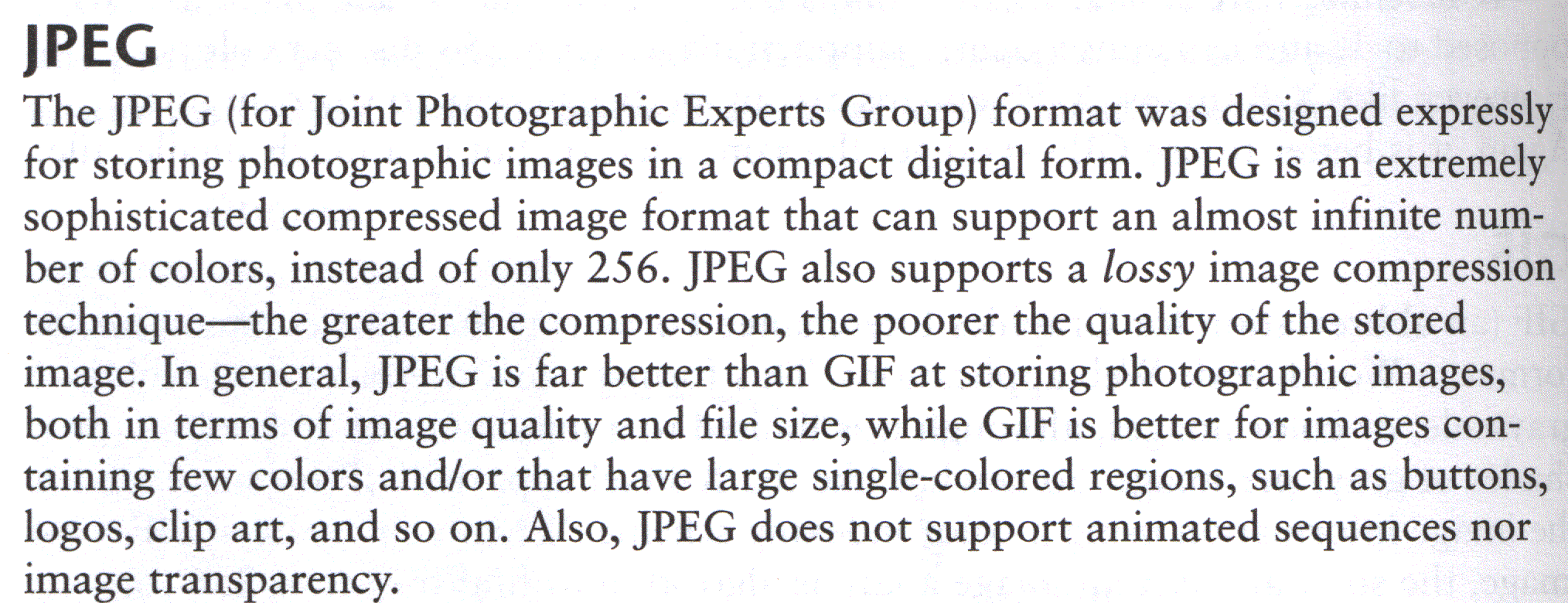
Figure M: Graham, I.S. (1998). HTML 4.0 Sourcebook. New York: John Wiley & Sons Inc. p 108. Click to enlarge. - These two file formats make it possible anyone to view the images and pictures on your webpage.
- There are two standard file formats for pictures and images.
- The more pictures your webpage has the longer it will take to
load, as you can tell from this site. While pictures and images add
style to a webpage, they also add time. Before adding a picture or
image ask yourself:
- Do I really need it?
- For a more detailed look at html Code I suggest the following links:
You are ready for Lesson Four: Uploading - Please email me with any questions.
e-mail John Keegan
Keegan's Page
©
John Keegan 2006
