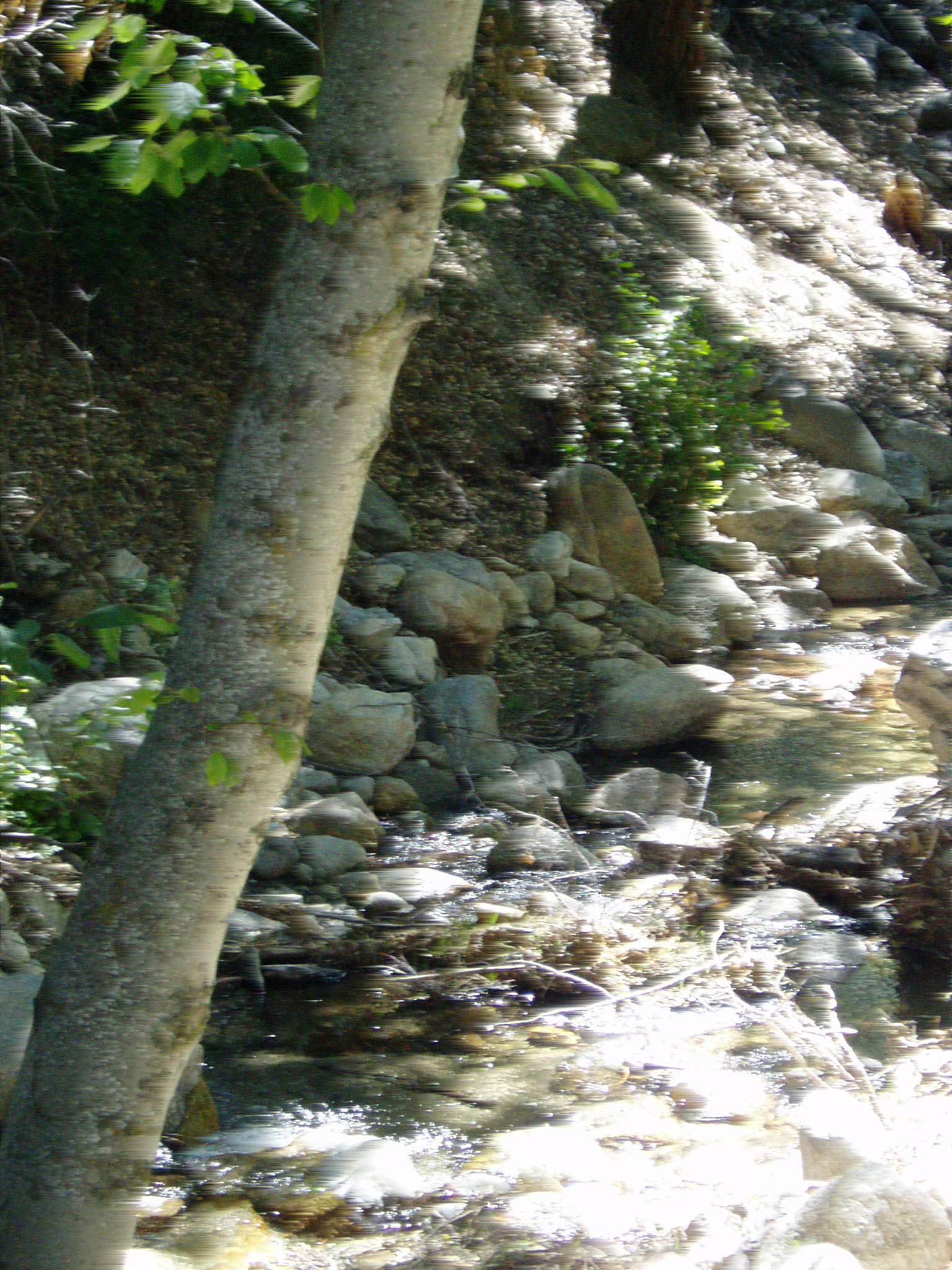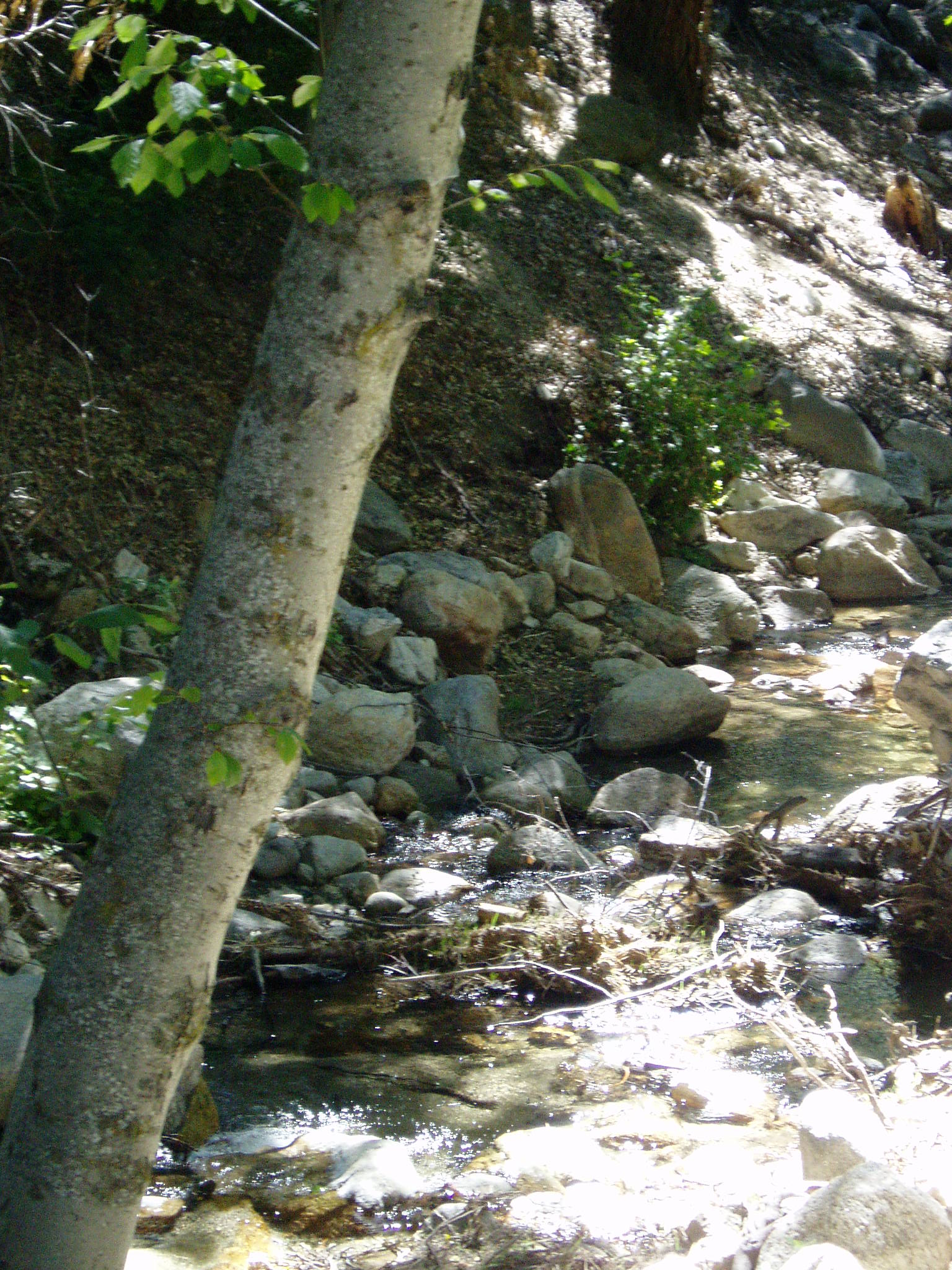
in
Idyllwild, California
Using Photoshop
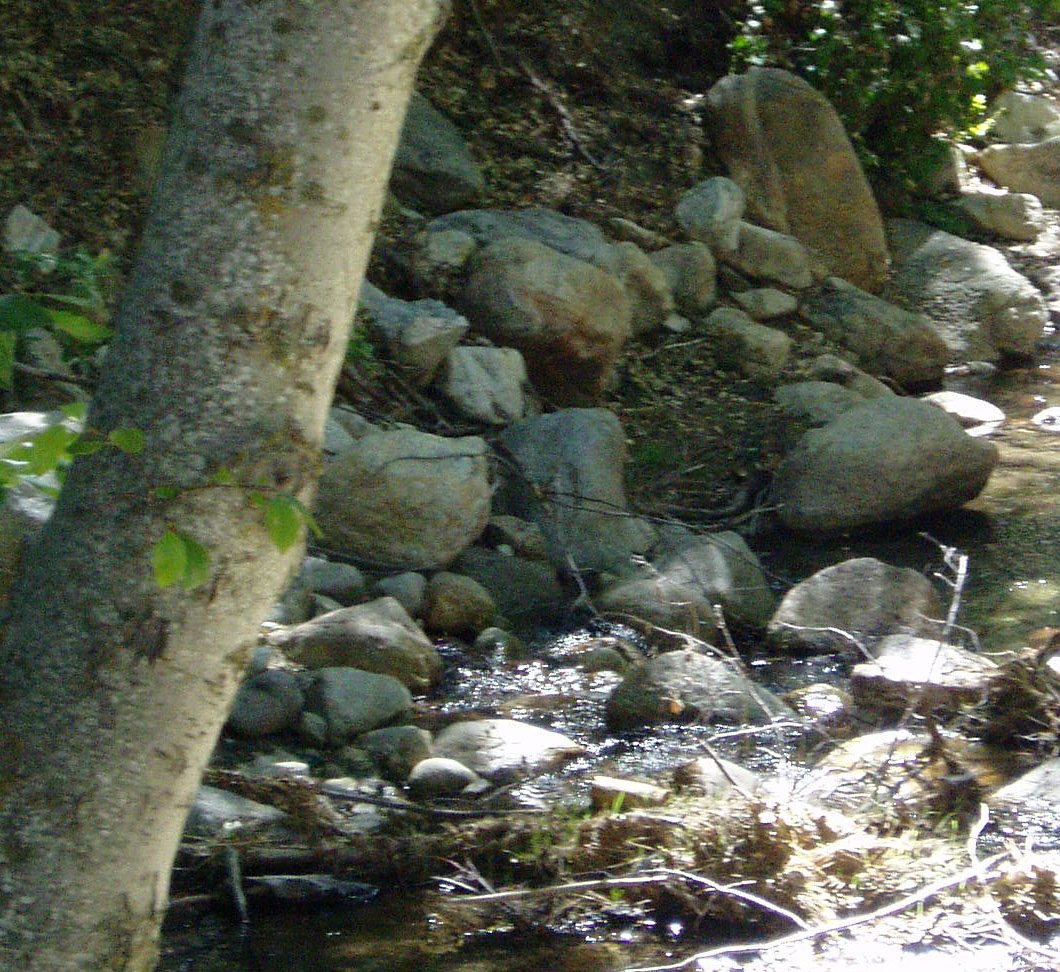
Cropped Photo -a small portion of the original
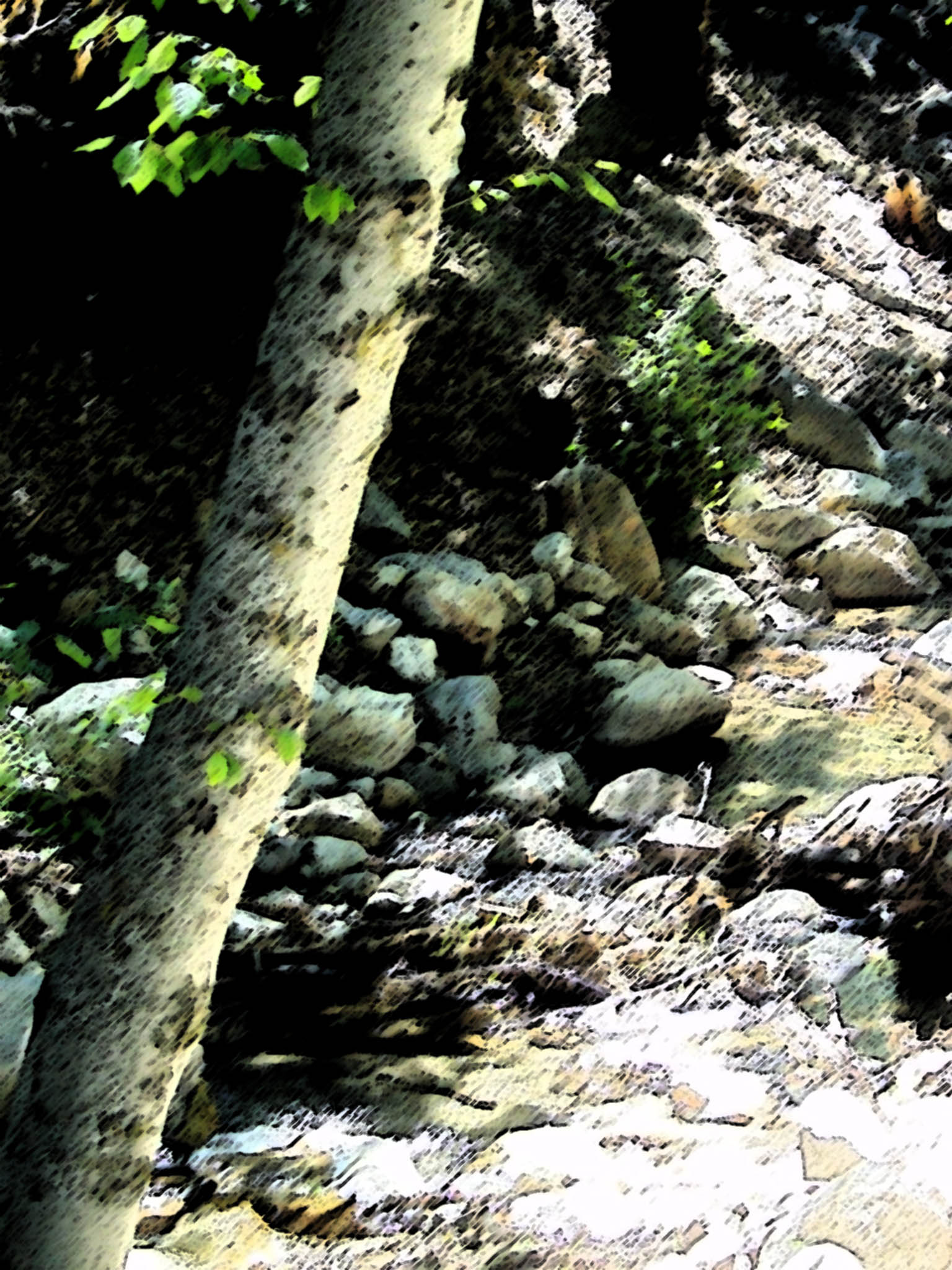
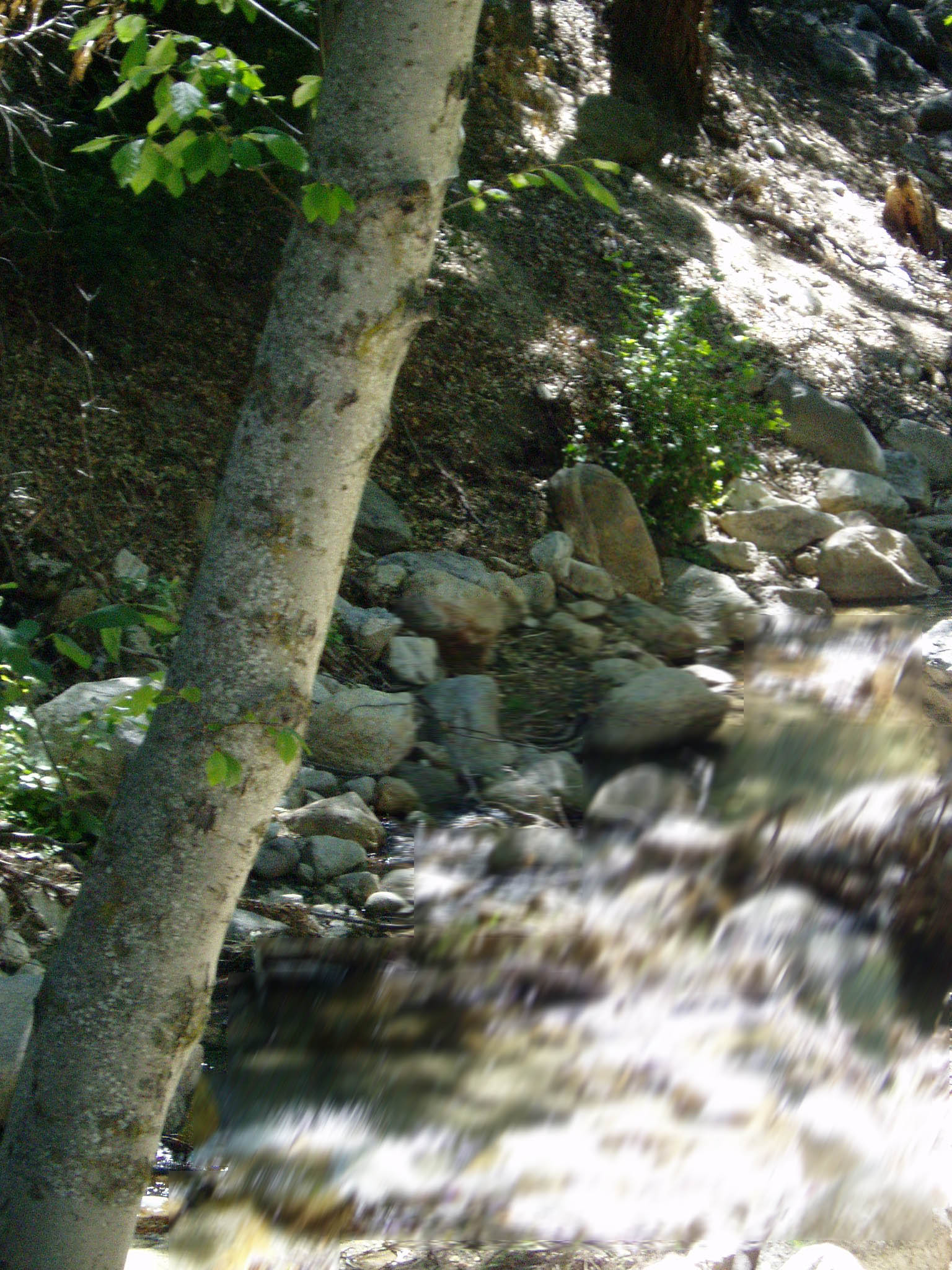
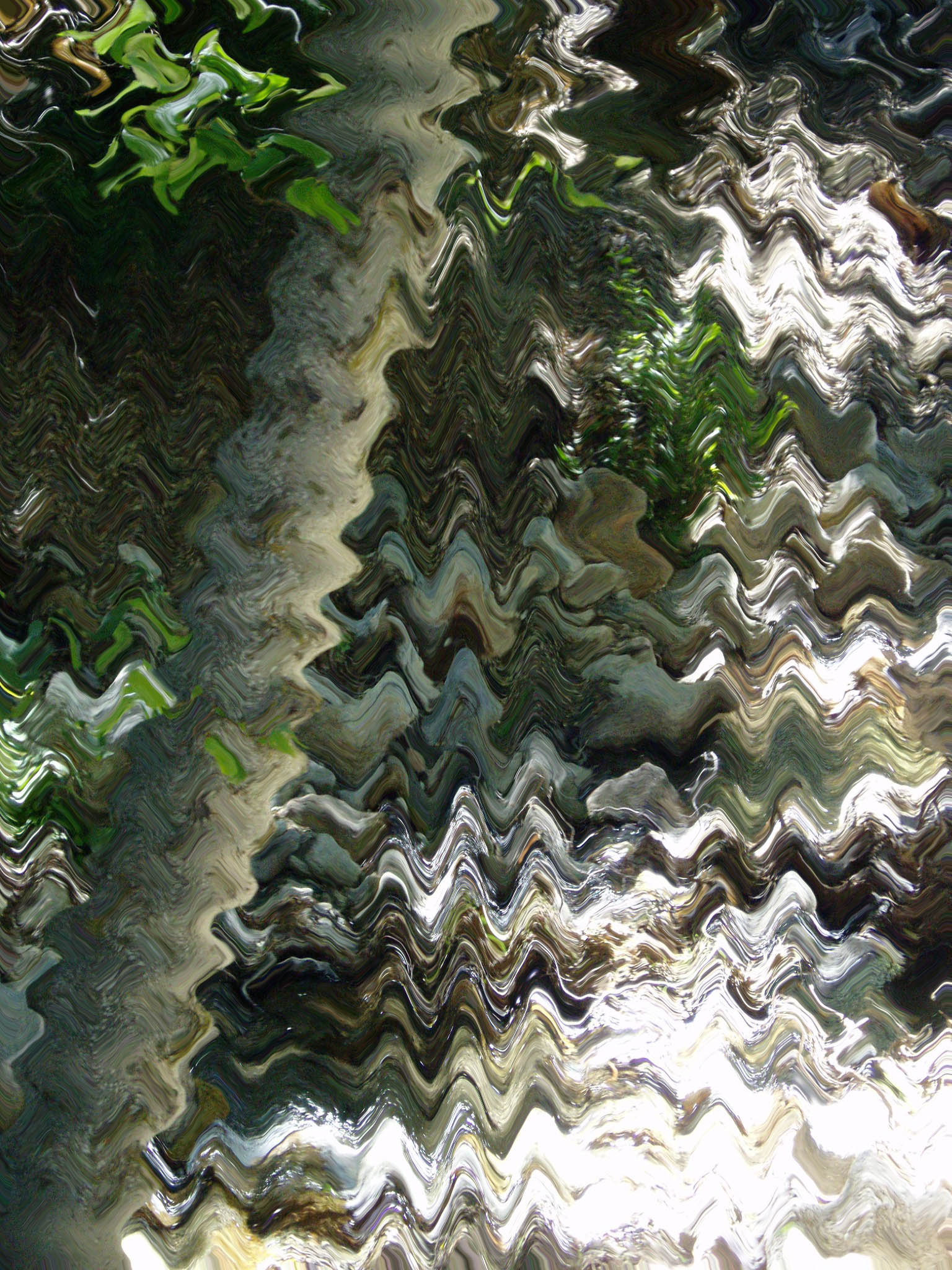
Filtered Photos -In the following, I have taken the original and applied various filters to produce different versions. Most of these could be used to teach my students about the effects of light and shadows.
difference clouds - By adding the clouds with this filter, gives the photo an eerie, creepy look!
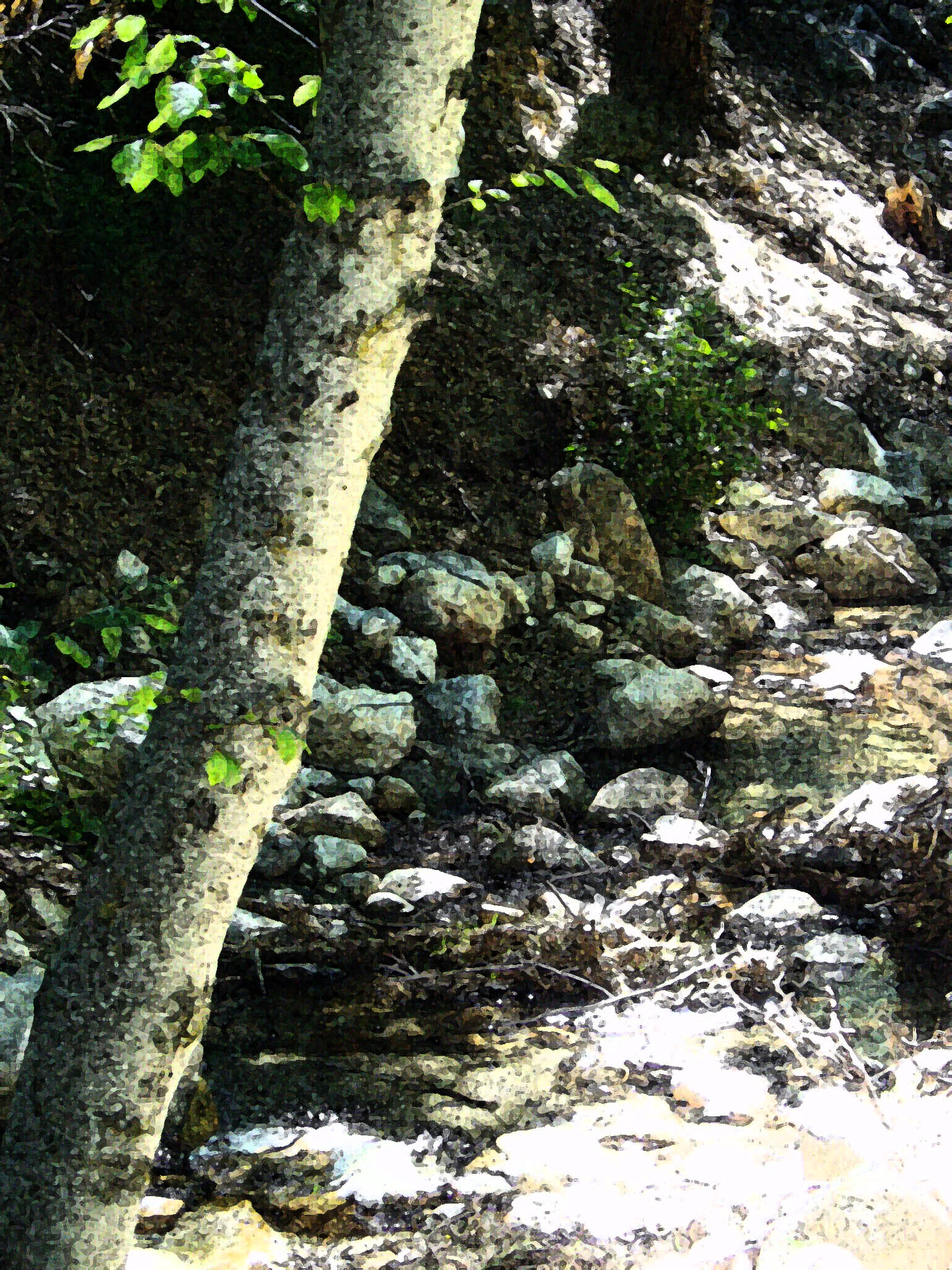
fresco -I looks like a painting from long ago.
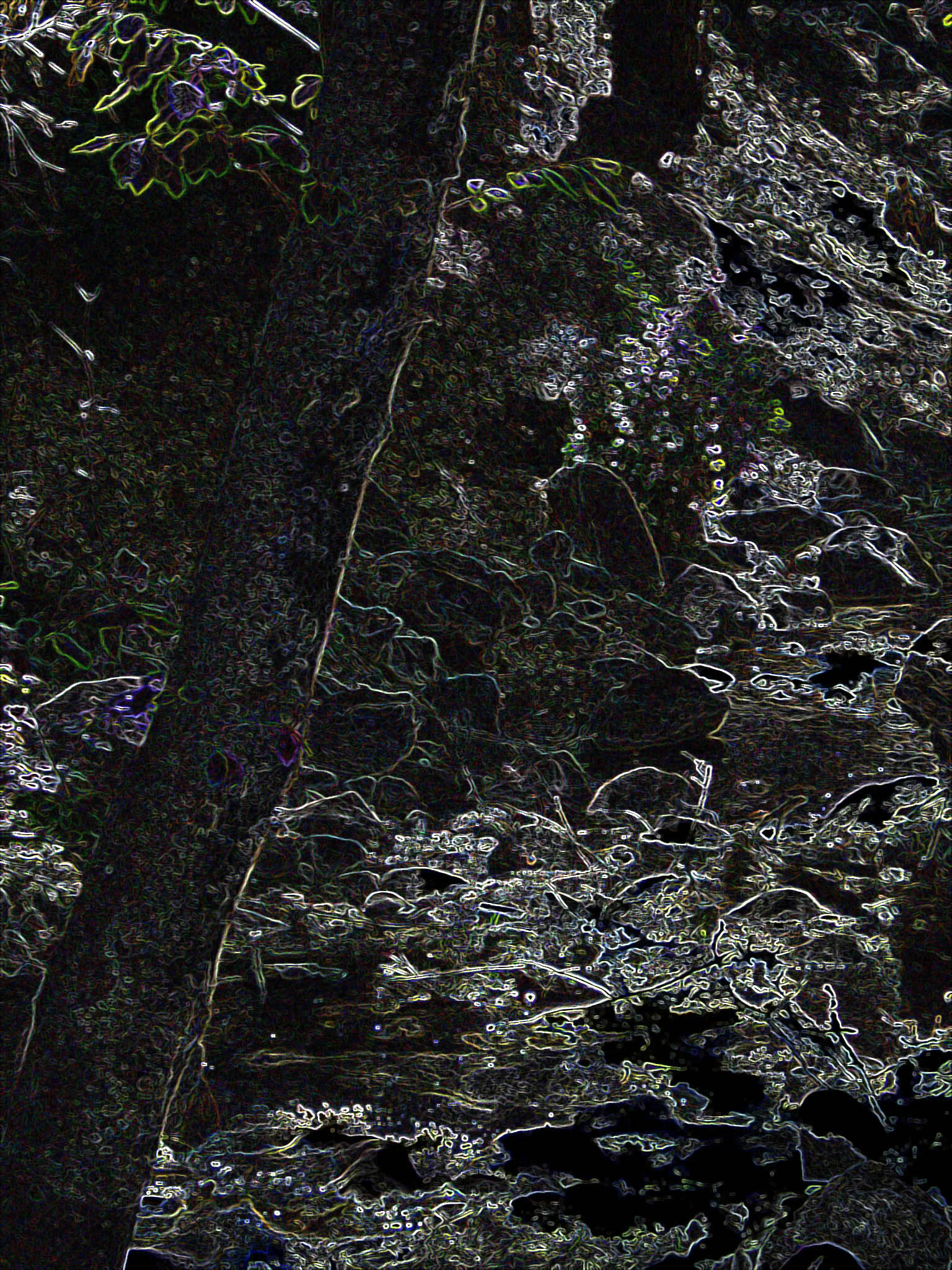
glowing edges -Aspects of the photo are outlined with glowing edges and distorts the original. The creek is unrecognizable with this filter.
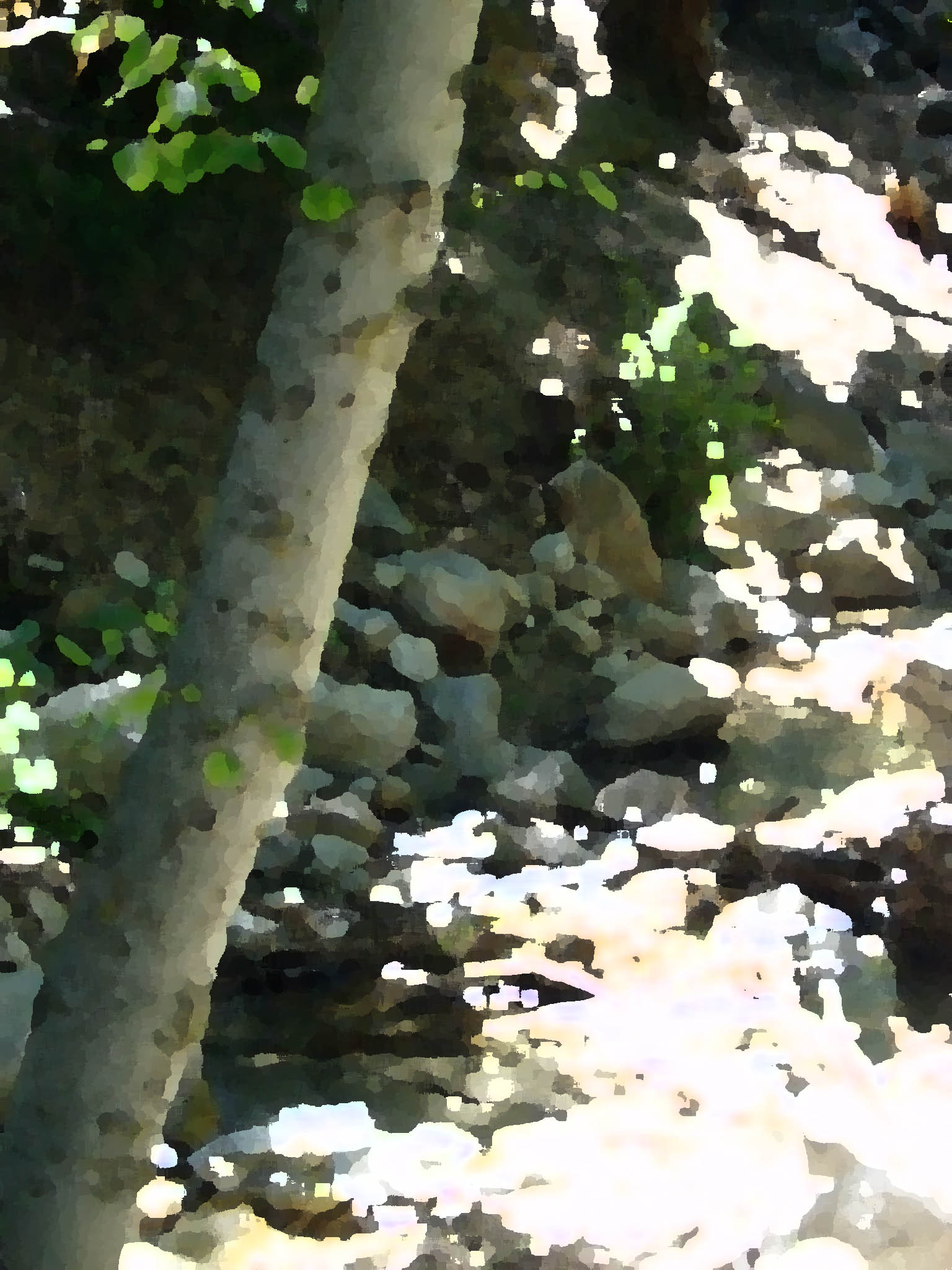
pallette knife -I liked how this one looked like it really had been painted.
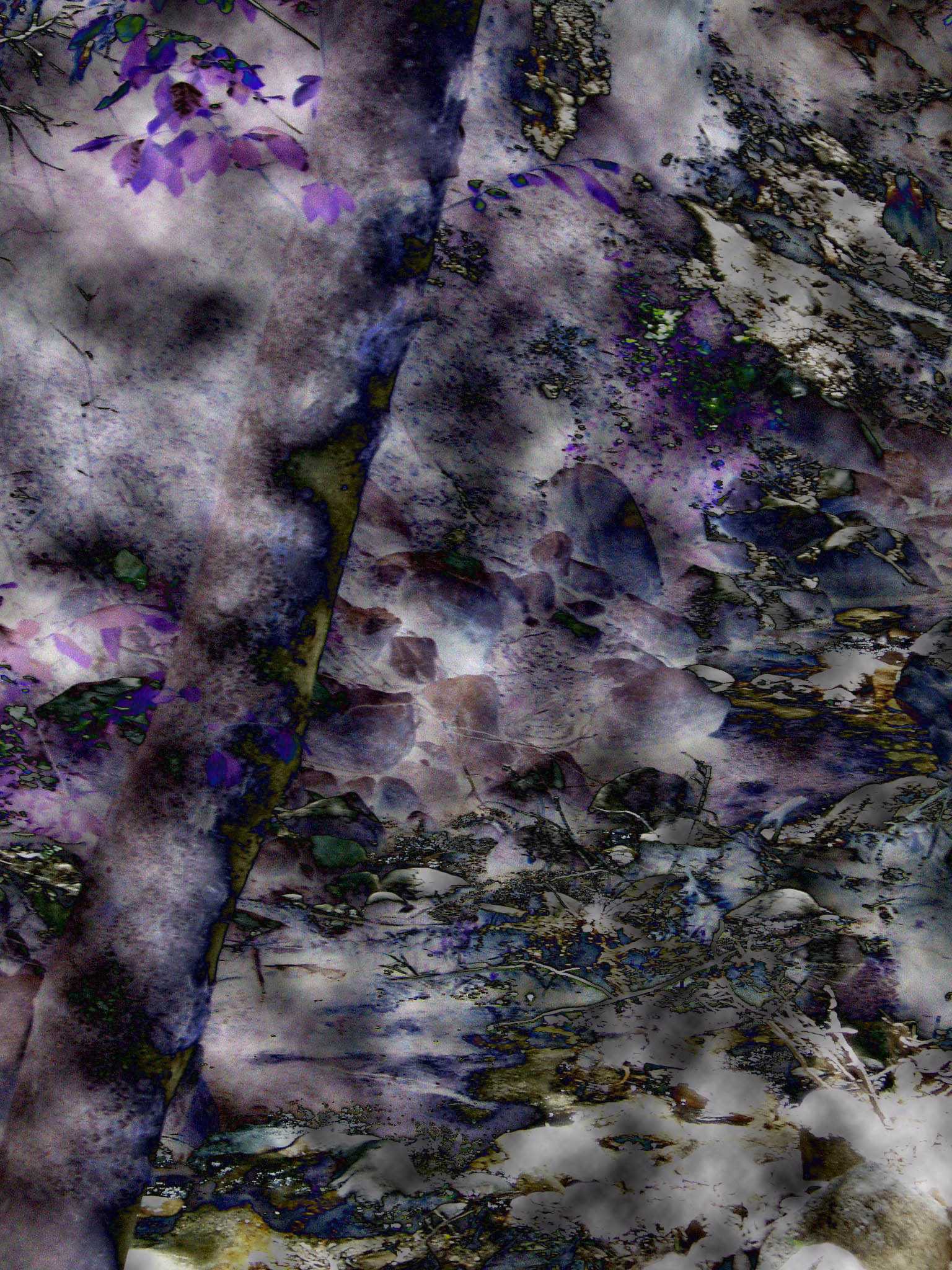
solarize -I liked how the white from the original has been turned to dark colors and emphasizes the colors from the original.
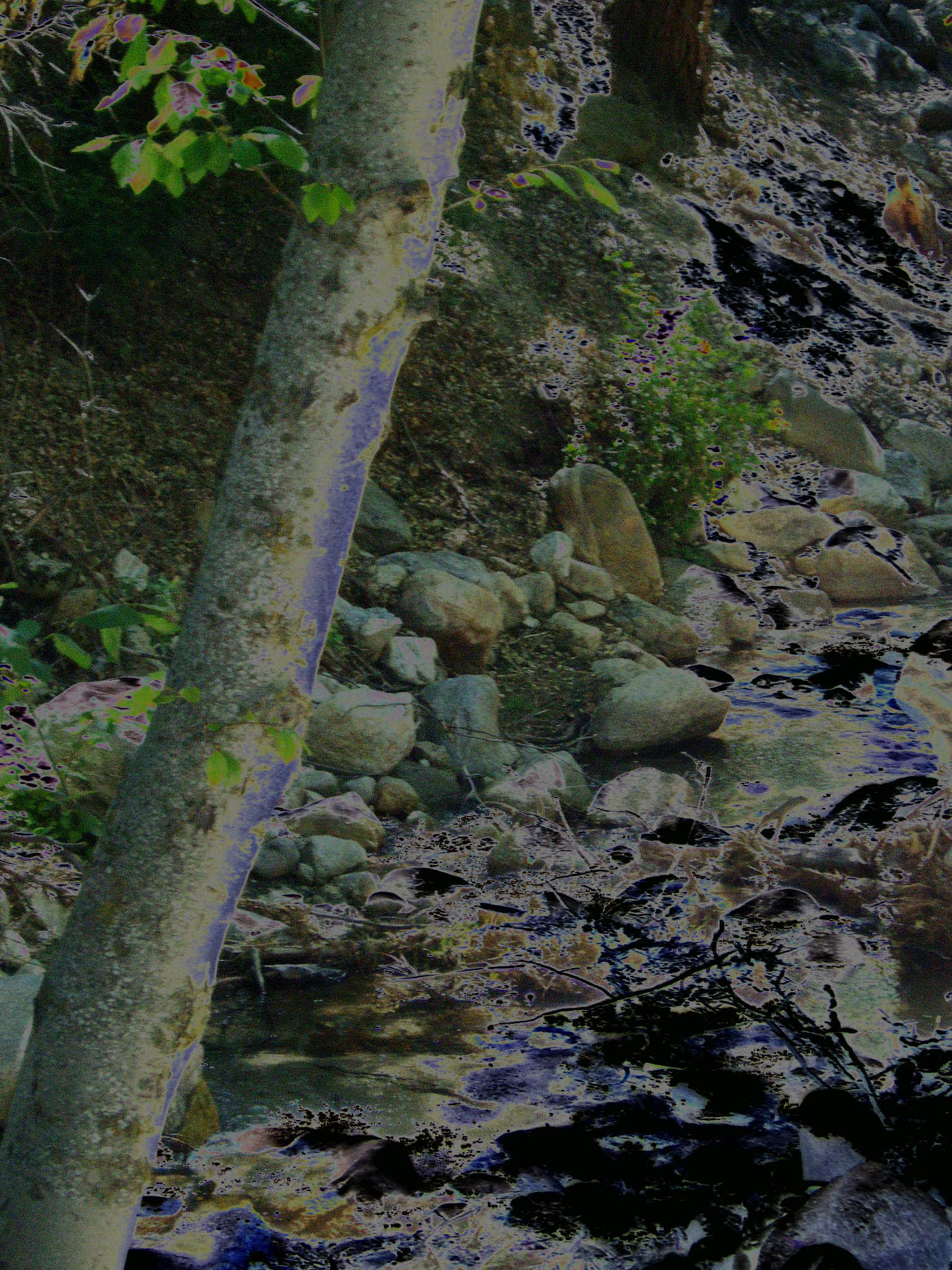
sumi-e -I chose this filter for its' emphasis on aspects touched by the light in the photo.
water blurred -This looks like the water is moving.
wave -This filter makes the photo look like a reflection in a wind-blown pool of water.
wind -This gave the photo a look of motion with the wind blowing and moving the photographer or the trees and leaves.