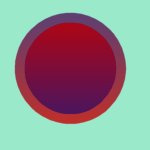
This week we learnt to do the halo effect for mouseovers. We started with this basic button shape below.
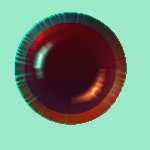
This looked a bit flat so I put the image through blade pro surface and texture genterator and came out with the following image.
Then I duplicated this image and added a halo of purple.
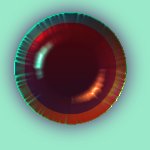
Below is the finished mouseover with the halo effect.
The Stained Glass Rose images below are Set Two.
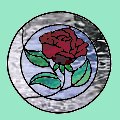 �� ��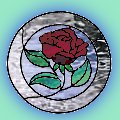
Here is the finished Mouseover.
Another great lesson, thanks to the tutors at PSPUG!
 Thank you for this Award!
 �� ��
 �� ��
 �� ��
 �� ��

|