Tab View
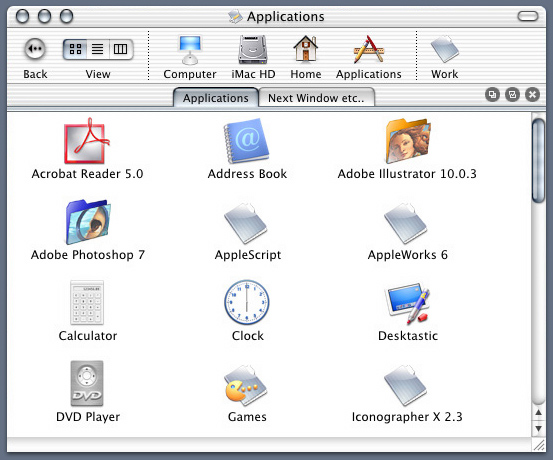
How it works
How it works
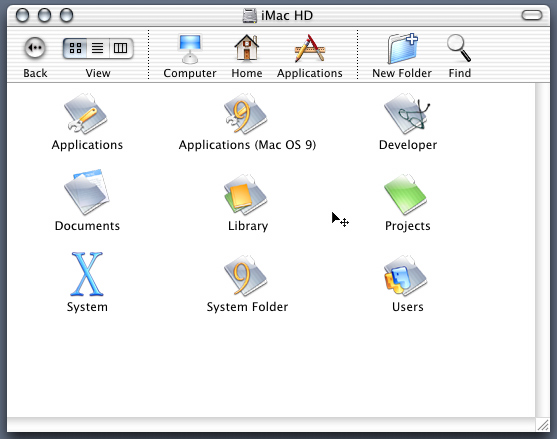
Moving Finder Windows
Users should be able to move any Finder Window by 1) holding the mouse button down on the titlebar and dragging the window and 2) holding the mouse button down and the command key on the background of the Finder Window and dragging the window, in other words any area that doesn't contain an icon below the toolbar(Ex. below; notice the cursor, should have the same badge when moving the window on the titlebar).