|
To
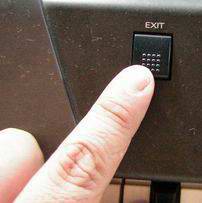
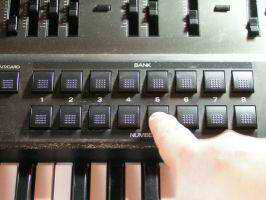
choose the different tests press EXIT and a Bank or Number
Button.
|
|
|
|
Audio Outputs Test
Exit + Number 5
|
 |
+ |
 |
|
|
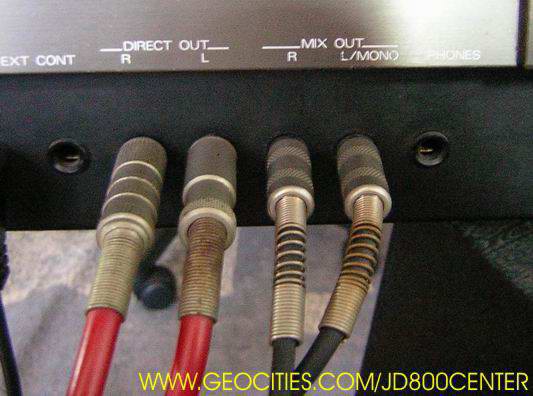
You will listen an audio signal for each
L-R output (Direct or Mixed).
|
|
|
Use Cursor L-R buttons to switch to
each output.
|
Confirm that the voice is output
only through MIX OUT L.
|

|
|
Press [CURSOR R].
Check that the voice is output
only through MIX OUT R.
|

|
|
Press [CURSOR R].
Check that the voice is output
only through DIR OUT L.
|

|
|
Press [CURSOR R].
Check that the voice is output
only through DIR OUT R.
|

|