



So, you just found out about the world of live music trading but you have no idea how to get started. Well, you’ve come to the right place. Upon completion of the tutorial, you will be set to trade away.
First, I will cover some of the terminology common to the trading community.
TAO/DAO - This stands for “track at once” aand “disc at once.” When burning audio CD, these are the two different modes. Track at once burns each track in a separate session whereas disc at once burns the entire disc in a single session. So what does that mean you ask? Well, TAO discs have a two second gap between tracks but DAO discs do not. Never burn a disc for trade in TAO mode for the trading community frowns upon this.
The following chart is designed to help clarify the differences between the different burning modes and options.
CD Burning Modes Data Audio Used to trade SHN format This format plays in a standard CD player Don't worry about TAO and DAO Never use TAO mode
Before getting started, it would be a good idea to gather the following materials:
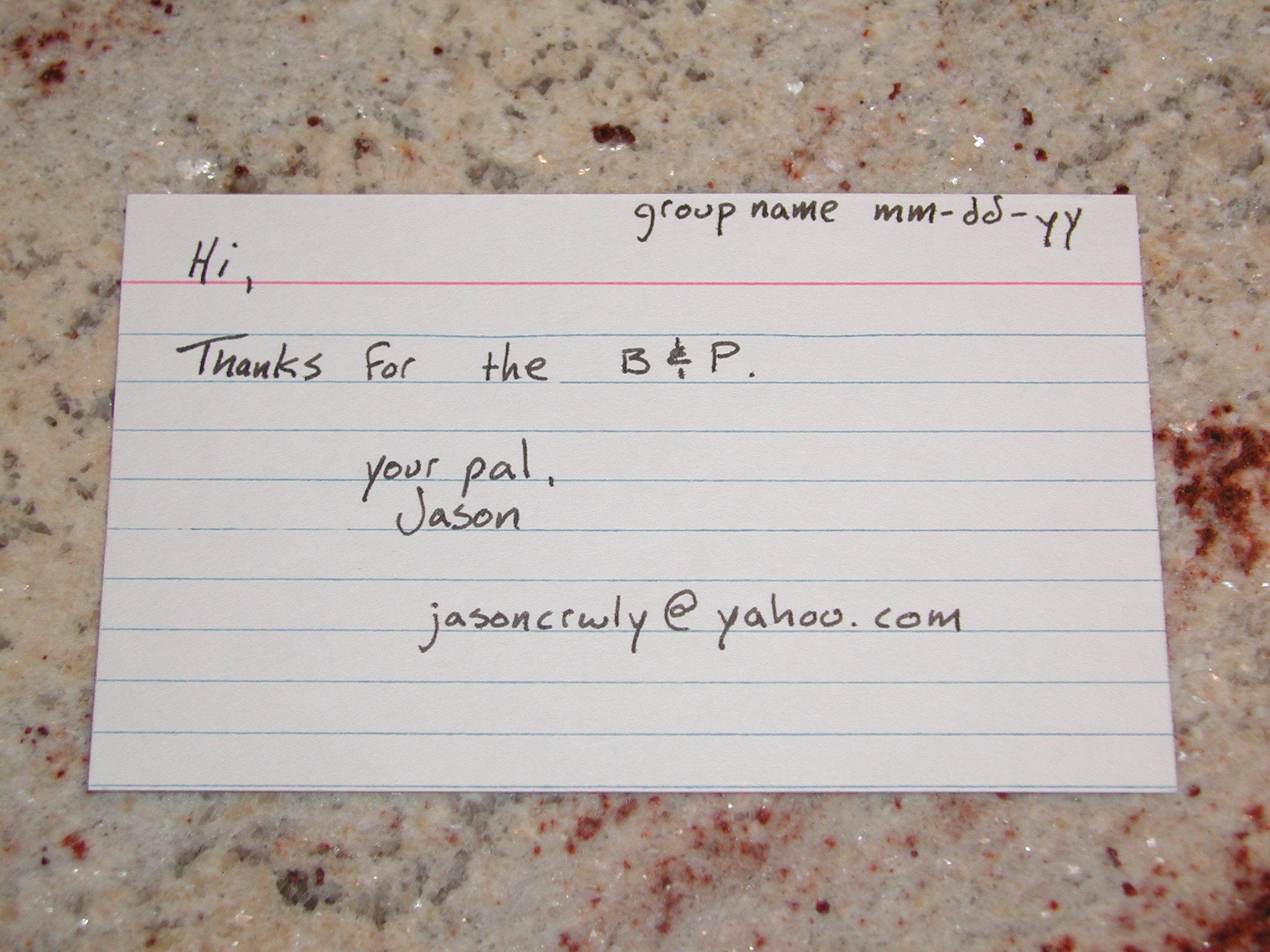
3x5 Note Cards

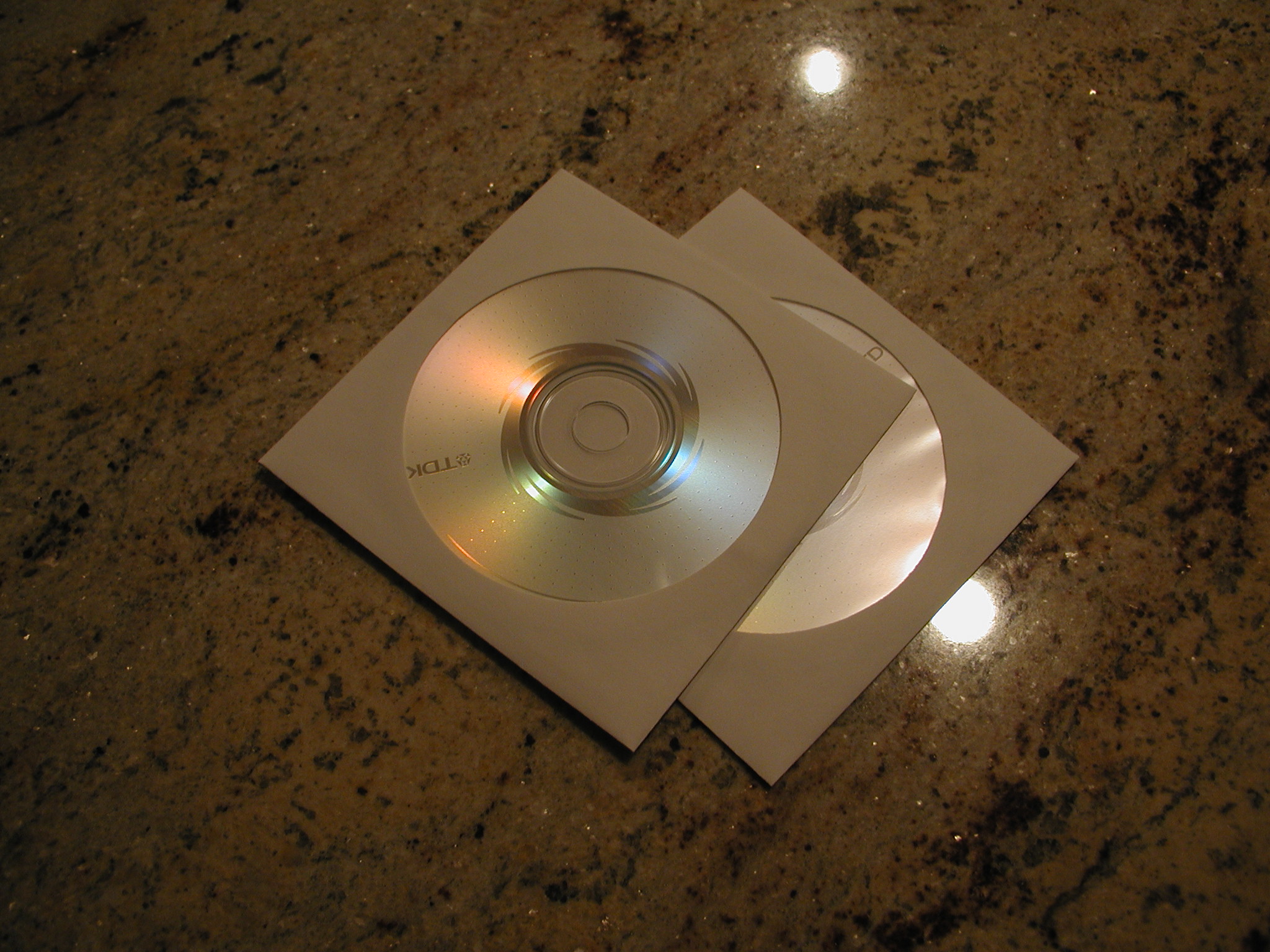
Paper CD Sleeves & Quality Blank CD's
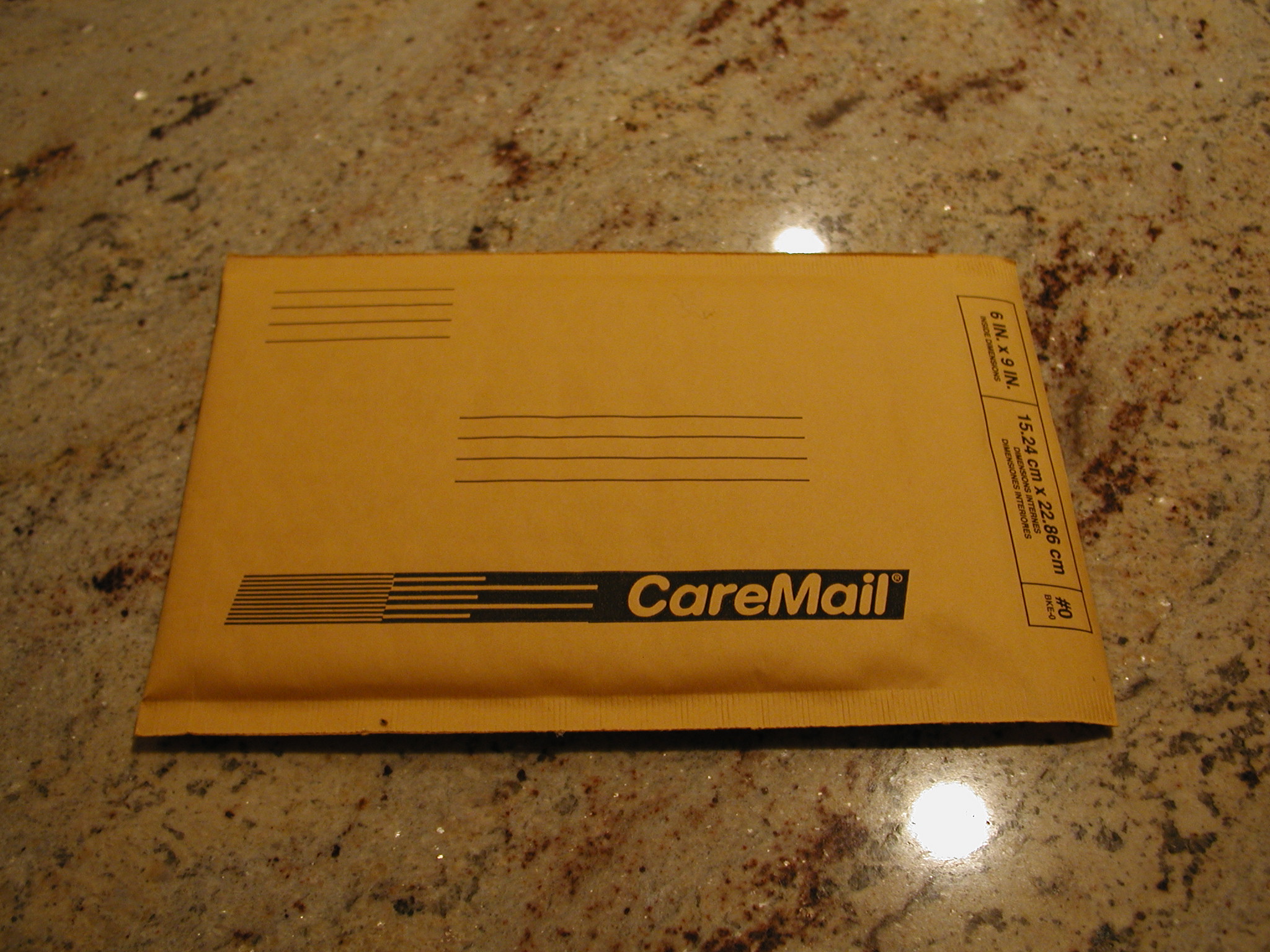
6x9 (#0) Bubble Envelopes
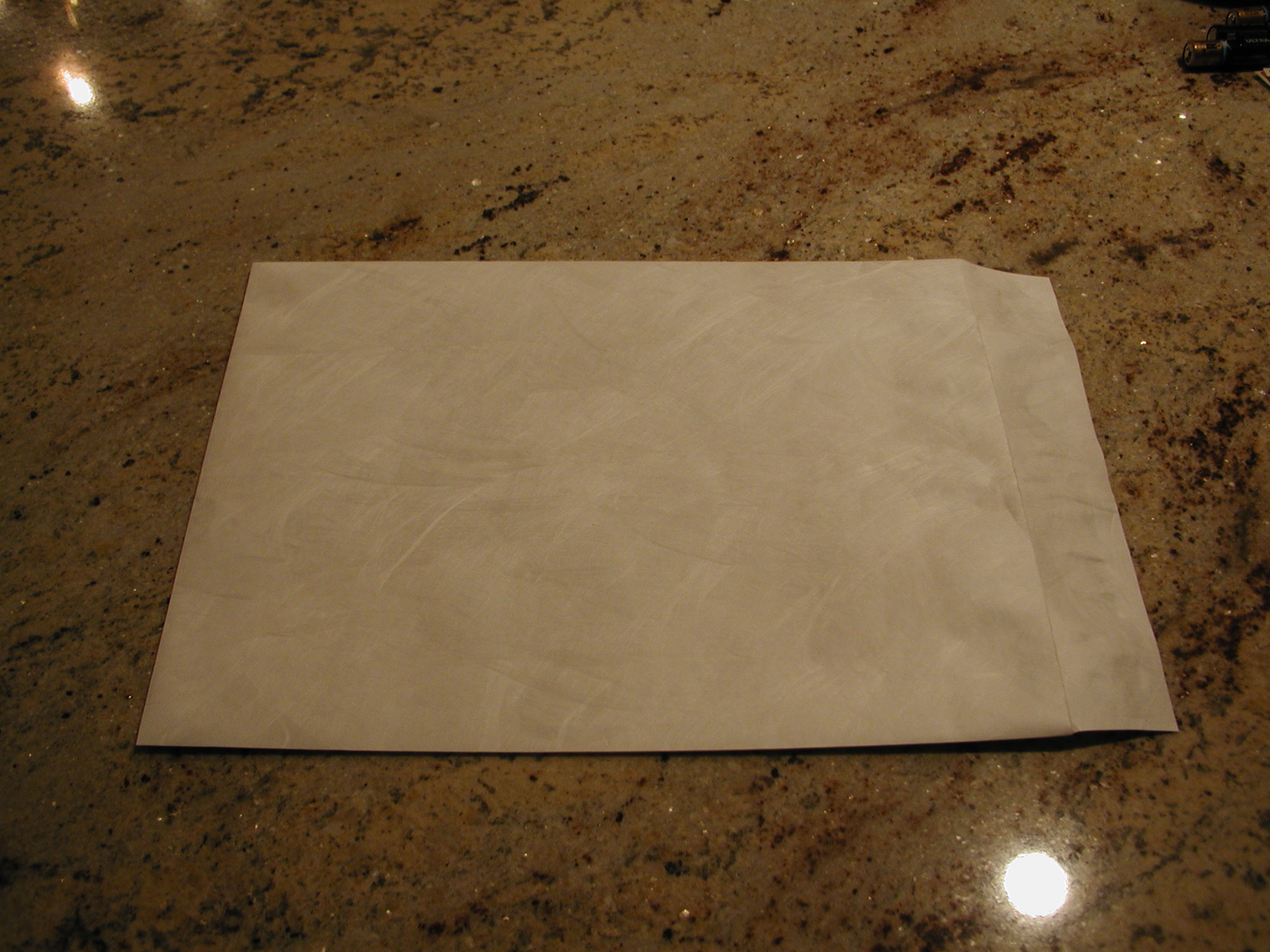
9x12 Tyvek Envelopes
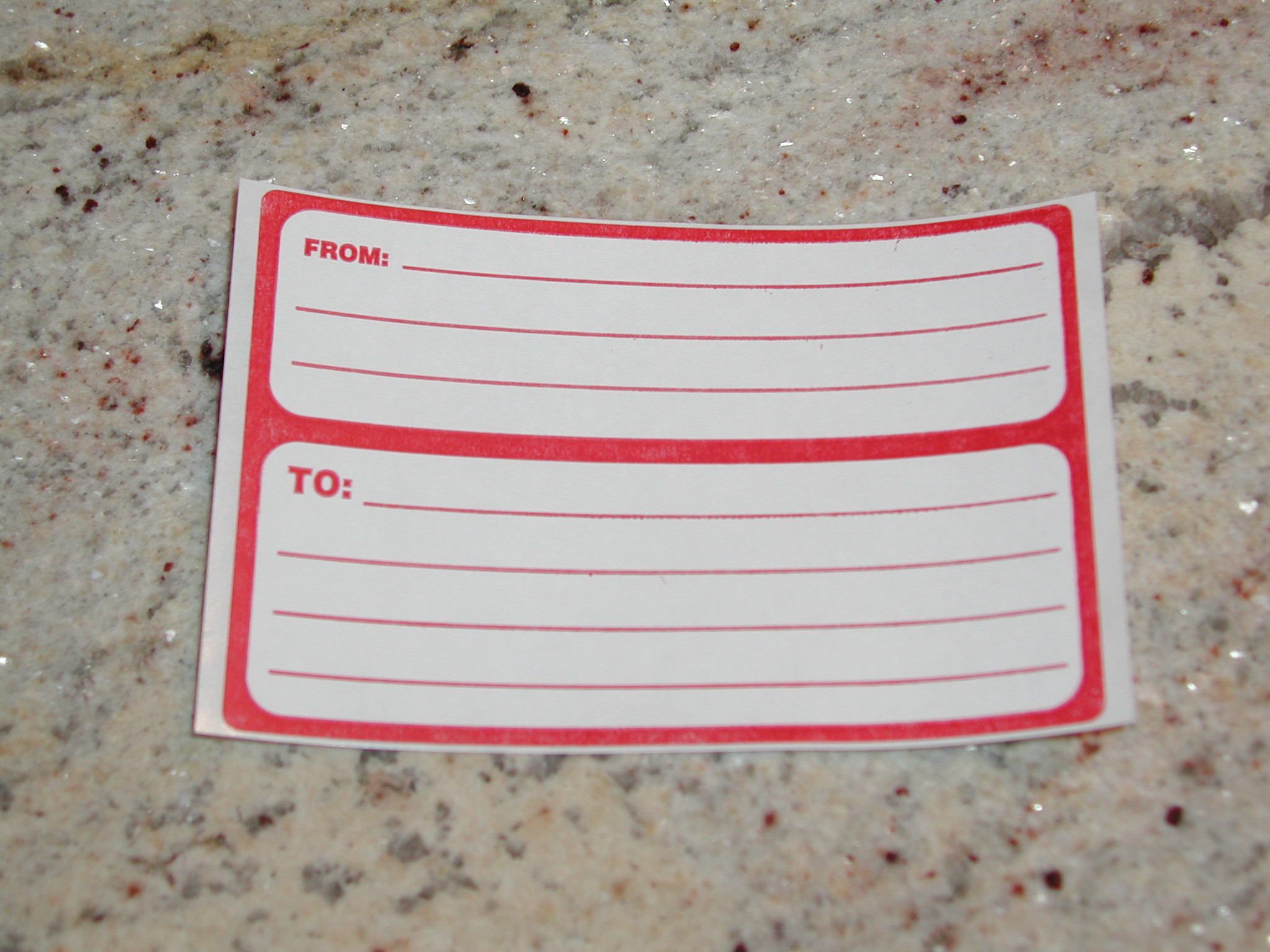
Mailing Labels
Sticky Notes & Postage
- Now that all the necessary materials have been acquired, contact a person willing to help get you started. There are several websites out there that help aid in this stage. The first site I’ll discuss, db.etree.org is a geared for fans of all artists that allow trading. The next two are specifically designed for fans of the Dave Matthews Band.
- db.etree.org
- Go to http://db.etree.org
- Click on "Browse Public B&P Offers."
- If you see something you like, click on the user that is offering the B&P.
- Read over the user's rules.
- Click on "contact" or "e-mail."
- Mention that you are replying the the B&P offer. Let the user know that you are interested and remember to be courteous.
- Usually you will get a response within a couple of days but if not, try someone else.
- The user will respond to you with specific instructions.
- At this point, you will need to get a mailing address. You should also find out how many discs to send.
- www.nancies.org
- Go to http://www.nancies.org
- In the upper right hand corner, click "boards"
- Now click "Media Trading Center"
- Browse around for any B&P offers.
- If you don't see anything, start a new thread. Mention that you are new the the community and looking to start a collection. Be sure to leave your e-mail address so that someone will be able to contact you.
- Once contact is established, be sure to get a mailing address and a the number of discs.
- www.antsmarching.org
- Go to http://www.antsmarching.org
- At the top of the screen click "Interact" and then "Trading Database."
- On the left side of the screen click "Request B&P."
- Browse around and if you see something you like, click "Request."
- Enter your e-mail address when prompted to do so. They will get back to you in a day or two.
- Remember to get a mailing address and the number of discs.
- Now that you have contacted someone willing to do a B&P for you, you will need to prepare the materials.
- Place a blank sticky note on each disc.
- Place the discs in the paper CD sleeves. Do not use jewel cases because these break easily as well as jack up the price of postage.
- On the note card, write the name of the artist and the date of the show. You should also include some kind of a nice message since this person is taking the time to make the copies for you. It wouldn't hurt to also include your e-mail address in case the person making copies for you needs it.
- Place all of the above (steps A-C) in a self addressed, stamped bubble envelope. Be sure to place stamps on the envelope and not metered postage. Metered postage is when a post office places a sticker with the exact amount of postage. Usually two thirty-seven cent stamps are enough for a two disc show but please check with the post office before mailing the discs out. Remember to put your address on this envelope! Do not seal this envelope!
- Place this envelope is the Tyvek envelope. Go ahead and seal it.
- Now place the mailing label and postage on this envelope. Note: You may use metered postage on this envelope.
- Drop your package off at the post office.
- Wait for your package to arrive in the mail. If you would like to get your package faster, please refer to the section at the bottom of the page on speeding up delivery.
- When you get the show, send an e-mail to thank the sender.
Trading works about the same way as a B&P. Just be sure to get the required materials, contact a person willing to trade, and prepare the materials before mailing them out. Usually when trading, you burn a copy of the show you have and the other person will burn a copy of his or her show. Then you will usually set a date that you will both mail out. Please take a minute to look over some common practices is the trading community.
Trade with only quality CD's. TDK and Fuji are the most widely accepted.Do not label the discs. Use sticky notes.Do not convert the audio to mp3. This drastically reduces the sound quality.If possible, trade SHN format. This helps to keep the pool clean since you can use MD5 files to check the quality of the show.
When trading Audio format, use EAC to copy the music onto your hard drive first, then copy it to CD.
Remember to use DAO and not TAO.
If you would like to speed up delivery, use the following techniques:
- Always use the zip+4 for both the "to" and "from" addresses. It could knock a day off of shipping. Not sure what your zip is? You can either look at some of the mail you get because it can be on there sometimes, or go to www.maps.yahoo.com, type in your address, and then search. The next screen that comes up will have your address with the zip+4.
- Always print, in all caps, and as neatly as possible, the addresses.
- Separate the zip+4 number a little from the city, state.
When mail goes into the processing center, it gets scanned by a lens and it tries to read the address. If it can't read the address, it has to be sent for hand sorting. If it's read easily, it will sort it automatically, and no human hands will have to sort it. This process could take 1 to 2 days off your waiting time.
An example address:
John Doe
123 ANYWHERE ST
NOWHERE, KY
12345-6789I hope that the following tutorial has been of some help in introducing you to the trading community. If you have any questions, please email me at [email protected].