|
| |
3A. Loading a Song
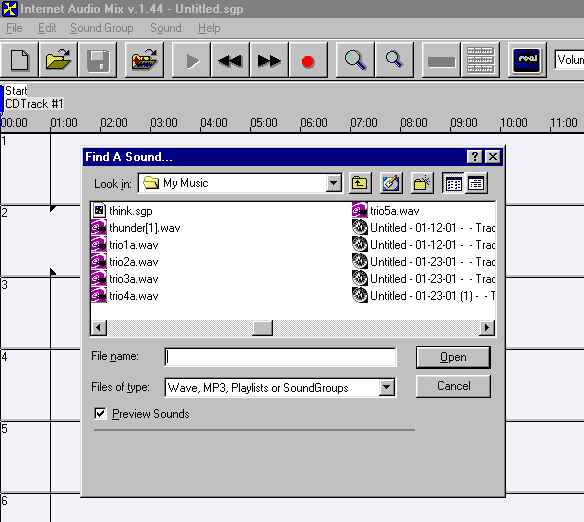
 | You can load an existing “Mix” by clicking on the plain folder or
choosing File, Open |
|
You can add a sound (or another “mix”) to the current
mix by clicking on the colored folder or choosing
File, Add Sound. The program
will open MP3 or WAV files, or other mixes, called SoundGroups.
|
|
The sound will be inserted at the current “play point”
of the song. In this case
it’s at 01:00.
|
|