
| Downloading |
Repainting aircraft |
| Repainting example: |
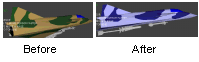 |
| Step 1: Open the .DNM file in Wordpad eg: viggen.dnm |
|
| Step 2: Locate the color settings as shown on the
right. The colors for the model are stored as RGB Red Blue Green) values; in this example C 32 74 32 |
V 2.96 -0.54 -5.47 V 3.81 -0.54 -7.1 F V 13 12 5 1 N -0.2075 0.05 5.5375 -0.399 0.877 0.269 C 32 74 32 E F V 244 248 249 245 N 2.6125 -0.5375 -6.5525 0 0 0 C 32 74 32 E F V 243 247 248 244 |
| To see what the color looks like, open MSPaint, go to
colors > edit colors > define custom colors and type in the values in the Red Green Blue text box there: in this case 32 74 32 which is the dark green component of the paint scheme. |
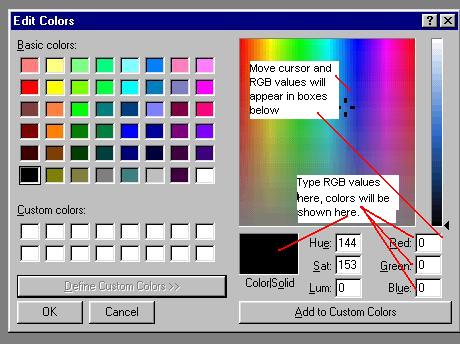 |
| Step 3: Use the MS Paint color pad to choose the color you want | |
| Step 4: Use the find and replace facility in Wordpad to
replace the existing color with the color you want, for example Edit > Replace Find What: C 32 74 32 Replace With: C 33 26 130 Click Replace All Save the file |
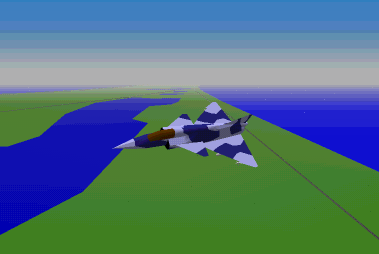 The
repainted Viggen in flight
|