| Deleting a background using magic wand, page 2 |
 |
 |
 |
 |
 |
 |
 |
 |
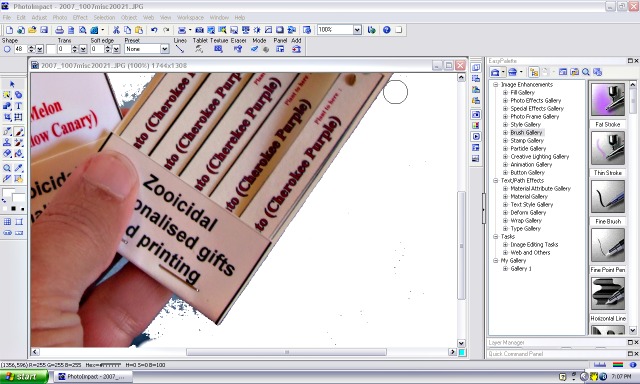
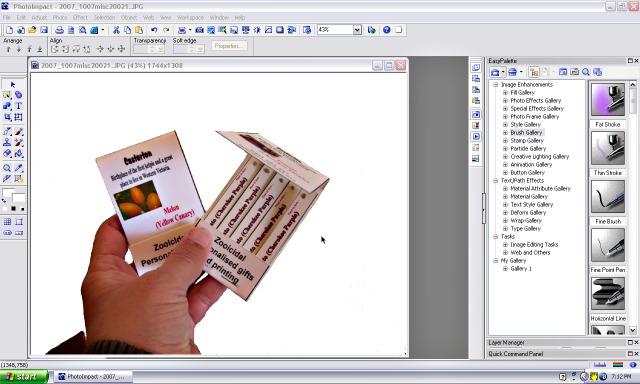
| 12, I have now cleaned up the image as far as I can see but if I wanted to use this image on a dark t-shirt, I need to know there are no extra hard to see spots of colour that I have missed |
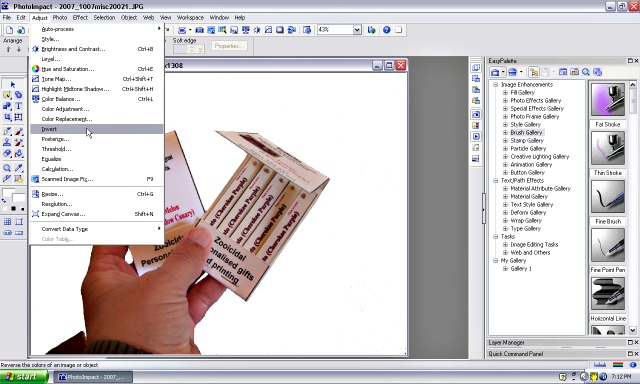
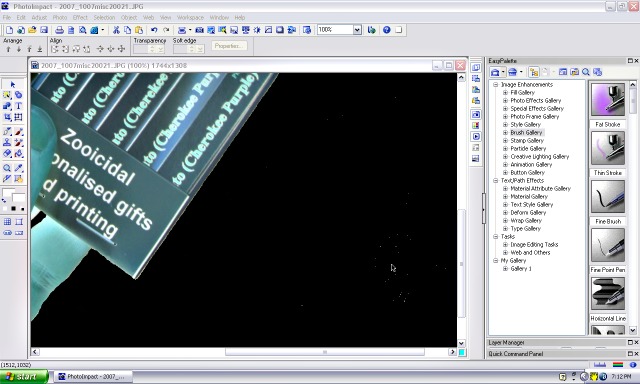
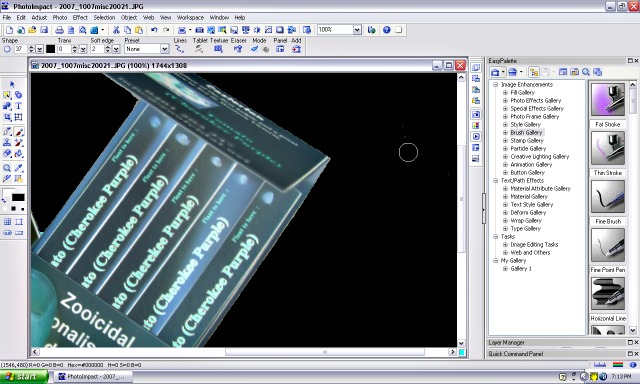
| 13, I will now go to 'adjust � invert' which should show up any pixels that I have missed. |
| 14, There are some missed pixels. I will go back to the paintbrush tool and make it black. Now paint over the missed pixels. |
| 15, Go to 'adjust � invert' again |
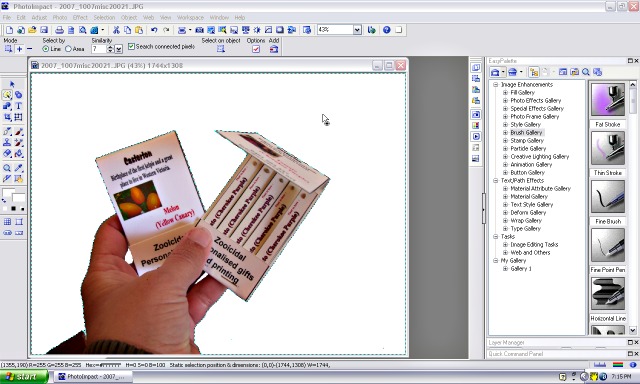
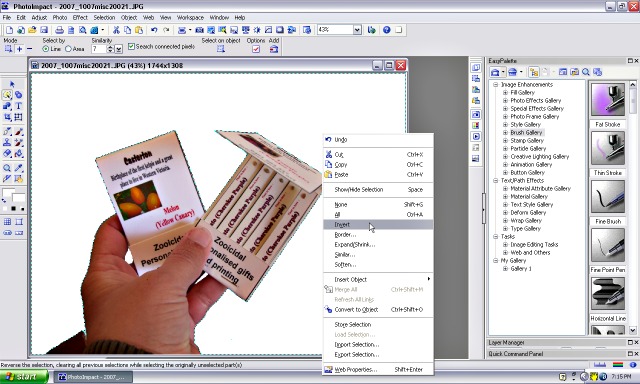
| 16, To cut out this image to place on a transparent background, use the magic wand tool to choose the white background. Right click and choose 'invert'. This time the inversion is changing the background chosen to the design chosen. |
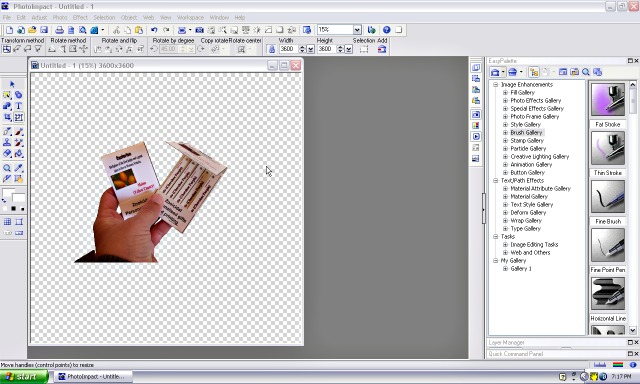
| 17, Right click your mouse and choose 'copy' then open a new transparent canvas and right click 'paste' |