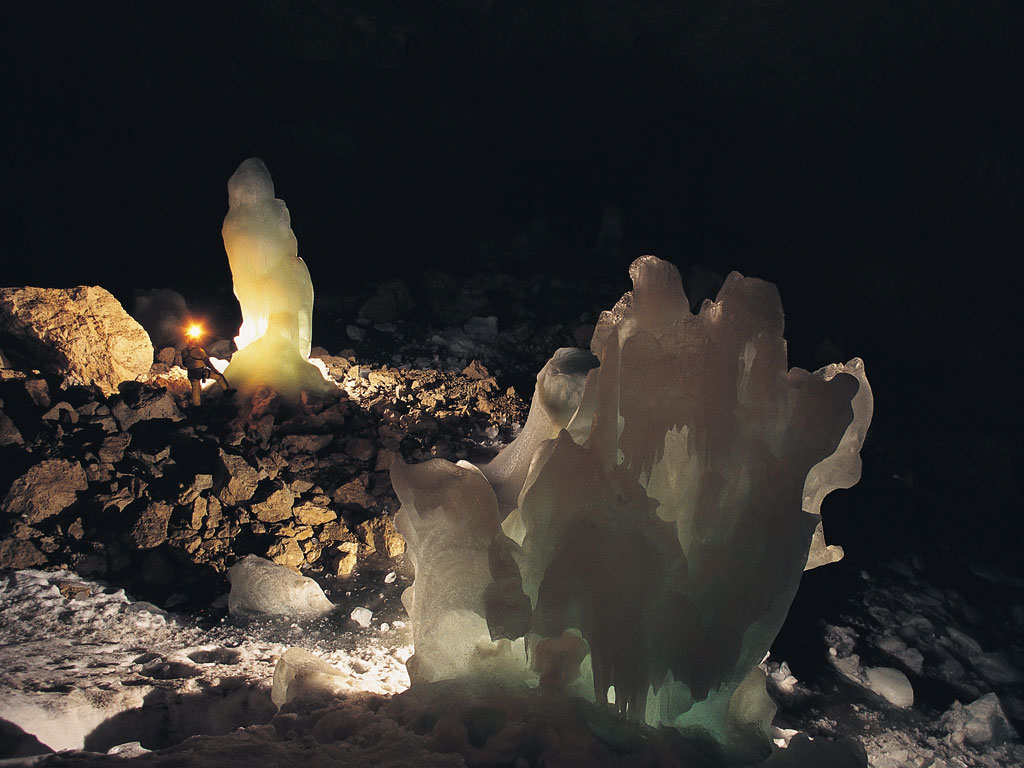
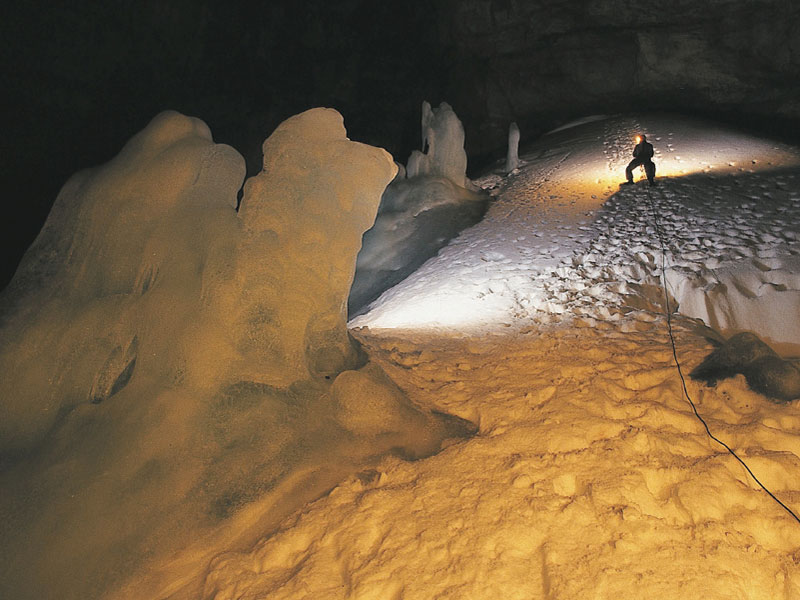
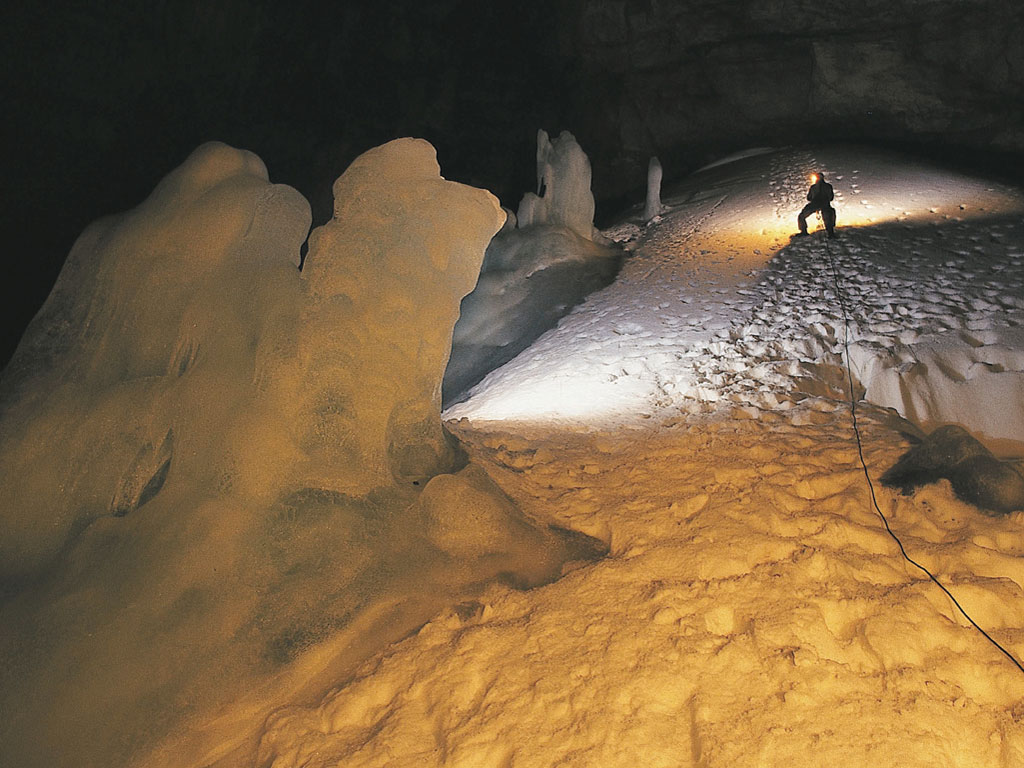
Here,
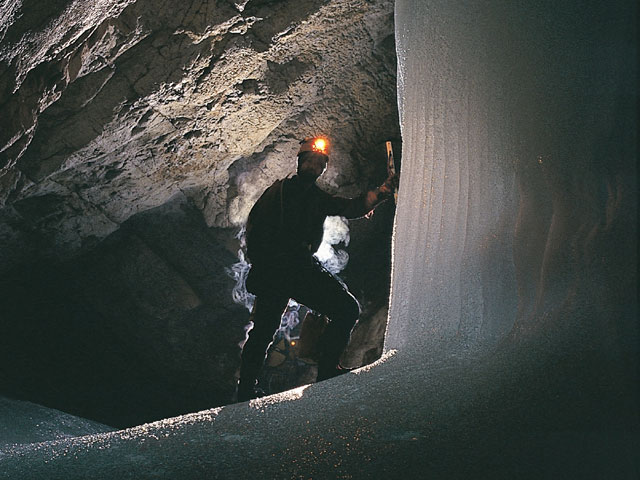
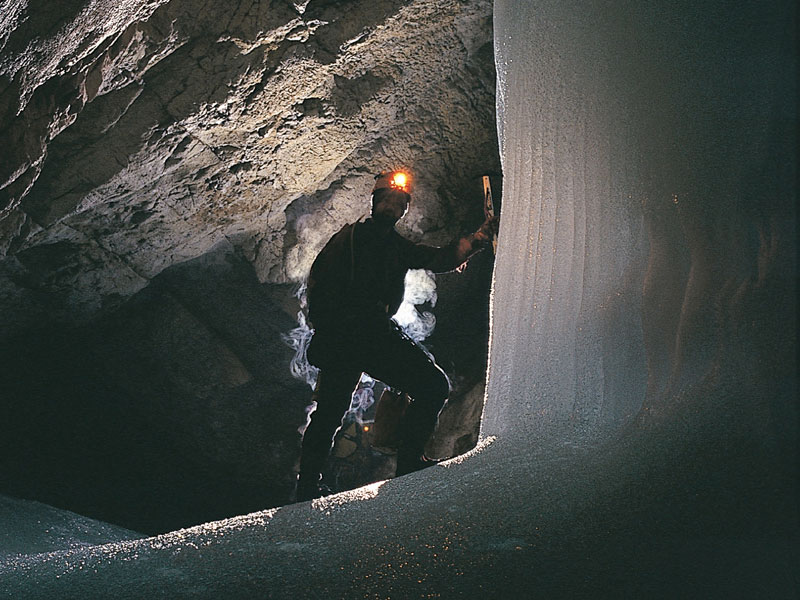
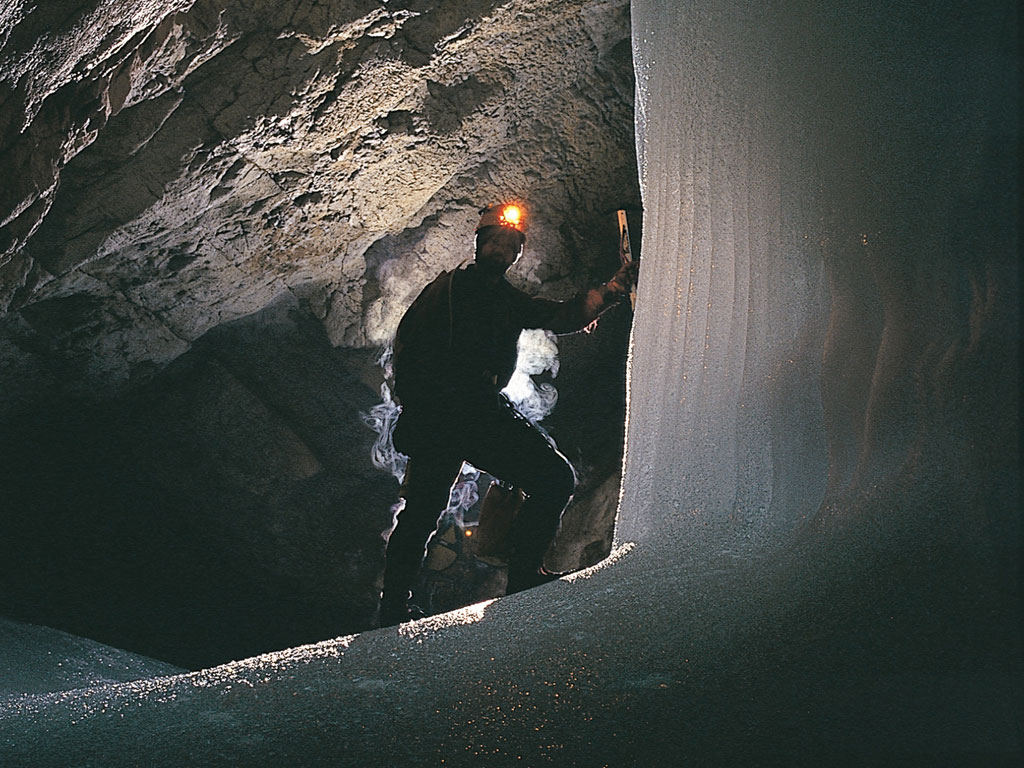
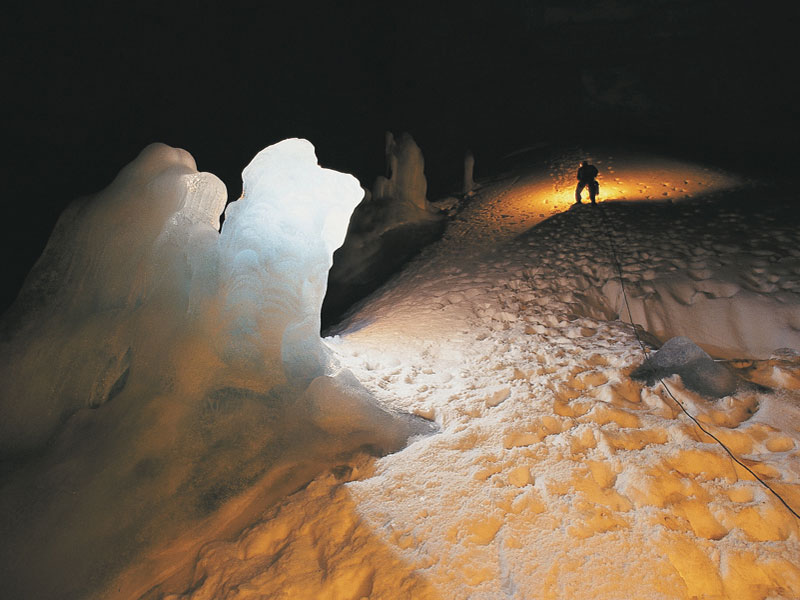
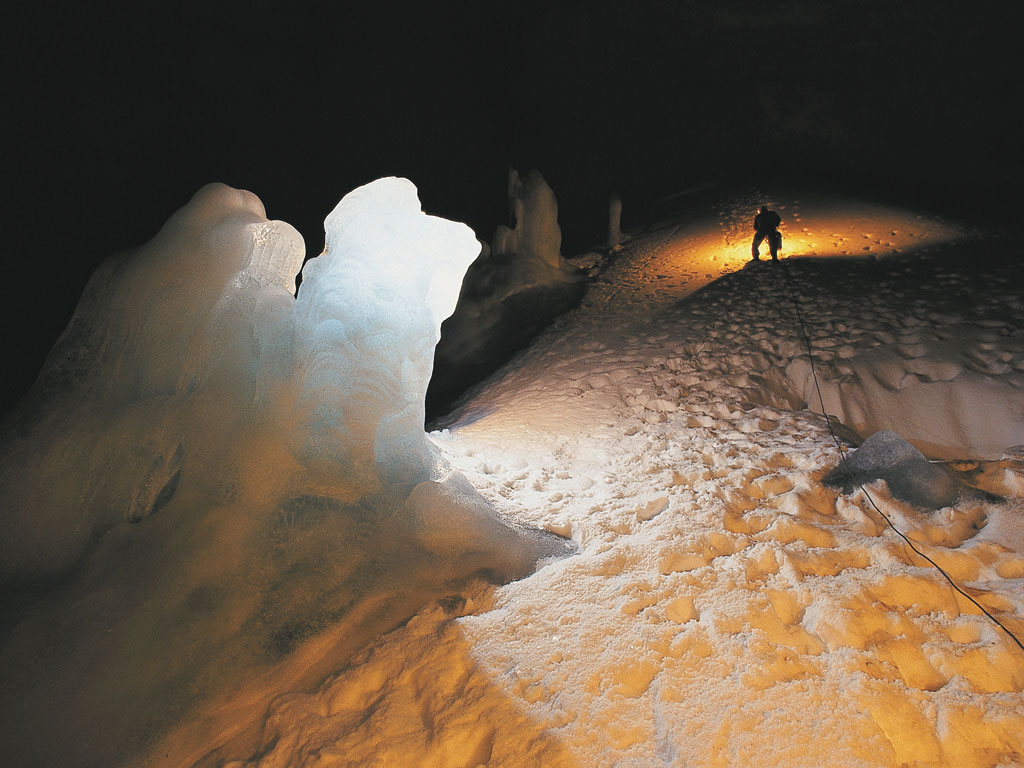
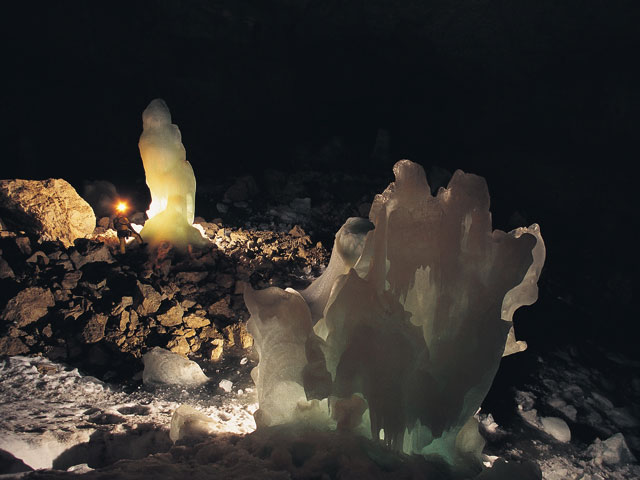
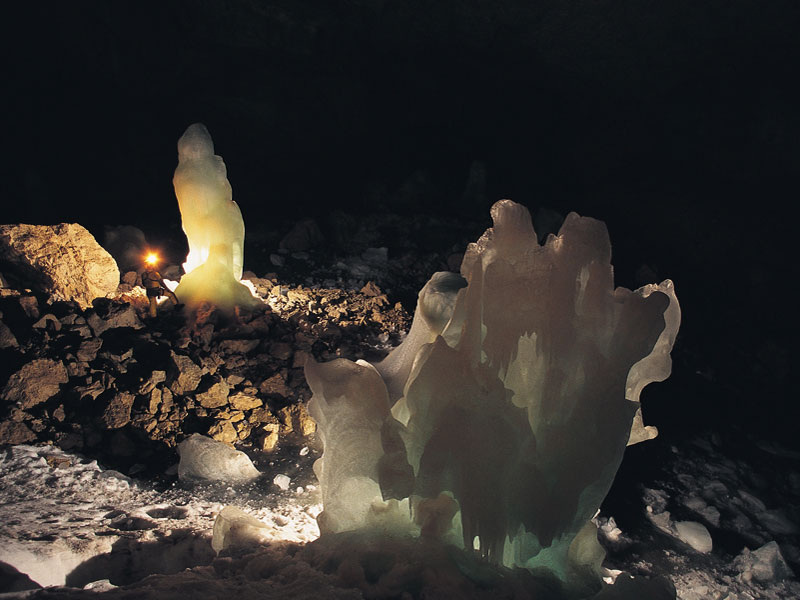
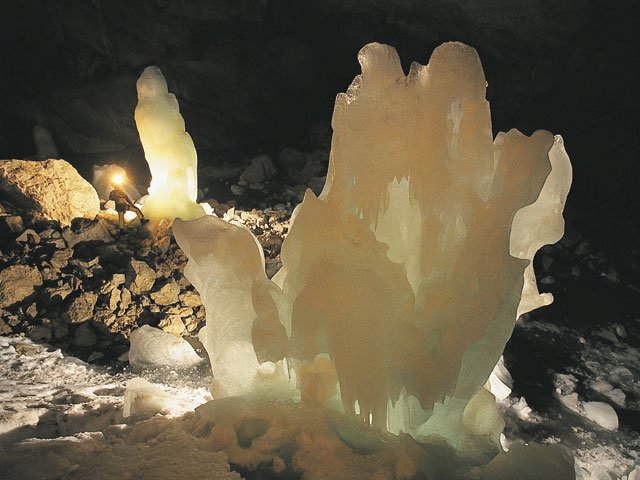
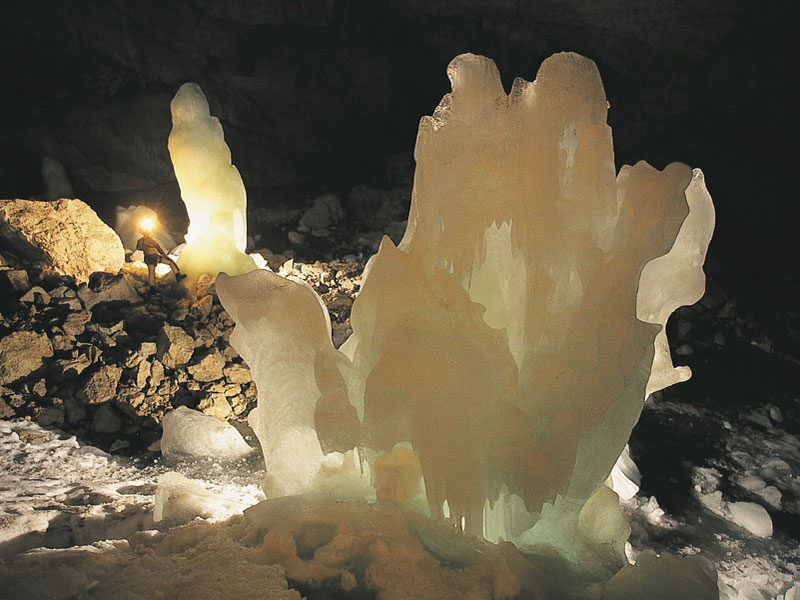
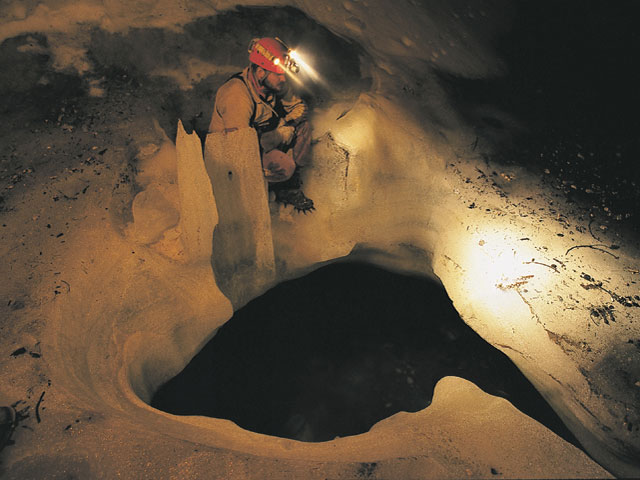
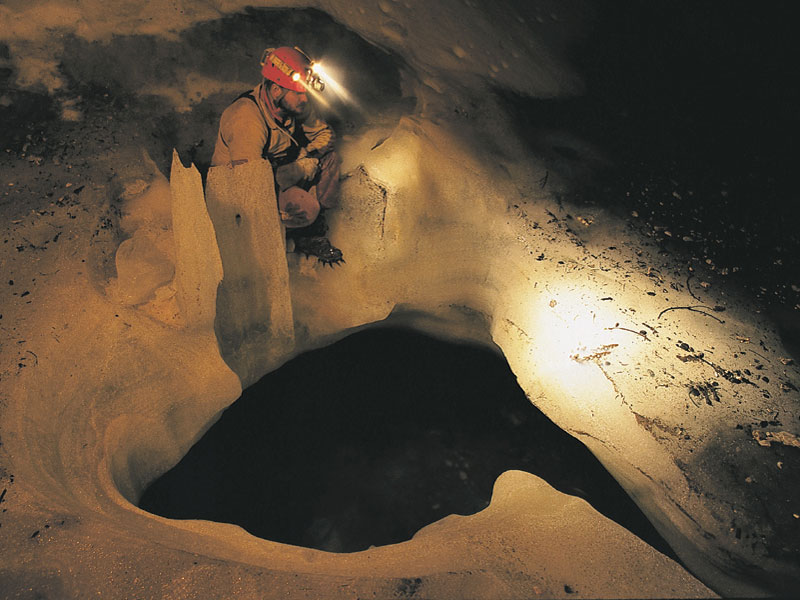
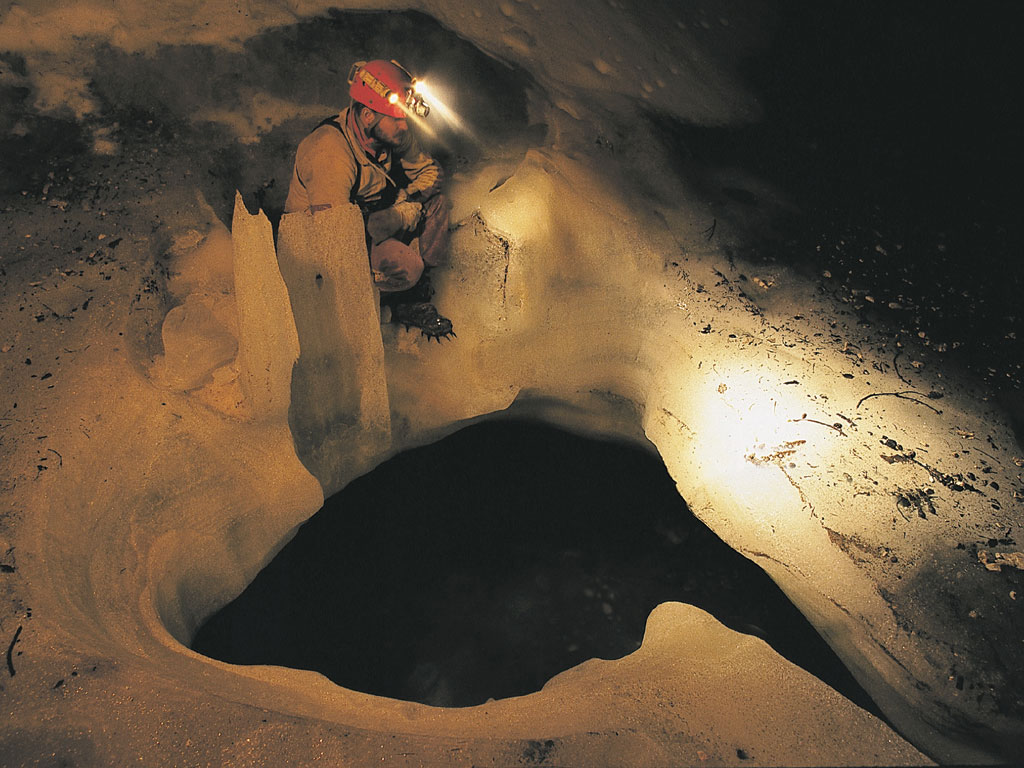
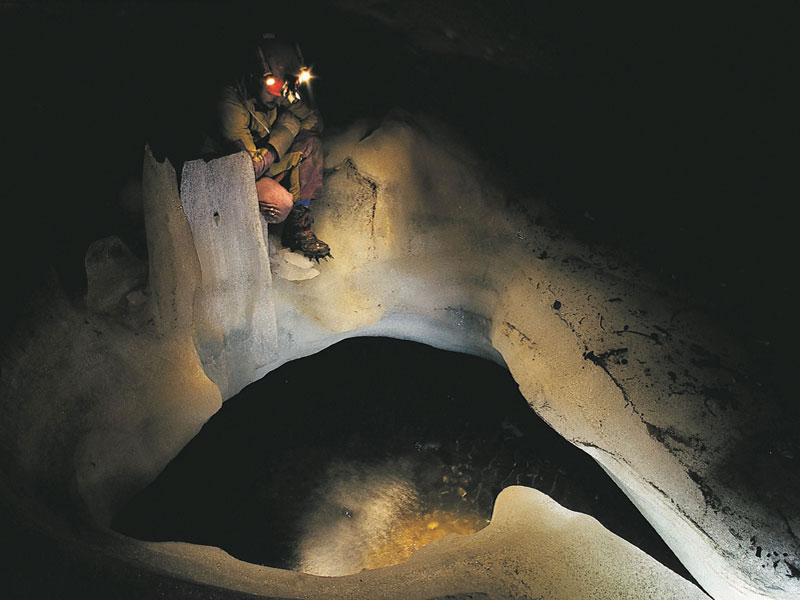
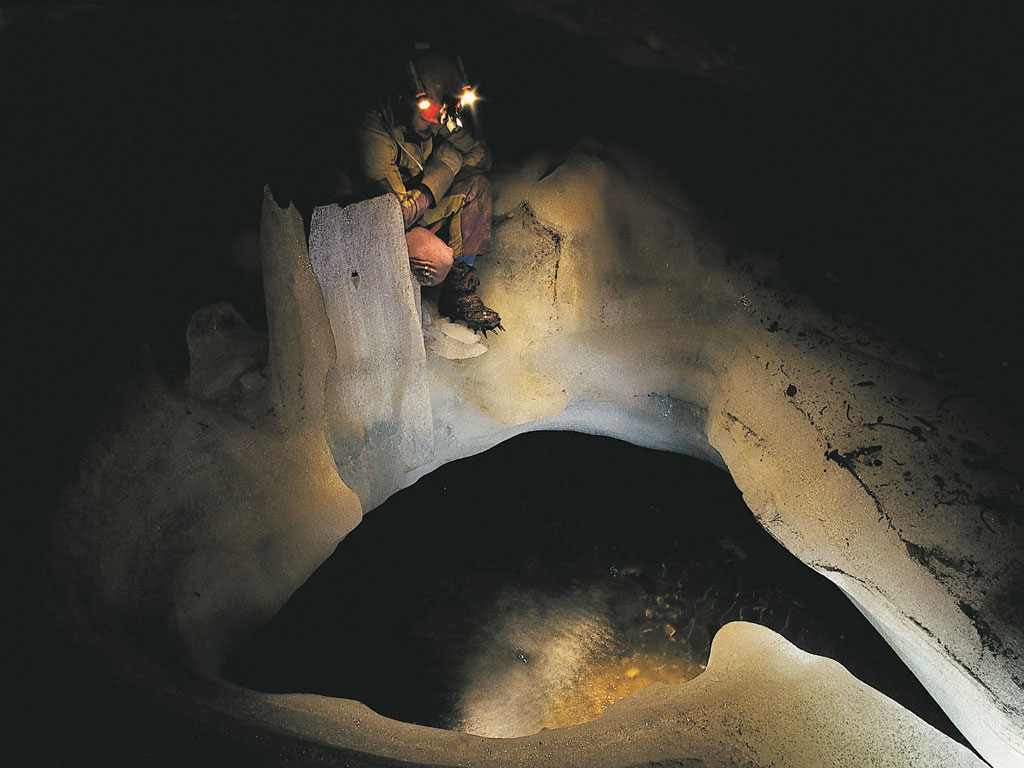
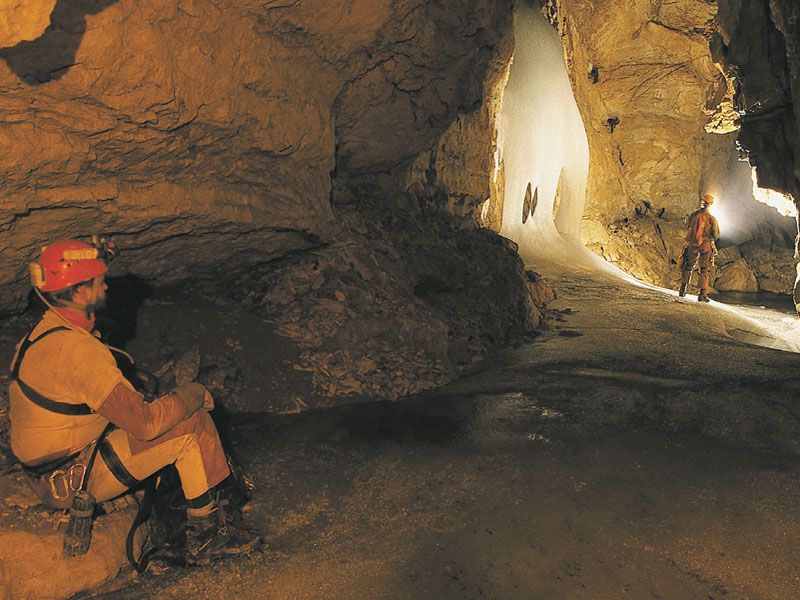
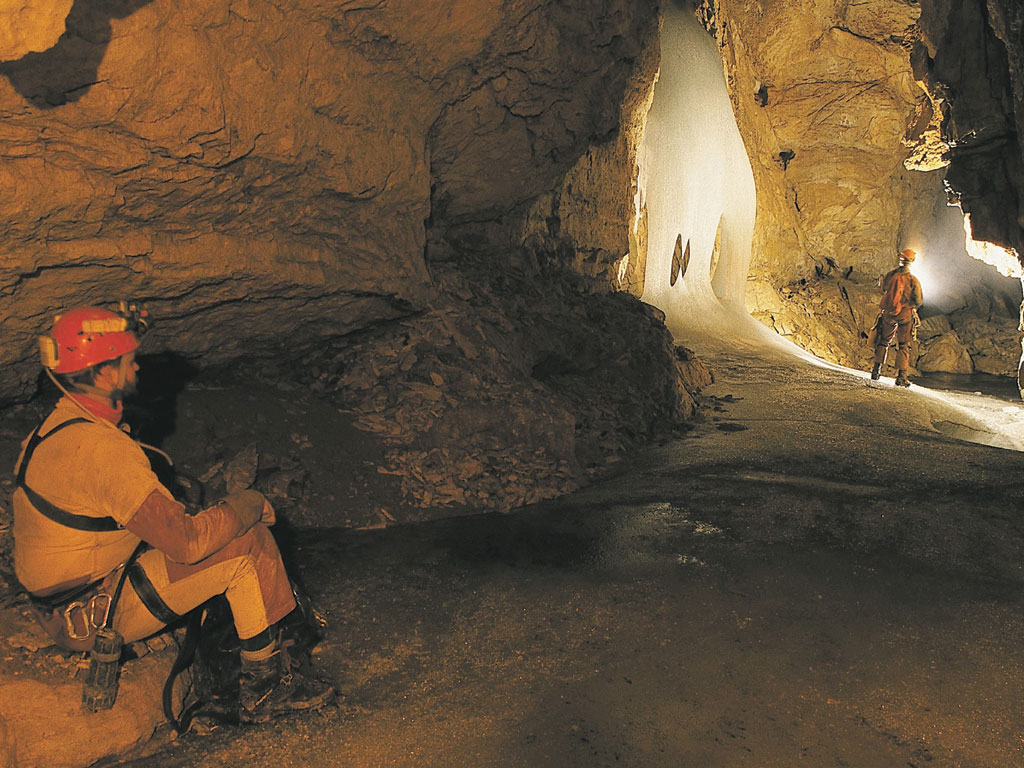
you can find photographs resized for using as wallpapers. Just choose the photograph
you like and click on the text that suits your screen resolution. To save disk
space (also download time) I published these photographs as ".jpeg"
format. For setting the photographs as wallpaper you can right click on it (not
the thumbnail) and choose "Set as wallpaper" (For IE users), or you
can save the image to your hard disk; -with using a graphic editor- convert
it to ".bmp" format. And copy it to your windows directory. Then Right
click on your desktop. Select "properties",Select "Background
and finally select the image that you saved in windows directory. Also some
shareware programs -like "
ACDSee"-
can set these images as your wallpaper