
 |
 |
 |
 |
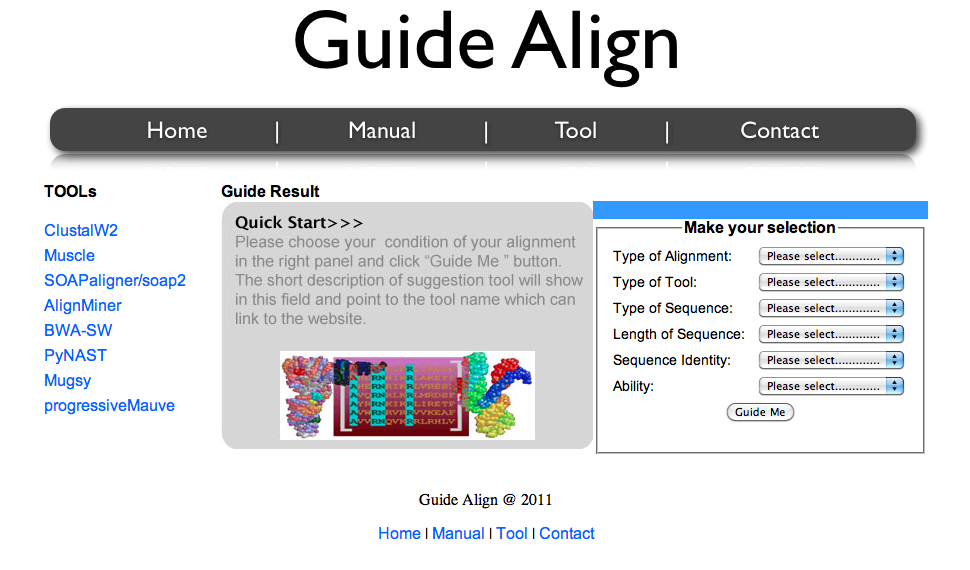
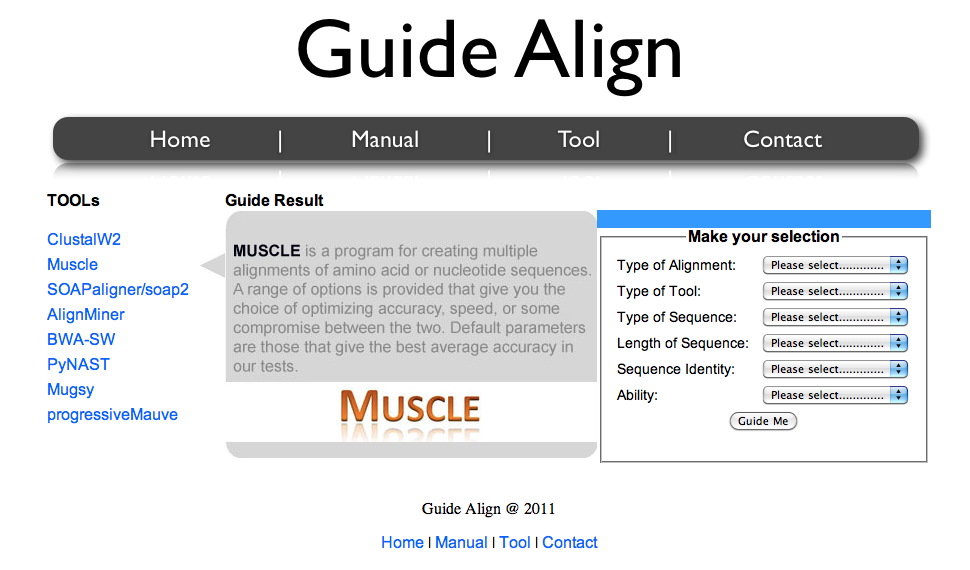
1) To Use Guide Align , user can enter tool page by clicking on “Tool” navigation bar. The page will show three main panel : Tools link list (left), guide result (center), and selection panel (right).
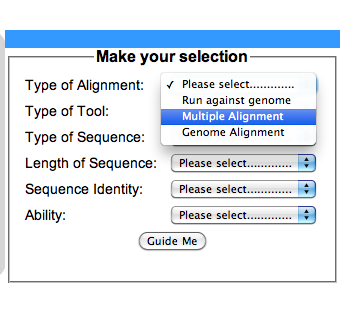
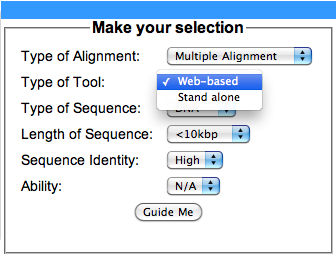
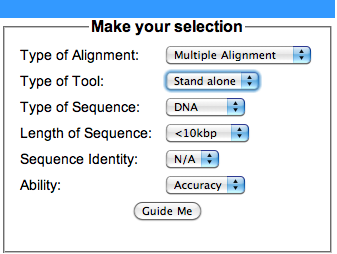
3) After the first criteria was selected , the lower level of each criteria will be automatically regenerated the context in the drop down list which allows the user choose the next criteria as you want.
Guide Align @ 2011