| SAAB/MITCHELL PROGRAM |
 |
 |
 |
 |
 |
 |
 |
 |
 |
 |
 |
 |
 |
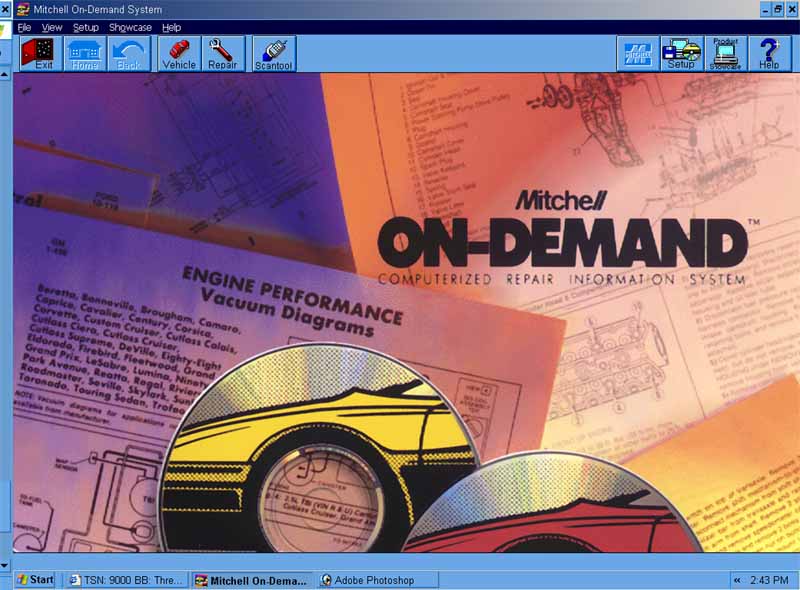
| The mitchell On-demand cd library set is an extremely useful tool for helping troubleshoot your saabs mechanical and electrical systems. It's similar to the saab EPC, however the information and diagrams are more tailored to helping REPAIR your car's sytems than just locate parts and view connections between them, like the EPC is most useful for. The program is a 2 cd set, one cd for installation and one DATA cd, that you MUST insert everytime you wish to use the program. Although the full version of the program has ALL makes and models of cars, the 2 cd set that I have only contains SAABS. There are some other imported cars, and european cars found in the 2 cd set that I have, however they are not useful to me, as I only own saabs! This program contains HUGE ammounts of data, and has literally hundreds upon thousands of pages of technical documents and diagrams about all years and models of saab cars. I will try my best in this page to demonstrate how easy it is to use, and the vast supply of information it has... however it would take me FOREVER to cover all of the material it has. Click on the pictures below to view larger images... |
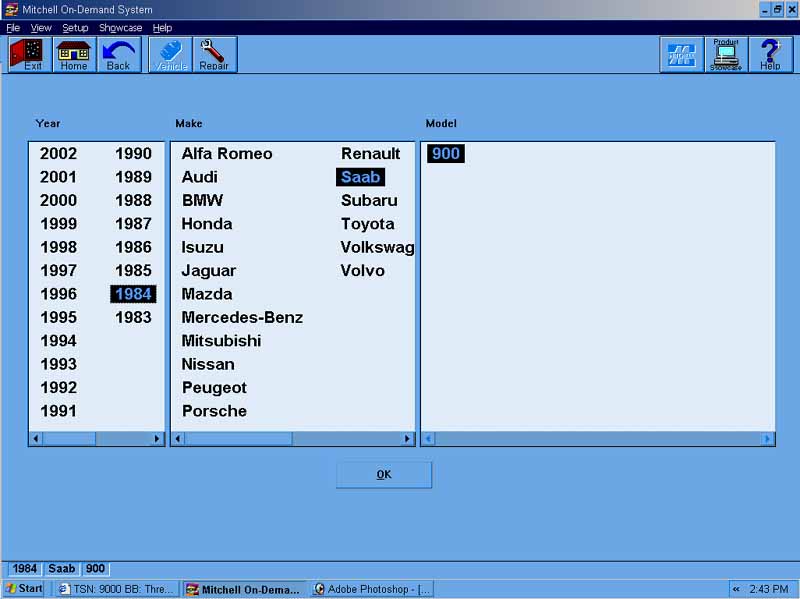
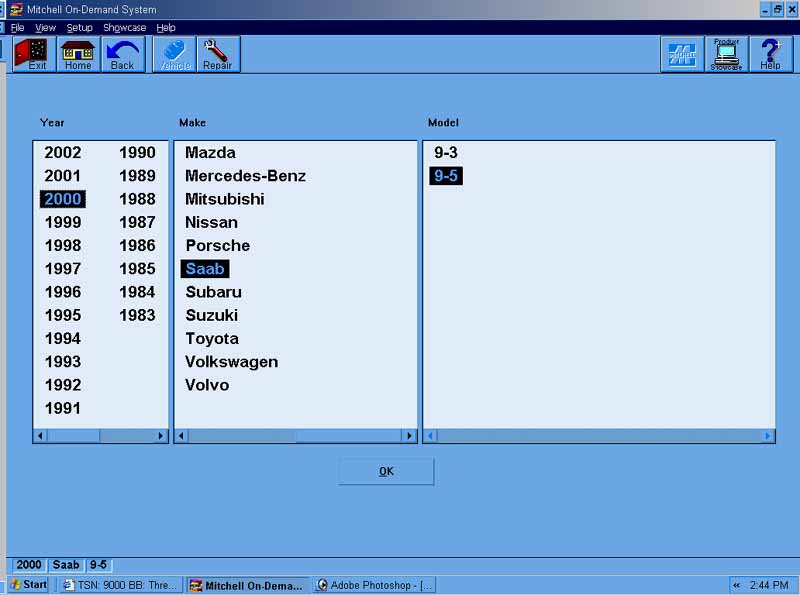
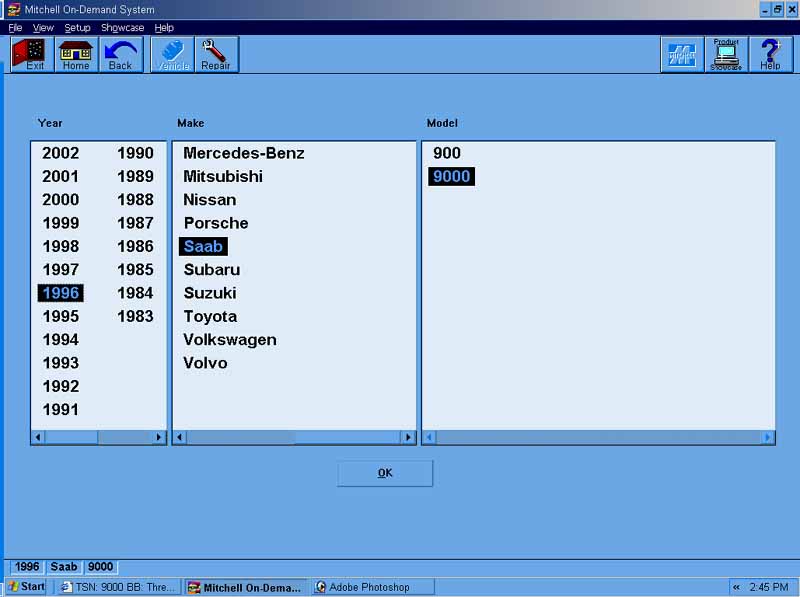
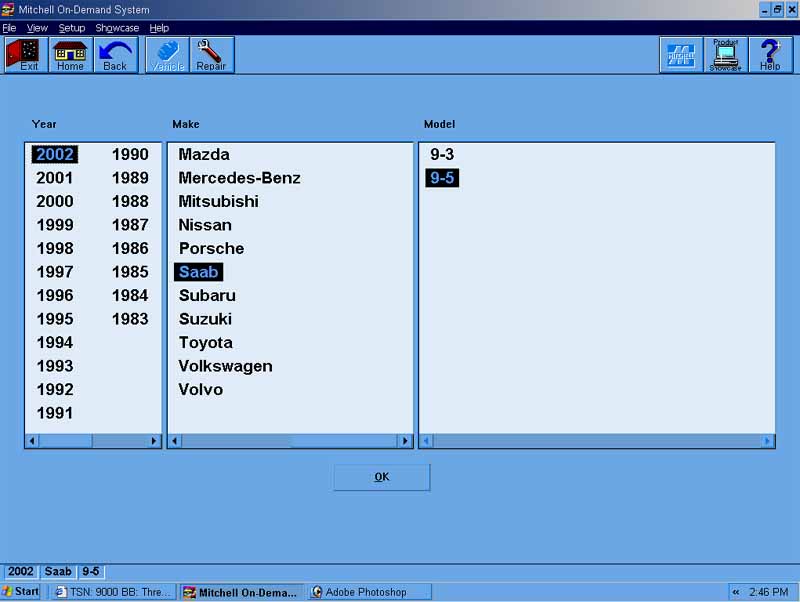
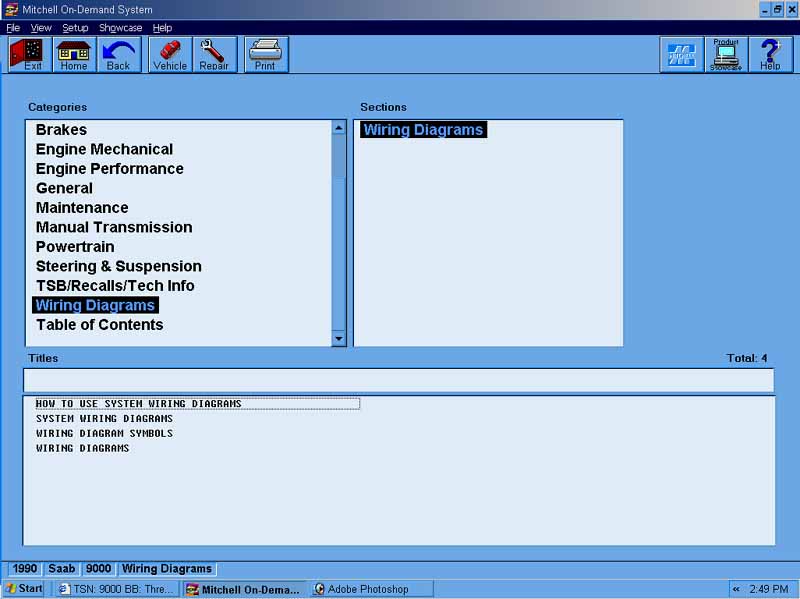
| These four pictures you see here show you how easy it is to locate the vehicle you are looking for. As you can see, every year and model saab is listed... as well as other brands of cars. However, not all model cars will be available to you, but I am positive every saab you could possibly look for will be found here. |
| Once you have chosen the year, make, and model of your car, the software brings to to a screen where you can choose the specific category of information you are looking for about your car. |
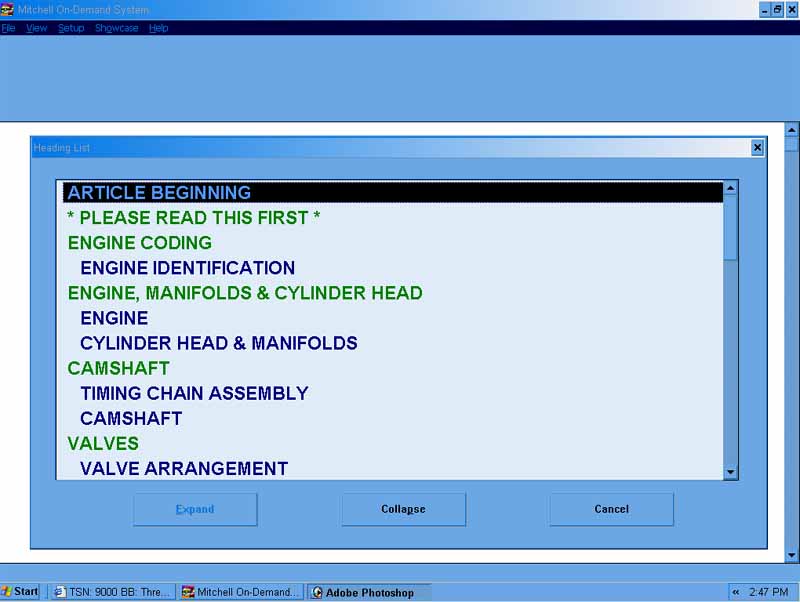
| When you selec the category, an window pop's up that tells you the information available in the category. You can click on the list to navigate further towards what you're looking for. |
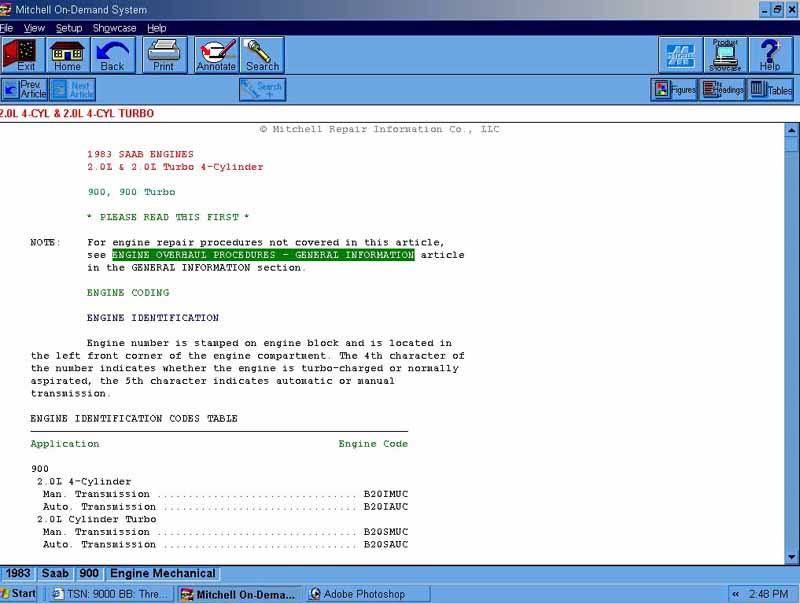
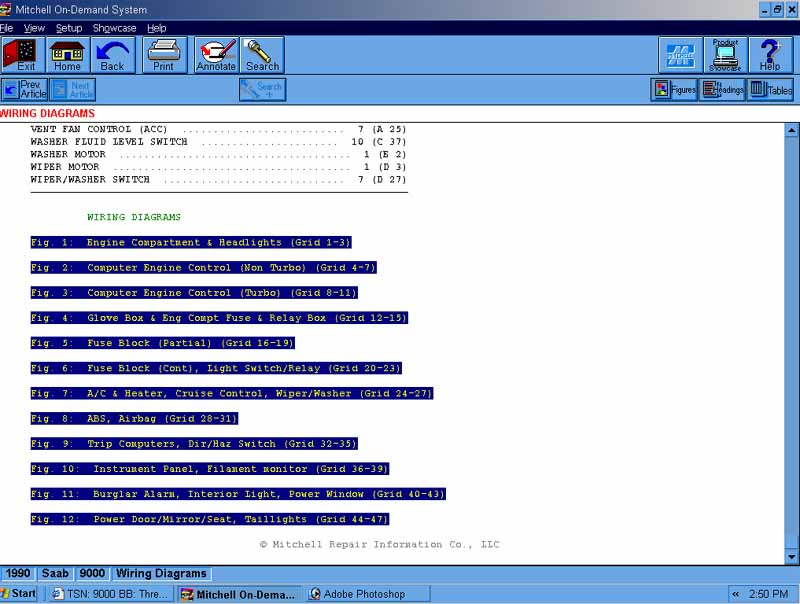
| When you select the document you are looking for, a screen is brought up with all of the specific information that you are looking for. I feel this method of splitting up every category makes it VERY easy to find what you are looking for... |
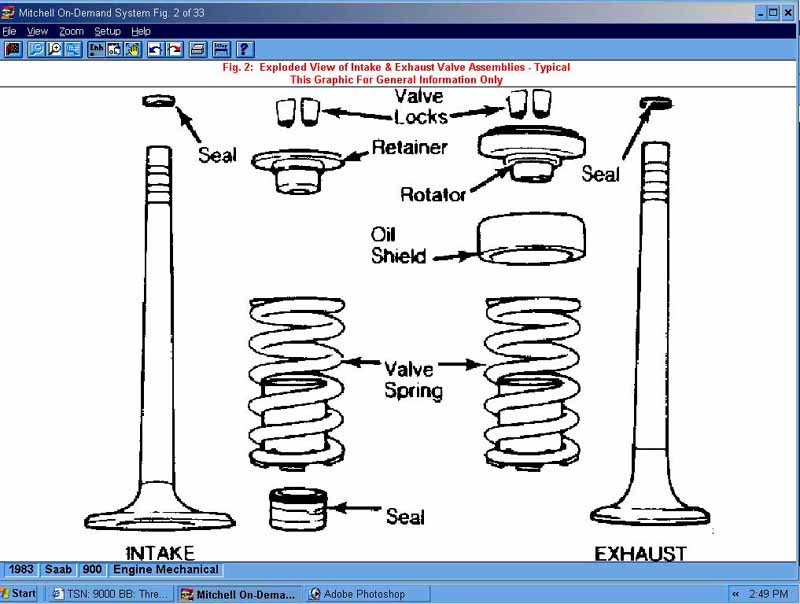
| ... AND if what you are looking for is a diagram, then all you need to do is click on any of the highlighted words or phrases in the window to being up a diagram on the subject... |
 |
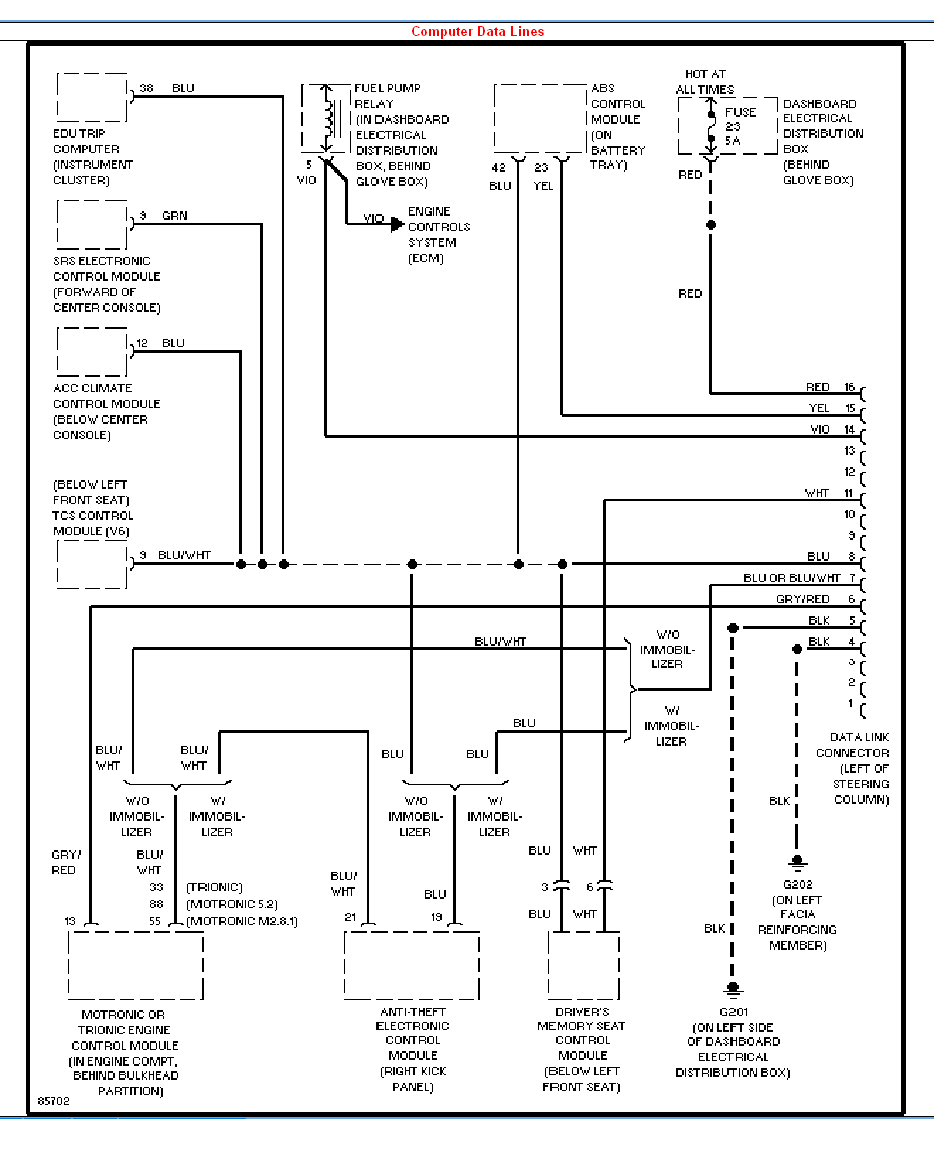 |
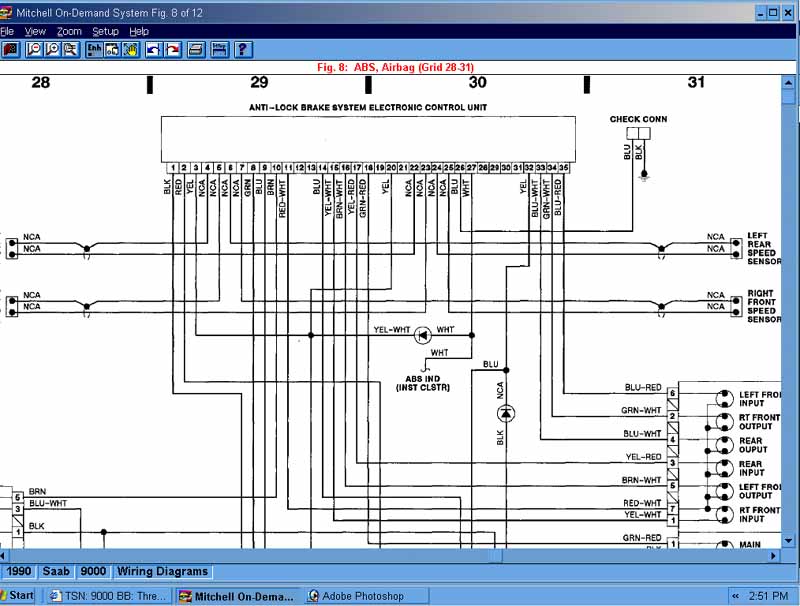
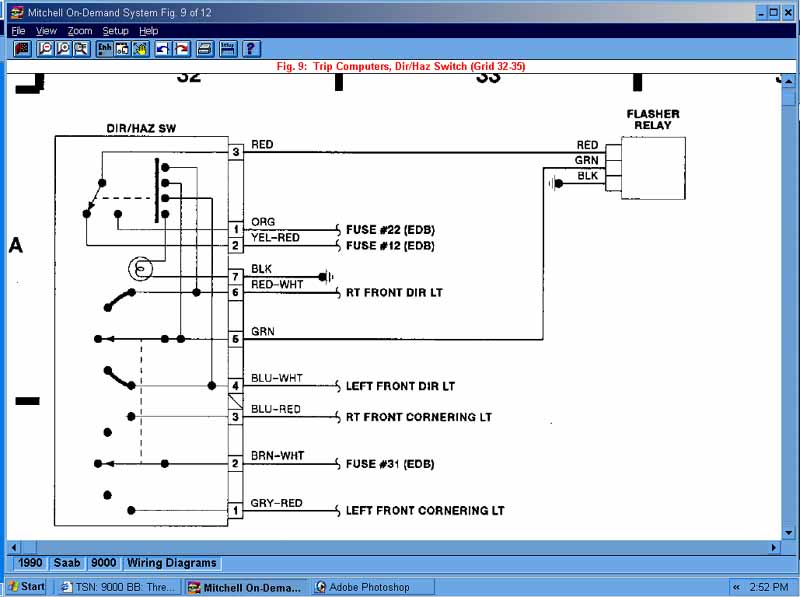
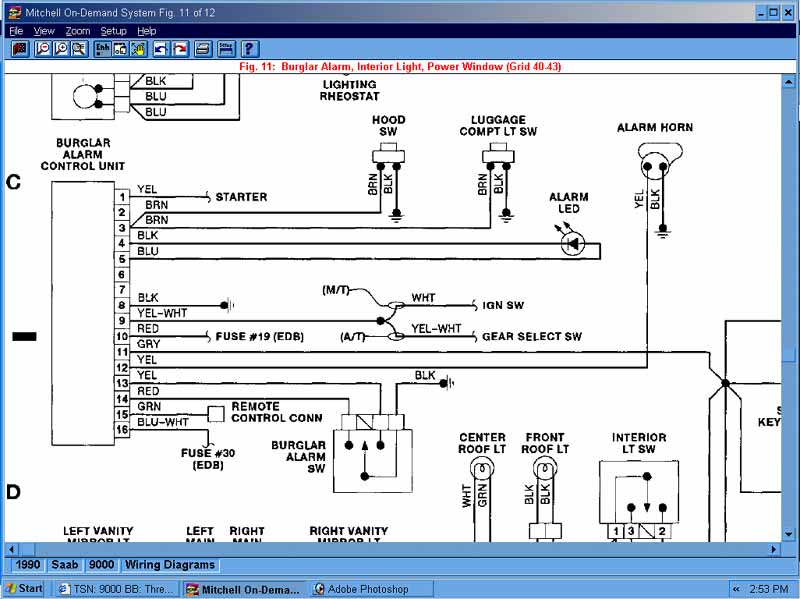
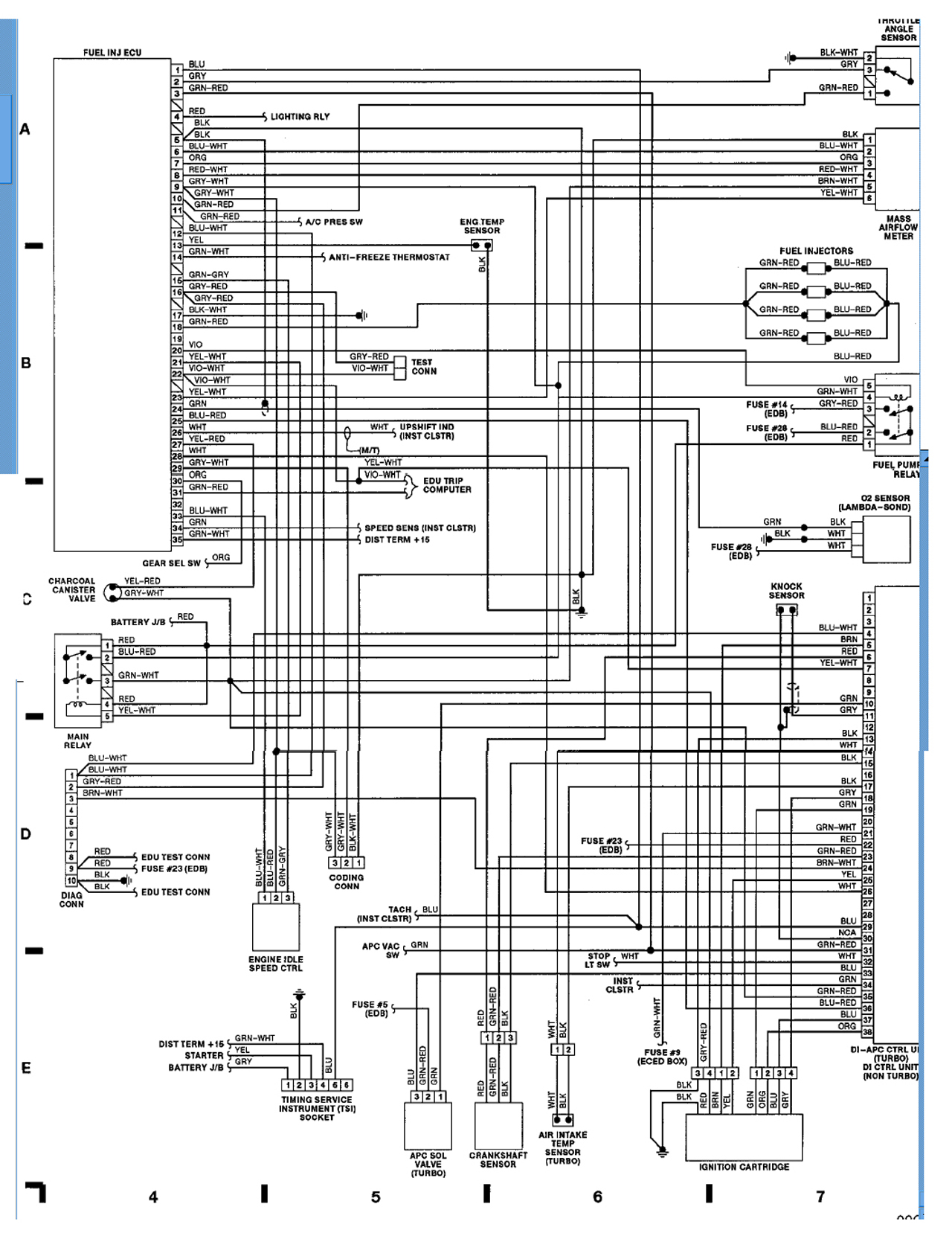
| ...and the diagram will be brought up on the topic you click on. Below are some examples of what the diagrams look like found in the cd set. Keep in mind, these can be printed and saved for easier viewing later, and they can also bee zommed in on for closer inspection... |
| If you DO decide to print or save the diagrams or illustrations, here are the instructions on what to do. I hate to give away my windows XP secrets... but heres goes... If you are viewing something on your monitor that you wish to save as a bmp or jpeg file, and use it later... but you're not sure how to do that... 1. Press the "PRINT SCREEN" button ONCE, and release it. It is located above the "insert" and "home" keys on your keyboard. (or next to the F12 key) 2. Open microsoft PAINT, which comes standard in ANY windows platform... (click the start button, programs, accessories, and then PAINT) 3. Once paint has opened, hit the "control" key and the letter "V" at the same time. This should paste the image you want on the screen. 4. Use the paint tools to edit the picture down to what you want. I use the box cut tool to cut what I want out of the picture. Here is an example in paint... Select the boxed area you wish to save, and hit "control" and "X" then hit "control" and "N" THEN hit "N" again when a little box appears... Lastly, hit "control" and "V" You should now have only the cut out of your screen open in the paint program now... and you use FILE and SAVE to save the picture on your desktop. Usually it's in a BMP file format... and these are large files not easily sent or posted on the internet. Other programs such as Adobe Photoshop are used to convert the BMP file to a JPEG file... for a reduction in size... however, that is NOT NEEDED if you only wish to view the diagrams FOR YOURSELF later. However, I used the method described above to produce these diagrams you see BELOW... with paint and photoshop. |
| As you can see, this program is INSANE! The ammount of information it contains cannot even begin to be compared with the HAYNES manuals, or any other paper book you could buy. Not to mention, it costs less... If you are interested in this program, search for it on ebay. |
| If these pictures appear small, RIGHT CLICK on them with your mouse, and choose SAVE AS, and save them on your desktop to view in their full sizes... |