Fryinator Readability Software
|
|
|
Screenshots
|
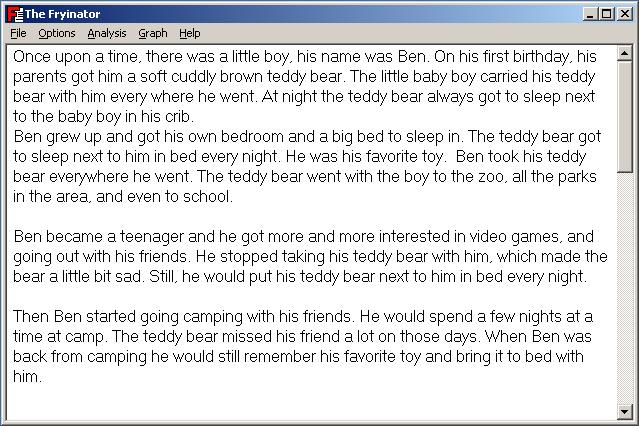
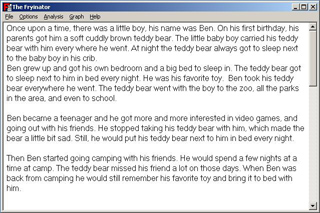
This screenshot shows the main application window for the Fryinator.
The text display font is adjustable, and the text area has full cut-and-paste
functionality for easy input of text.
|
See full-size image.
|
|
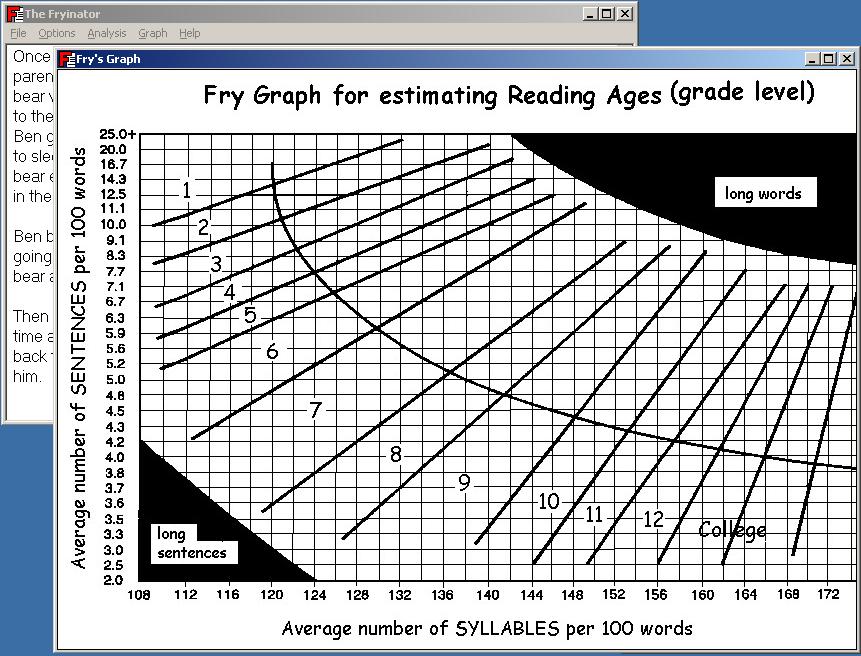
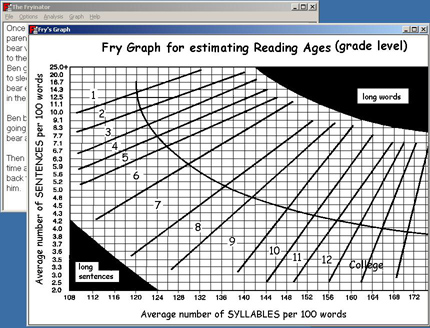
This screenshot shows the Fry Graph window that pops up upon selecting
"Graph->Show Fry's Graph" from the main menu. This feature makes it easy
to compare the text statistics calculated to Fry's graph.
|
See full-size image.
|
|
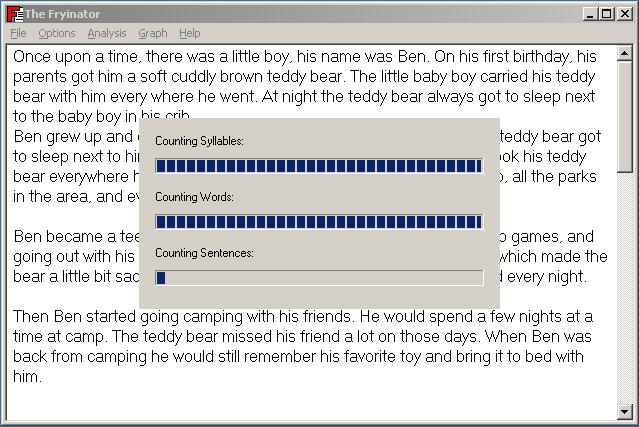
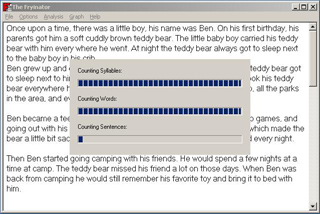
This screenshot shows the progress window that is displayed while the Fryinator
is analyzing text.
|
See full-size image.
|
|
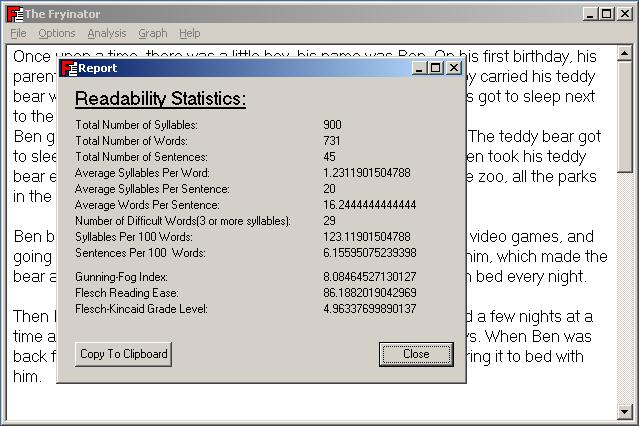
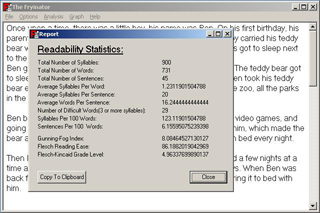
This screenshot shows the "Analysis Report" window which is displayed once the
fryinator has completed analyzing text. This window shows all calculated
statistics for the text, along with any calculated readability indexes.
|
See full-size image.
|
|