
Home |
Input device |
Output device |
Input/Output device |
Storage device |
DEFINITION OF INPUT DEVICES
An input device is any hardware device that sends data to a computer, allowing you to interact with and control the computer.
EXAMPLES OF INPUT DEVICES
1. Keyboard
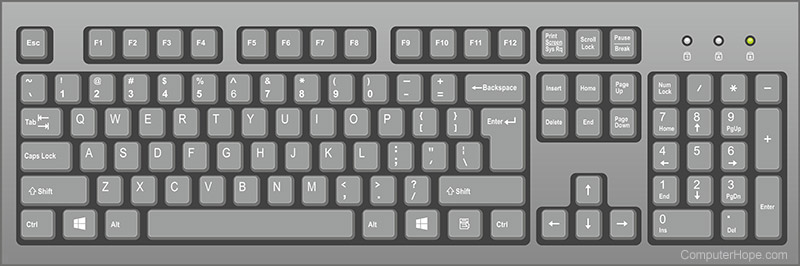
A computer keyboard is one of the primary input devices used with a computer that looks similar to those found on electric typewriters, but with some additional keys. Keyboards allow you to input letters, numbers, and other symbols into a computer that can serve as commands or be used to type text.
2. Mouse

A computer mouse is a handheld hardware input device that controls a cursor in a GUI and can move and select text, icons, files, and folders. For desktop computers, the mouse is placed on a flat surface such as a mouse pad or a desk and is placed in front of your computer.
3. Scanner

When referring to hardware, a scanner or optical scanner is a hardware input device that optically "reads" and image and converts it into a digital signal. For example, a scanner may be used to convert a printed picture, drawing, or document (hard copy) into a digital file which can be edited on a computer. The picture shows an example of a flatbed scanner, the EpsonV300.
3. Joystick

A joystick is an input device that allows the user to control a character or machine in a computer program, such as a plane in a flight simulator. They look similar to the control device you would find on an arcade game, but nearly always include extra buttons for additional functionality. The picture shows the Logitech Freedom 2.4, an example of a joystick.
4. Barcode reader

A barcode reader (BCR)or scanner, also known as a point of sale (POS) scanner is a hardware device capable of reading a barcode. It can also print out the details of the product or log information about that product into a database. A perfect example of a barcode reader is a super market barcode scanner that reads and logs the price of a product. In the picture is an example of a Barcode reader from HP.