 |
| Continued~ |
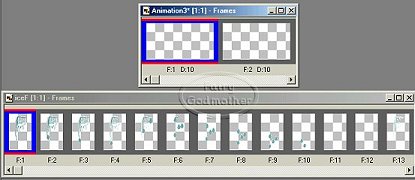
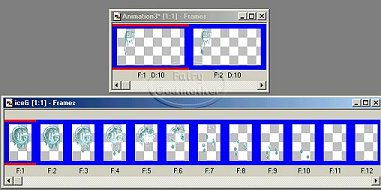
| Click on the first frame of your new animation. Go to EDIT>SELECT ALL. Click on the first frame of your letter. Go to EDIT>SELECT ALL> |
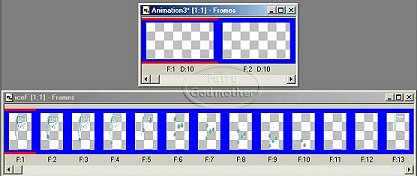
| You will see that all frames in both animations are now highlighted in blue. This means that whatever you do to one frame, will be done to all of them at the same time. |
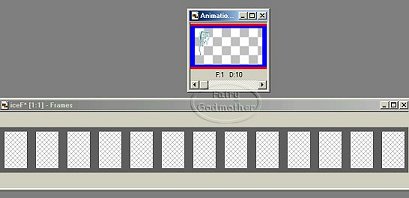
| Here's where the fun starts! Hold your mouse over the first frame of the letter, near the bottom. Left click, but do not release the mouse. Drag this letter up to the first frame of your new animation. I use the top of the frame as my guide. When you get the letter to the frame, and get it positioned properly, so the top of the letter is almost at the top of the frame, release the mouse. Then go down and close the empty animation. |
| Open the next letter of your name. Click on the first frame. Then go to EDIT>SELECT ALL. Repeat the steps above, dragging your letter to the new animation and positioning it beside the first letter, careful not to overlap, then release your mouse. |
 |
 |
 |
 |
| Continue on, repeating the steps above, until you have all the letters of your name positioned in the new animation. |