
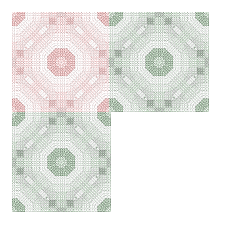
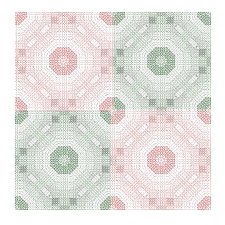
1. Go to layers, merge, merge all
2. Then crop around the edges
and you're done!




|
|
|
|
|
|
|
|
|
|
|
|
|
|
|
|
|
|
|
|
|
|
|
|
|
|
|
|
|
|
|
|
| ~ 4 ~ | |||||||||||||||||||||||||||||||
| Continue to copy and paste tiles as in the images below: | |||||||||||||||||||||||||||||||
|
|
||||||||||||||||||||||||||||||
| Our final steps are: 1. Go to layers, merge, merge all 2. Then crop around the edges and you're done! |
|||||||||||||||||||||||||||||||
|
|||||||||||||||||||||||||||||||
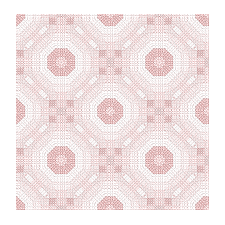
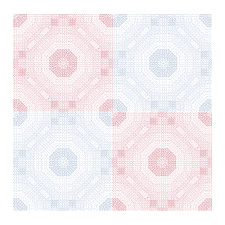
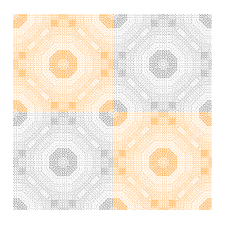
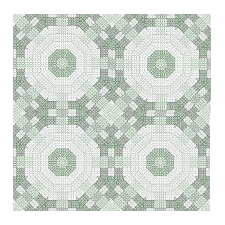
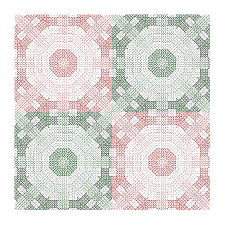
| Below are some variations on this tile that you may like...or you may choose any two colors for any event, or just any that you like. | |||||||||||||||||||||||||||||||
|
|||||||||||||||||||||||||||||||
|
|||||||||||||||||||||||||||||||
|
|||||||||||||||||||||||||||||||
| And here are two variations in which the quick tile filter was applied after the tiles were place together... | |||||||||||||||||||||||||||||||
|
|||||||||||||||||||||||||||||||
|
|||||||||||||||||||||||||||||||
|
|||||||||||||||||||||||||||||||
|
|||||||||||||||||||||||||||||||
|
|||||||||||||||||||||||||||||||