


|
|
|
|
|
|
|
|
|
|
|
|
|
|
|
|
|
|
|
|
|
|
|
| ~ 2 ~ | ||||||||||||||||||||||
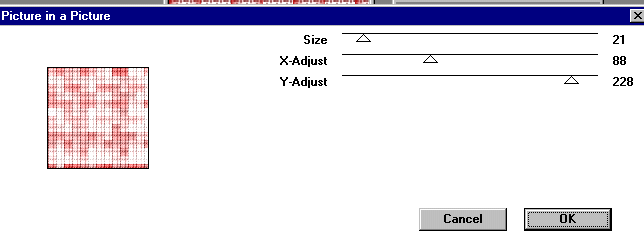
| For our next step, go to images, plug-ins, VM Extravaganza, Picture in a Picture, apply with the settings below: | ||||||||||||||||||||||
|
||||||||||||||||||||||
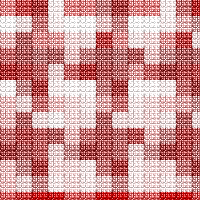
| Your image should now look like this: | ||||||||||||||||||||||
|
||||||||||||||||||||||
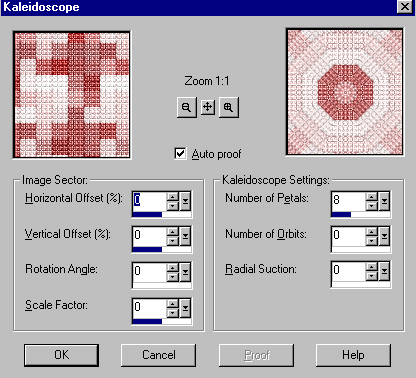
| While this is rather nice, for our next step, go to images, effects, kalaidoscope and apply with the following settings: | ||||||||||||||||||||||
|
||||||||||||||||||||||
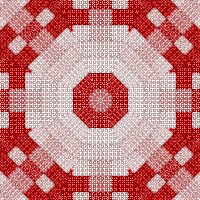
| Your image should now look like this: | ||||||||||||||||||||||
|
||||||||||||||||||||||
|
||||||||||||||||||||||
|
||||||||||||||||||||||