
|
|
|
|
|
|
|
|
|
|
|
|
|
|
|
|
|
|
|
|
|
|
|
|
|
| ~ 3 ~ | ||||||||||||||||||||||||
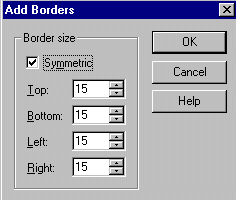
| Now to frame our masked photo. Go to images, add borders and apply according to the following settings: | ||||||||||||||||||||||||
|
||||||||||||||||||||||||
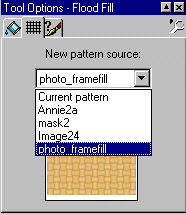
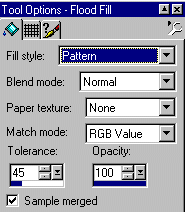
| Next, take your magic wand and click inside your border. You should see marching ants around your border. Now open your photo frame fill graphice. Click on flood fill, pattern. Click on the grid, and choose this graphic as your pattern. | ||||||||||||||||||||||||
|
||||||||||||||||||||||||
|
||||||||||||||||||||||||
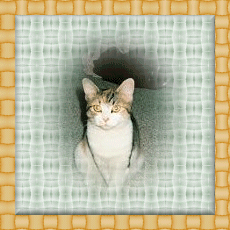
| Your image should now look like this: | ||||||||||||||||||||||||
|
||||||||||||||||||||||||
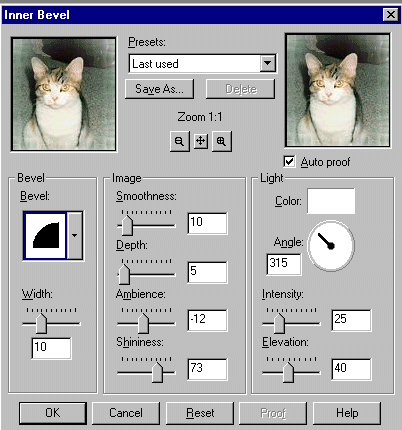
| Now, go to images, effects, inner bevel and apply according to these settings: | ||||||||||||||||||||||||
|
||||||||||||||||||||||||
|
|
|||||||||||||||||||||||