
|
|
|
|
|
|
|
|
|
|
|
|
|
|
|
|
|
|
|
|
|
|
|
| ~ 2 ~ | ||||||||||||||||||||||
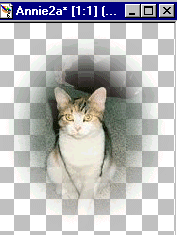
| Your image should now look like this: | ||||||||||||||||||||||
|
||||||||||||||||||||||
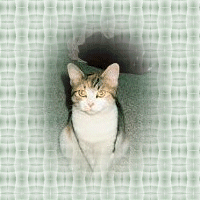
| Next, open the background image. Click on masked image to activate, go to edit, copy Then, click on background to activate, go to edit, paste, paste as new layer. Enter image with moving tool and crop around background. Go to layers, merge, merge all. Your image should now look like this: | ||||||||||||||||||||||
|
||||||||||||||||||||||
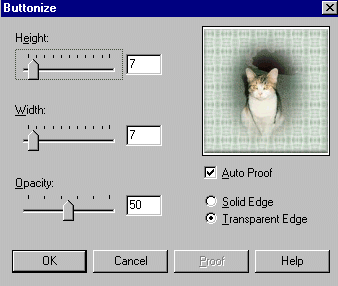
| Our next step is to buttonize. Go to image, effects, buttonize, and apply using these settings: | ||||||||||||||||||||||
|
||||||||||||||||||||||
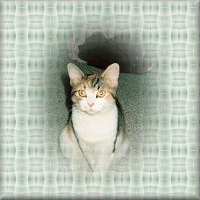
| Your image should now look like this: | ||||||||||||||||||||||
|
||||||||||||||||||||||
|
|
|||||||||||||||||||||