Adjustment Layers
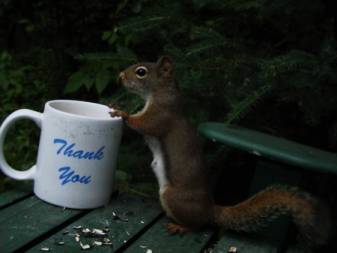
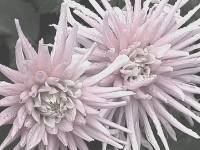
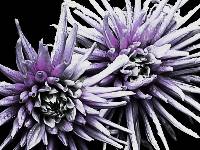
The pic to the left was done according to the lesson. Adjustment layer is...
Brightness 58 Contrast 17
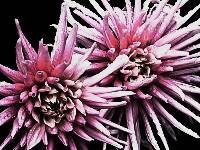
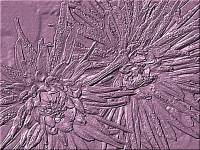
Pic 2 is done with a Blend Mode-Dodge, Opacity 36
Brightness 66 Contrast 27
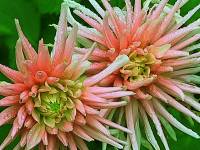
Pic 3 has a Blend Mode-Screen, Opacity 84
Brightness 46 Contrast 43 and then I did Effect/Sharpen.
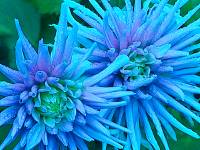
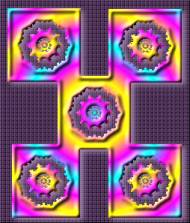
Pic 4 has Adjustment Layer Channel Mixer
Red 122, Green -16, Blue 0 and Constant 8%
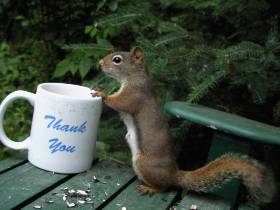
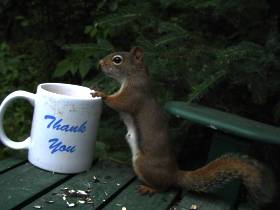
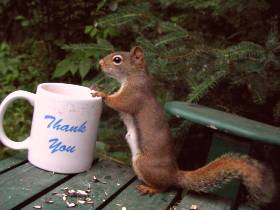

Input 200/Output 231
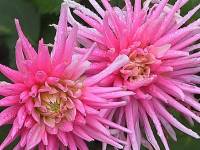
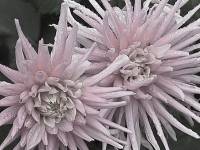
Input 63-0.23-213
Output 0-255
Blend Mode-Darken
Beverage - Light Beer?
(Doesn't look like any beer I've seen)
Fruits - Blueberry
Then I redid the assignment and made the tube below. I think I did it right that time.