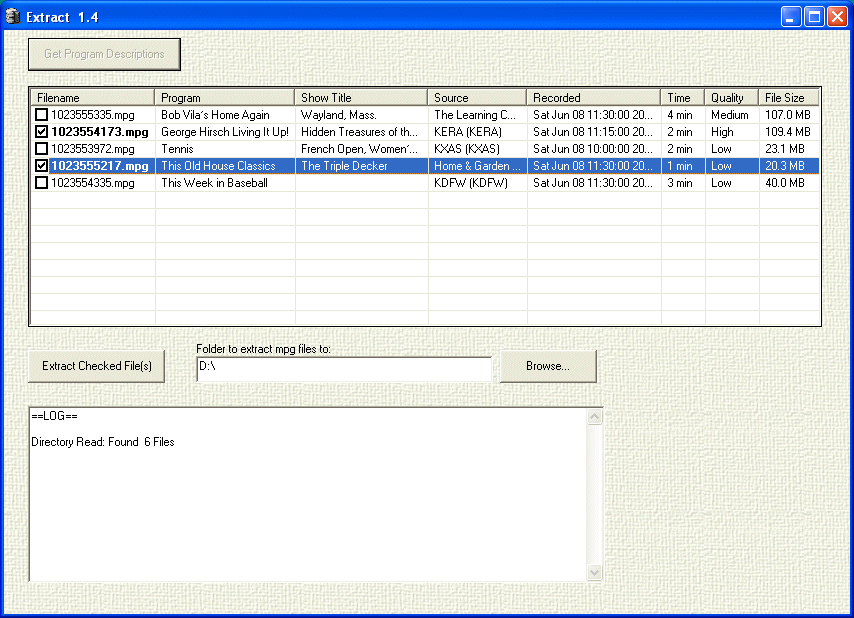
After the program is started and you press the Get Program Descriptions button, you see a list view of the program. Here it is sorted by Program. You can click on any column heading to sort on that column. Click again and the order is reversed.
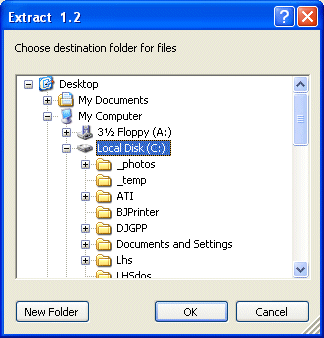
To choose the directory to copy the files to, press the Browse button and choose a folder from the resulting popup box.
Check the file(s) you want to copy to your computer and then press the Extract Checked File(s) button. Note the file will be saved with the file name based on the Program Name and Show Title (or Date if there is no Show Title).
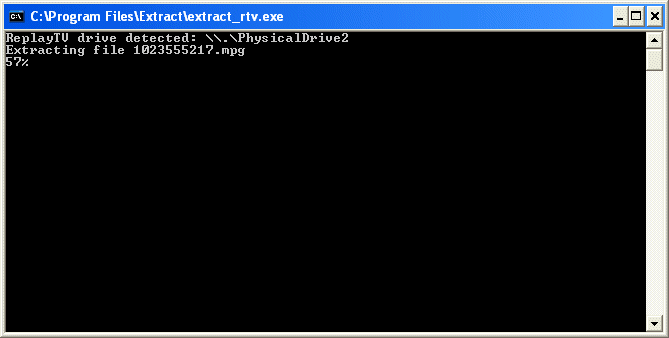
A DOS window will pop up with the familiar extract_rtv program showing the copy progress of each file that you have checked. When all files are finished, you are returned to the program.