
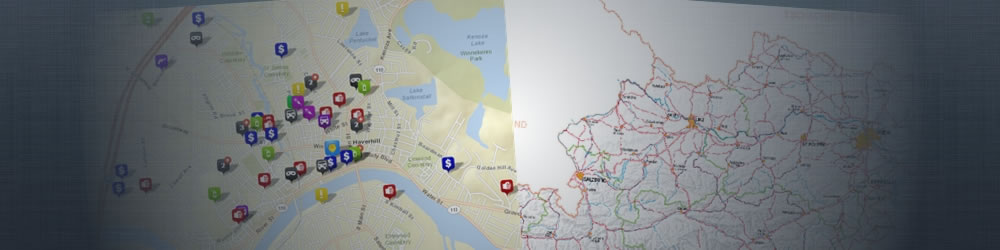
Crime Mapping
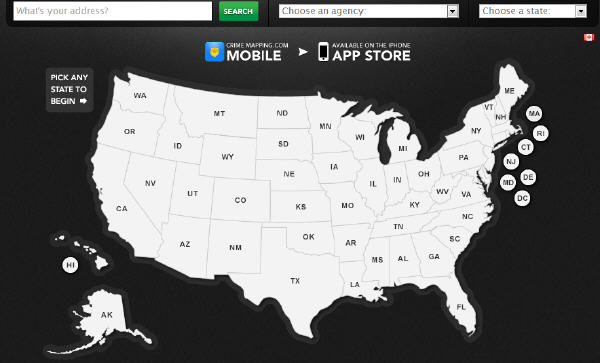
The Crime Mapping is an on-line digital map, which aims to help law enforcement agencies throughout North America provide the public with valuable information about recent crime activity in their neighbourhood. It contains 15 kinds of crimes happened in the last 180 days in the USA.
The map has very good search function. You can enter your address to search the crimes around you, or you can press each state and then choose the police to check the crimes in this area. This system also support to filter the data by "Crime Types","Dates","Address" and "Agencies".
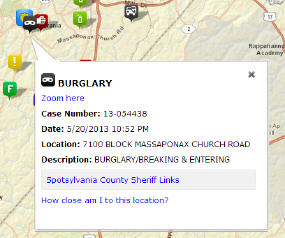
After click on each icon, a pop up information window will show more information about this crime, and you can also check the distance between this crime location to your place.
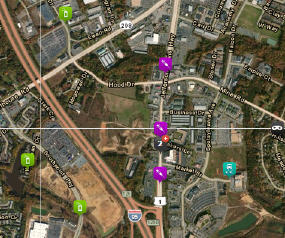
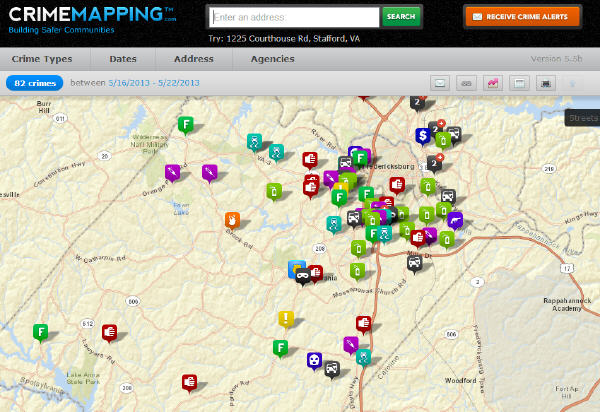
The layout of the map is very neat, and the icons used for crimes are very clear. The base maps are supported by ESRI, so it is possible to check the map in the styles of "Streets","Terrain" and "Labeled Satellite".
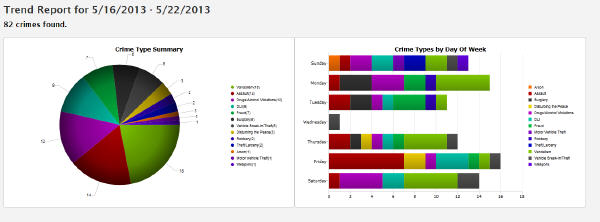
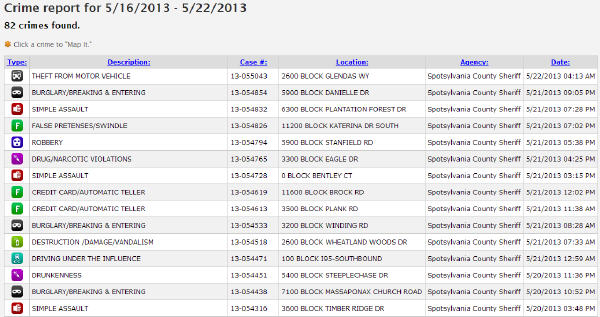
There is a very good summary of the crimes of your viewing area. You can check the number and time period, and get the crime report in table or the trend report in charts. Of course, you can share the link, email or print the map.
Amap - Austria Map By BEV
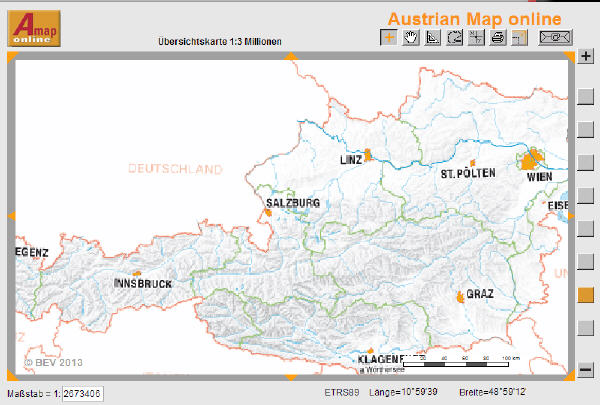
The AMAP Austria Map is an on-line map of whole Austria area. It provide scales of 7 levels, from 1:3 Million to 1:50000, and from the whole country to the street view.
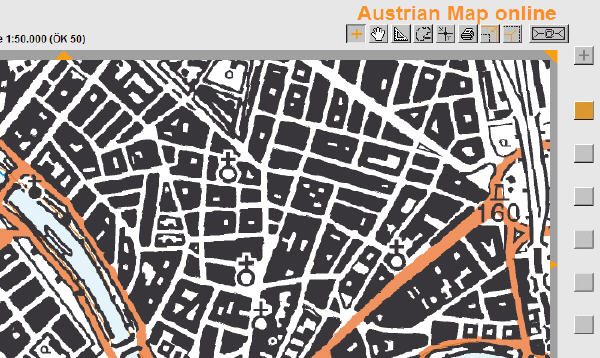
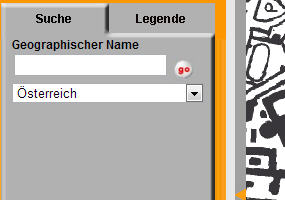
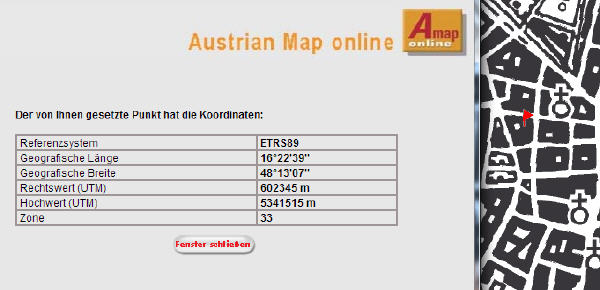
You can measure the distance, or get the coordinate of the points on the map. It also provide a simple searching function, but no association function.
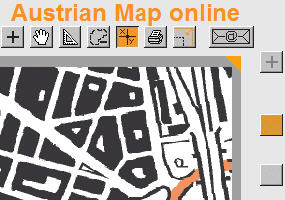
Because it doesn't use AJAX technology, so whenever using each function(zoom,pan,measure and so on), it always need to wait few seconds to load the new page. This map doesn't apply any interaction on the map, and it looks like a "printing paper map".
As conclusion, the usability of this map is not good, and only can be seen as the history of the development of digital map.
How to Improve Usability?
Because usability is about individuals' feeling, so it's kind of objective. But there is some principals we can follow to make a good usability:
- Good navigations
- Words with corresponding pictures.
- Try to think about your vistors' need.
- Effectively using the home page to show the most important thing to the visitors.
- Don't put everything on the home page.
- Uniform the whole website.
- Check and check again.
- Cooperate with each other to double check.
- Don't make one page too long, which will make visitors lose patiences.
- Think about the compatibility of different browsers.