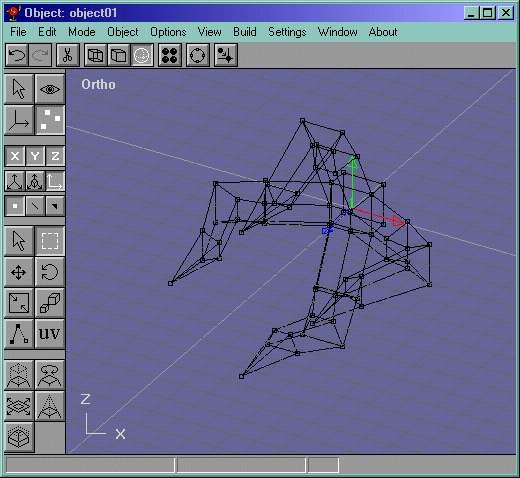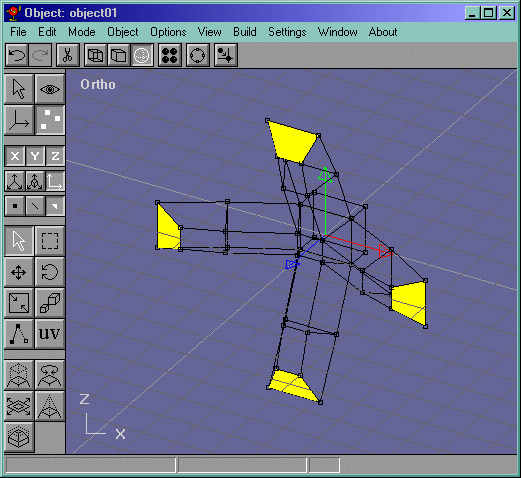
Now, extrude the faces again and rotate them like in Figure 5. Note, I selected each face individually and went into either the side view or top view and rotated it.
Figure 5
Now extrude that face again about as far as it goes in like in Figure 6.
Figure 6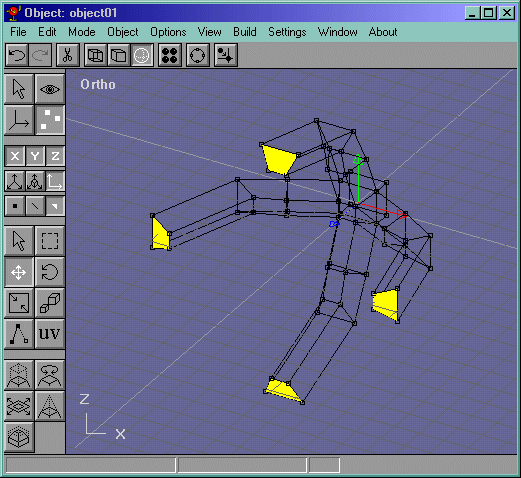
Now go into the side view and select the vertices that make up the most recently extruded faces. Figure 7
Figure 7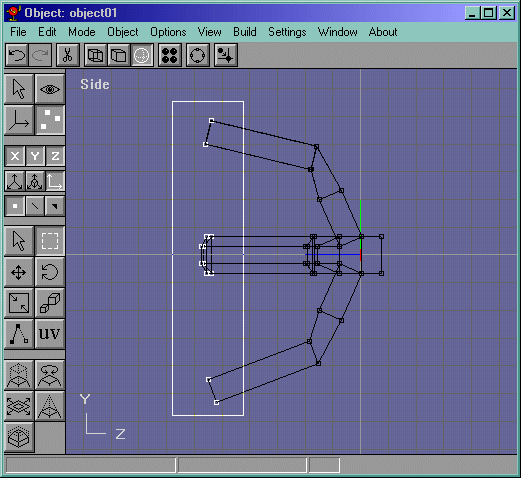
Now go into the front view and scale the vertices a bit like in Figure 8.
Figure 8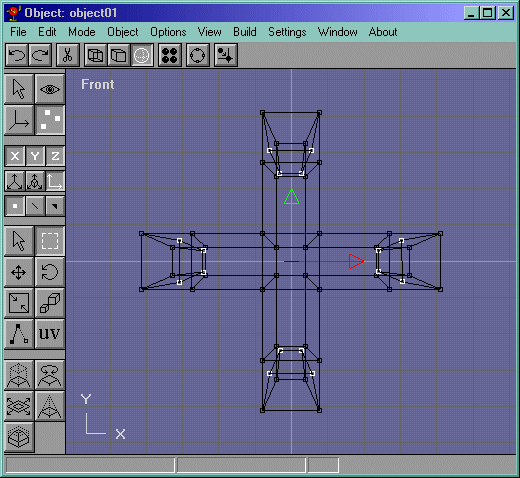
Now all you have to do is "Point" those faces and we are basically done with the claw!! Figure 9 shows what it should look like, roughly.
Figure 9