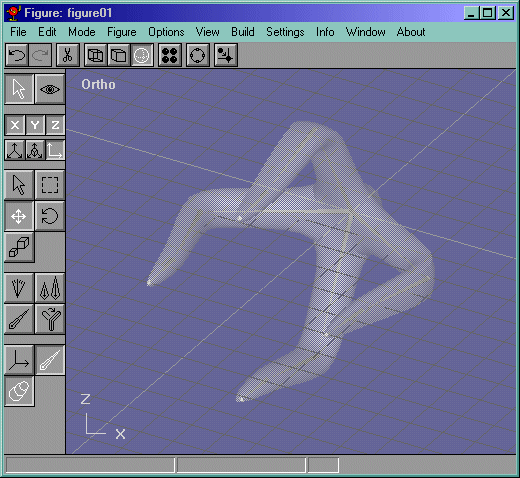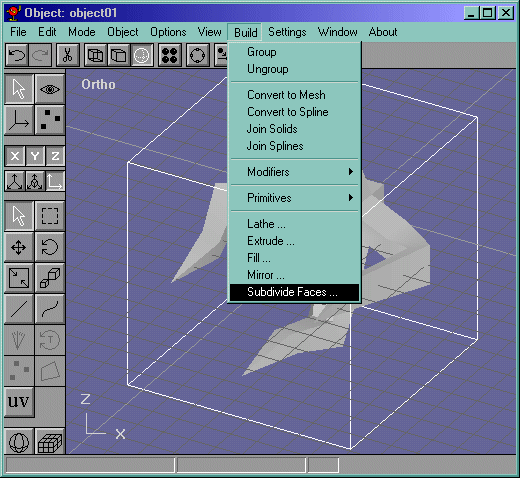
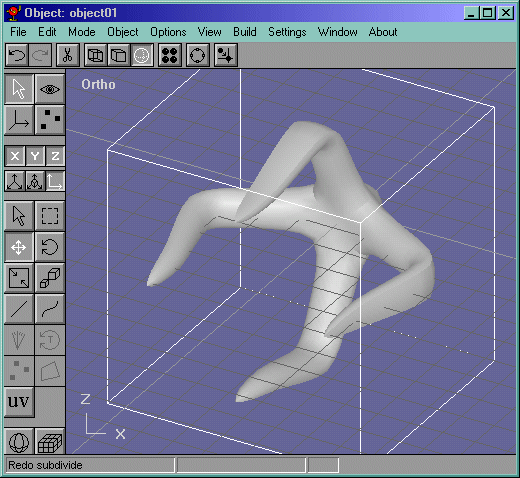
Now before we start making the skeleton, smooth the claw Figure 10 at a tension of .2 twice. It should look like Figure 11
Figure 10
Now go into the Figure editor and create a bone off of the root bone with any length. Now select the root bone and do Build->Add Object like in Figure 12. Choose "object01" , or whatever you named the object.
Figure 12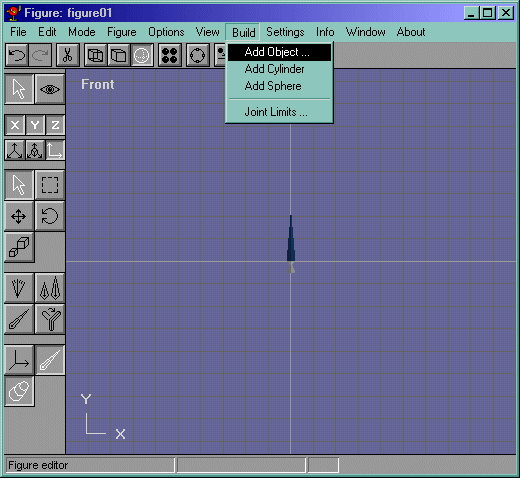
Now select the bone you made BRANCHING off of the root bone. (the place where bones meet is called the branch) Scale it so that it reaches the first "knob" of the claw. Now go into the side view and rotate it so that it actually goes inside the mesh. Figure 13
Figure 13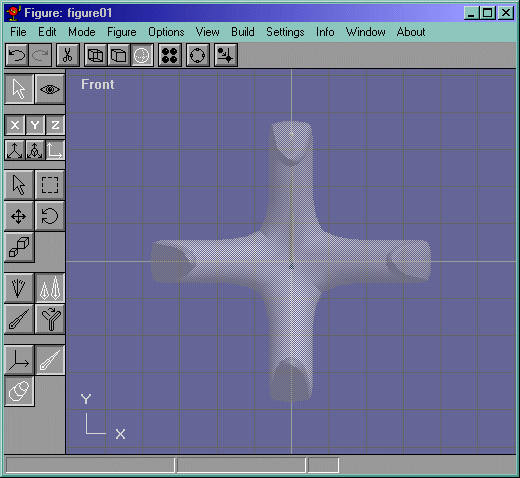
REALLY IMPORTANT: double click on the object (the claw) and it will bring up a property box. (Make sure you are double clicking the claw with the arrow button pressed.) Now check the box that says : "Allow Multiple Bones" like in Figure 14.
Figure 14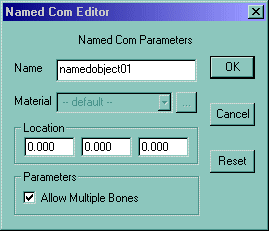
Now take the currently made bone and make a new one off of that one and rotate it to fit in the mesh like in Figure 15.
Figure 15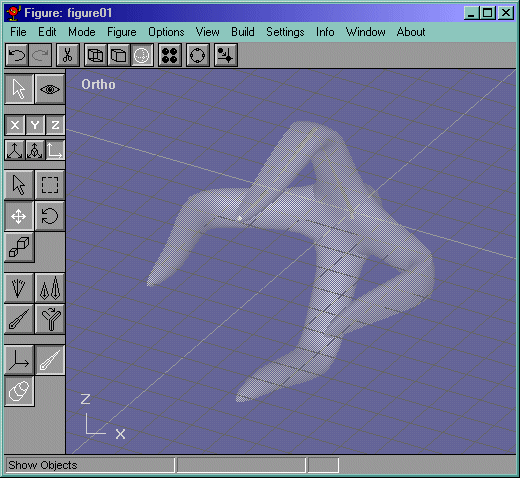
Now to finish the bone making,..well, finish it! It should look like Figure 16.
Figure 16