Devil Man Tutorial
Page 4
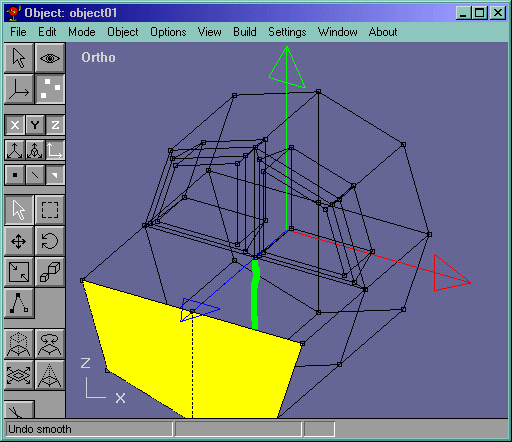
Now for the mouth part. Select the lower faces and extrude them out. We extrude them out far so that we can work in more detail like in Figure 8. Select the edge in green and delete it.
Figure 8
Now select the overlapping vertices 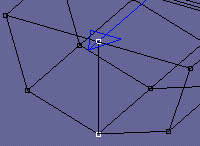 and merge them. Scale them down and move the vertices back so that we have a little rim to hollow out the mouth. Shown in Figure 9 is the next step. Now that you can see the little rim we created, extrude the faces again. Delete the selected edge and merge the selected vertices in Figure 9.
Figure 9
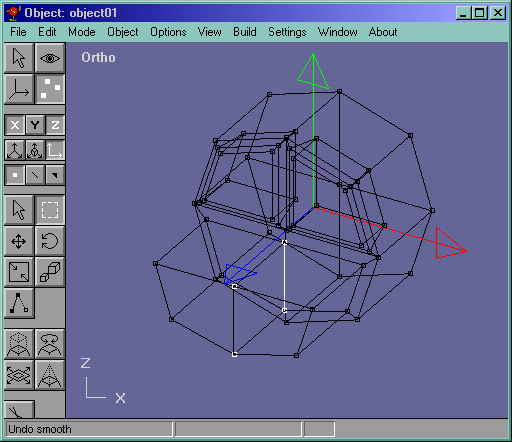
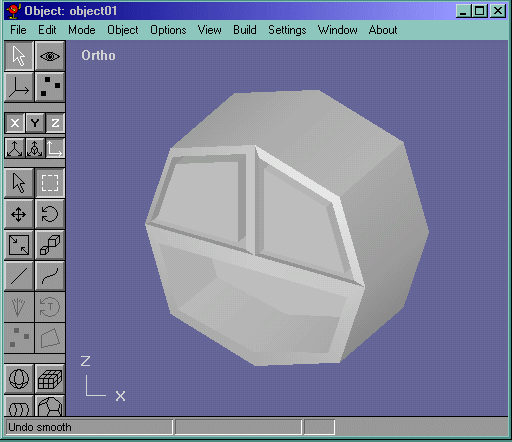
Here is what we have so far: Figure 10
Figure 10
 Next>>