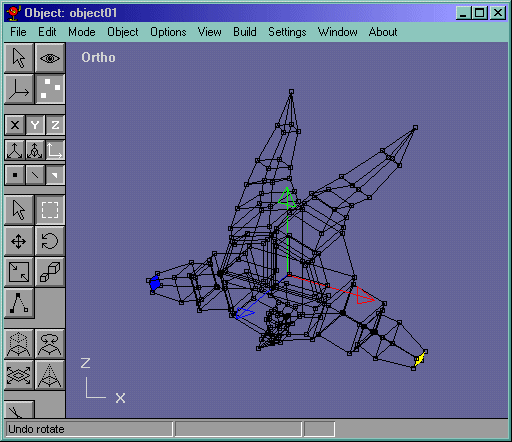
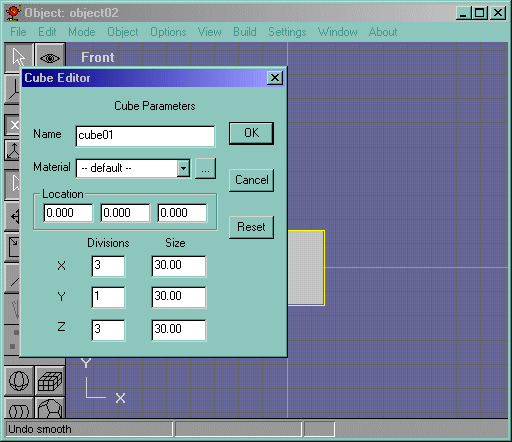
Now we make the Hand for our little Devil dude. Goto Object->New and make a box. I started at 0,0,0 location, 30,30,30 for the dimensions, and 3,1,3 for the segments. Convert it to an editable mesh with Build->Convert to Mesh.Figure 21.
Figure 21
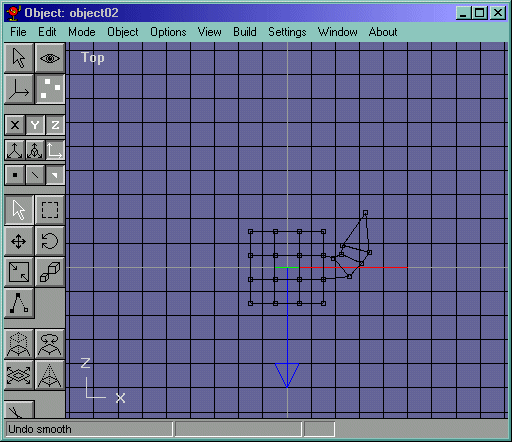
We then go to top view and extrude the thumb part like in Figure 22.
Figure 22
Now do the same for the 3 fingers. It should look like Figure 23.
Figure 23
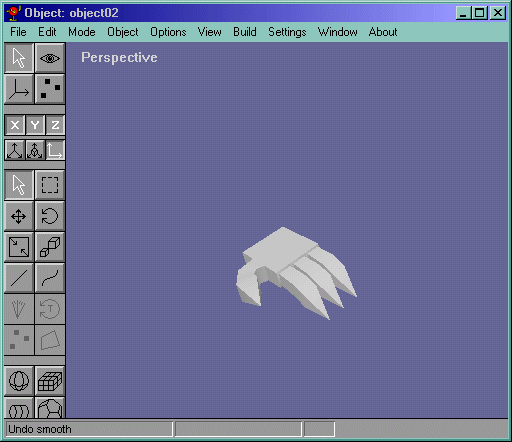
Now for the most important part of the hand modelling process. We take the bottom middle two edges of the hand (4 vertices and 2 edges) and move them away from each other until it looks like Figure 24.
Figure 24
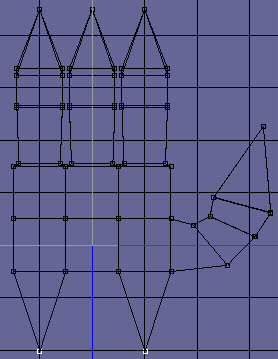
Unselect what you have and select the same vertices, but not the edges and merge them. Select the wrist face like in Figure 25 and delete it.
Figure 25
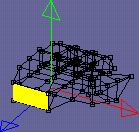
Now we prepare to put the hand and the body together. Go back to the body object (Under Object->"object1") and select the wrist faces and delete them. (you might have renamed the object to "hand" and "body", so you would do Object->"Body" instead.)These faces are shown in Figure 26.
Figure 26