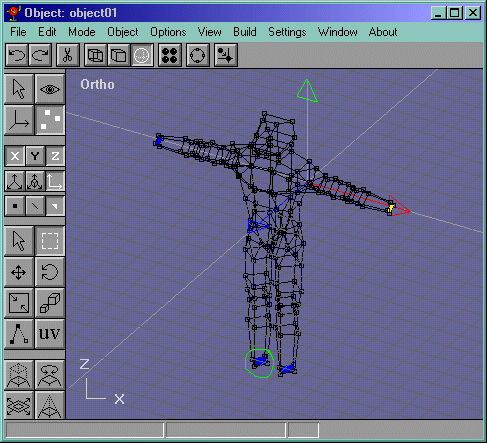
Now lets take a look at Figure 45. Select the faces shown and delete them, EXECPT the face circled in green.
Figure 45
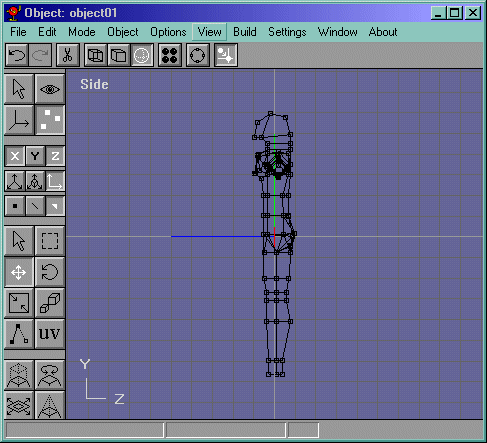
Go into the side view and extrude the face that you didnt delete down a bit like in Figure 46.
Figure 46
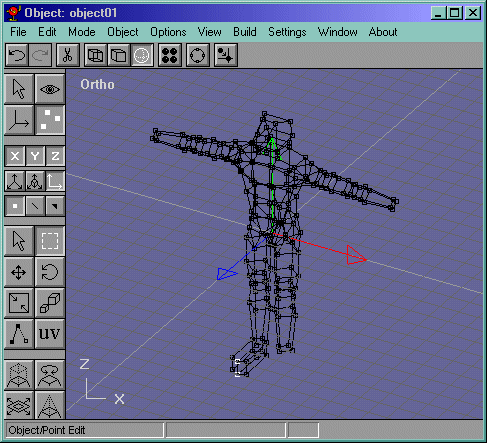
Now select the 2 faces facing frontwards in the ortho view and extrude them. Now select the edge where they used to meet and delete it. This edge is shown in Figure 47. You will notice that when you extrude the faces they go in sort of a v pattern when being extruded, this is because there isnt a connected extrude option yet in Anim8or, so I moved these vertices close together and merged them like in Figure 48.
Figure 47
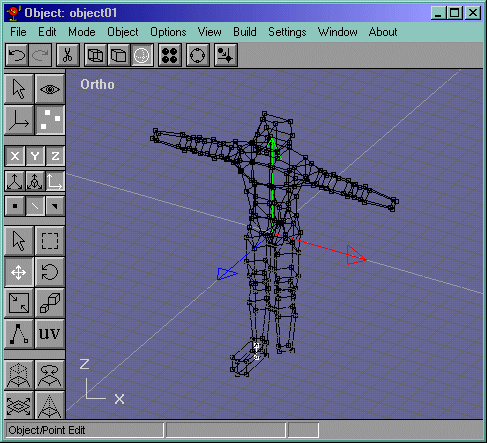
Figure 48
Now move the vertices shown in Figure 49 downward a bit in the side view. Now mirror the foot and join it to the rest of the body. Your model should now look like Figure 50.
Figure 49
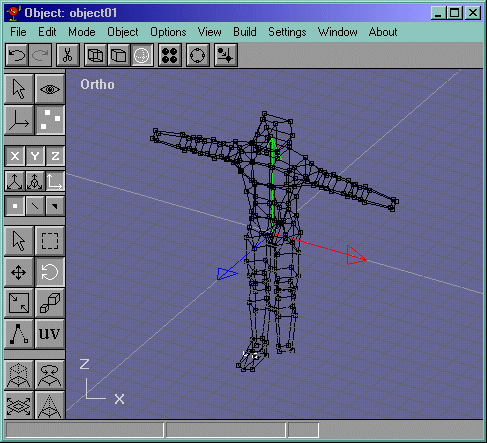
Figure 50
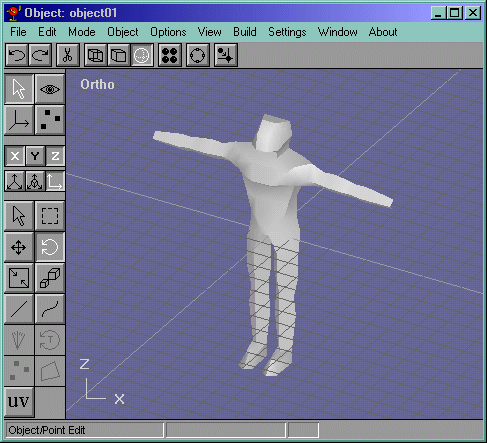
We didnt finish up the hands, so we'll do that in the next page, they are quite easy actually.