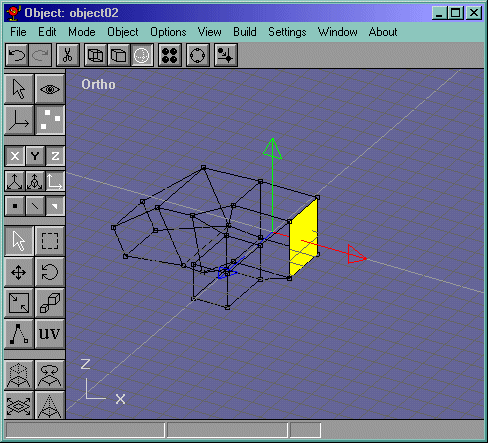
Make a new object like in Figure 51 and make a box and convert it to a mesh. You should have one like Figure 52.
Figure 51
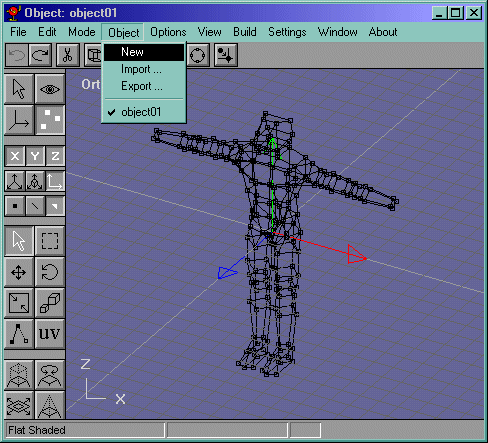
Figure 52
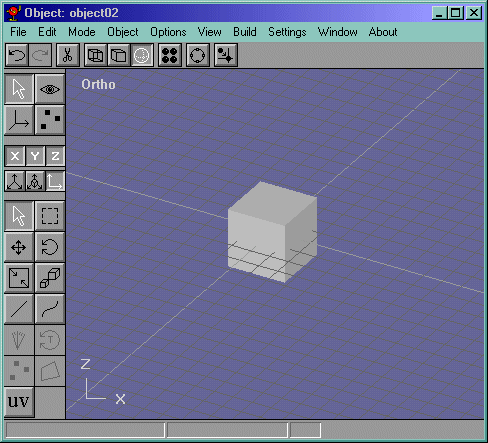
Go into the front view and select the side face and extrude it like in Figure 53 and rotate it by clicking the "Face Rotate" button and draggin the mouse up (or down if I am wrong) like in Figure 54.
Figure 53
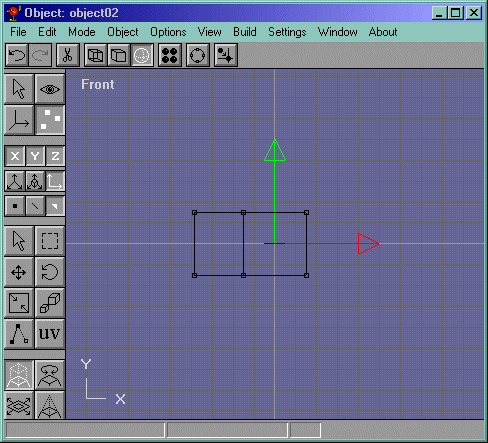
Figure 54
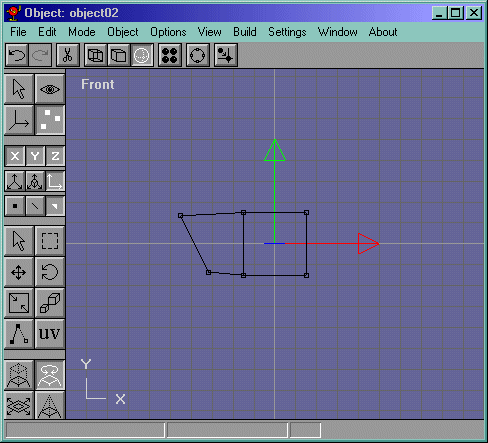
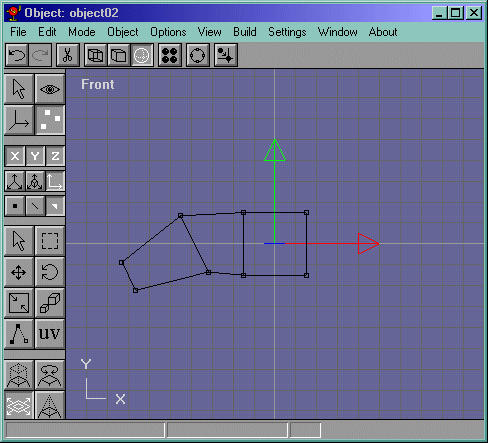
Now extrude that face and scale it like in Figure 55.
Figure 55
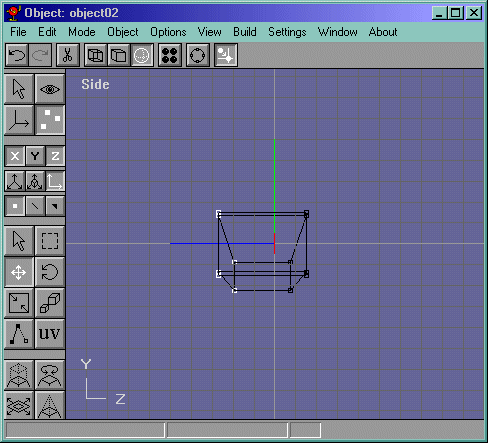
Now go into the side view and select all the vertices on the left like in Figure 56and move them to the left a bit so that it looks more like the width of a real hand like in Figure 57.
Figure 56
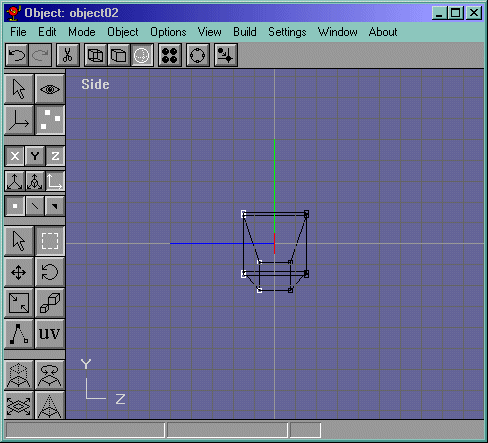
Figure 57
Now select the face shown in Figure 58 and bevel it so that it looks like Figure 59
Figure 58
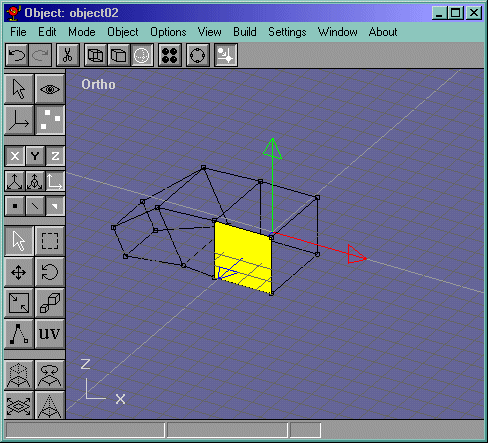
Figure 59
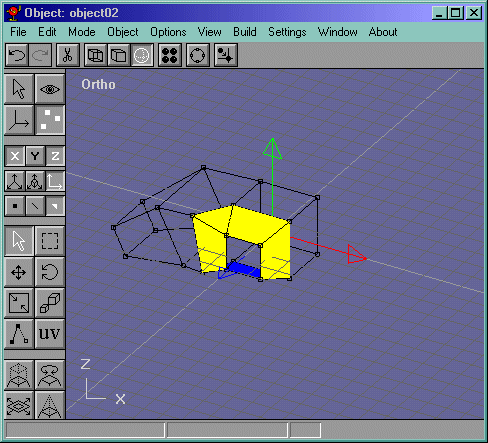
Now select the face that's in the center of all the faces selected after you bevel and extrude it so that the hand could have a thumb like in Figure 60.
Figure 60
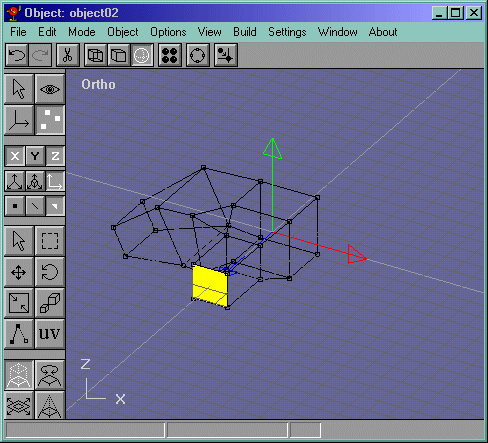
The last thing we do before we compose the hand and the body is to delete the face shown in Figure 61.
Figure 61