Now lets look at the buttocks area. Figure 36. See how it is kind of weird looking? Well lets edit that.
Figure 36
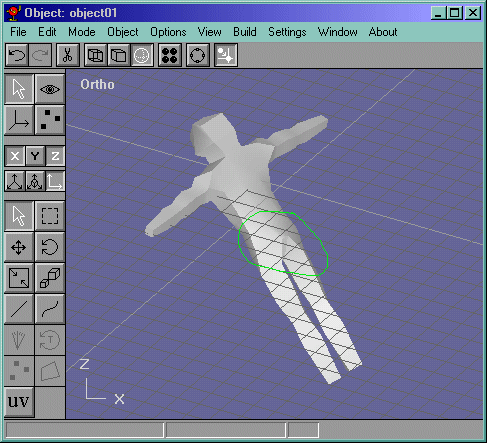
Lets go to the perspective view and rotate it to behind him. Select the faces shown in Figure 37 and delete them.
Figure 37
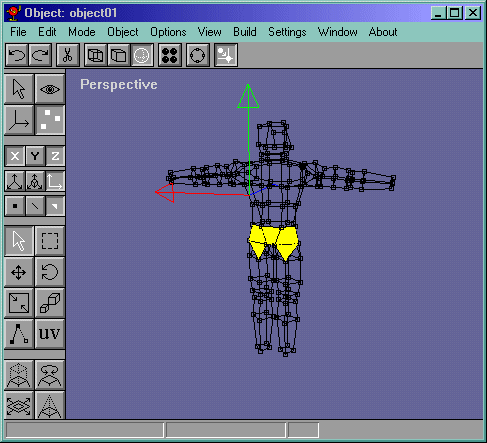
Lets draw 2 edges in a v position to the center of the edge shown in Figure 38. Branch it out one more like in Figure 39.
Figure 38
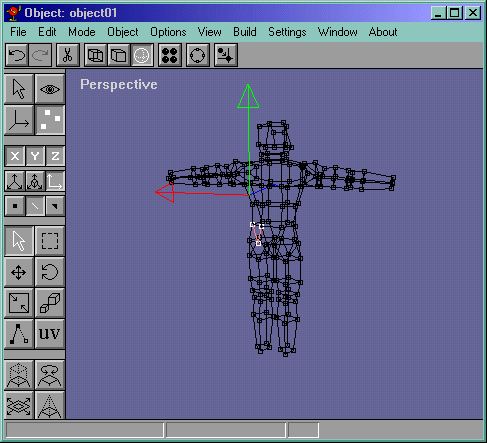
Figure 39
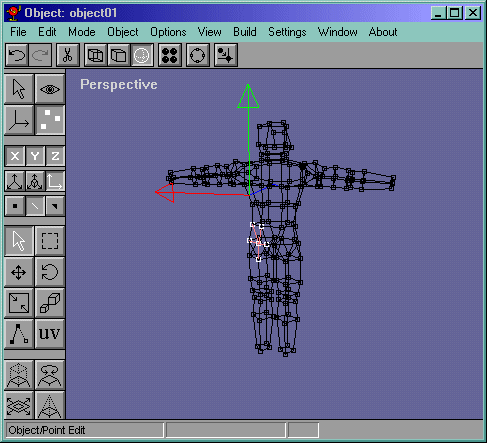
Now branch edges from the butt->lower back connection. Figure 40.
Figure 40
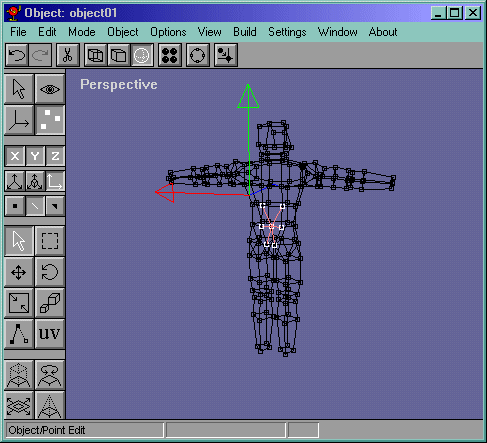
Now do what we did to the left butt to the right one and now select the edges like in Figure 41.
Figure 41
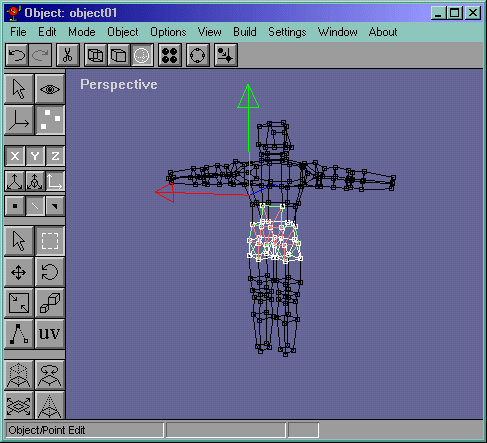
Lets delete the edges in Figure 42 and lets draw new edges to the opposite vertices and shown in Figure 43.
Figure 42
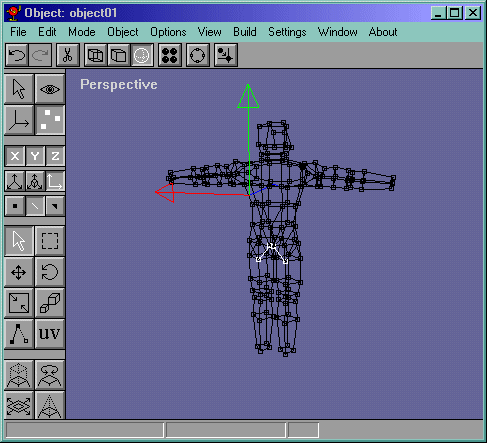
Figure 43
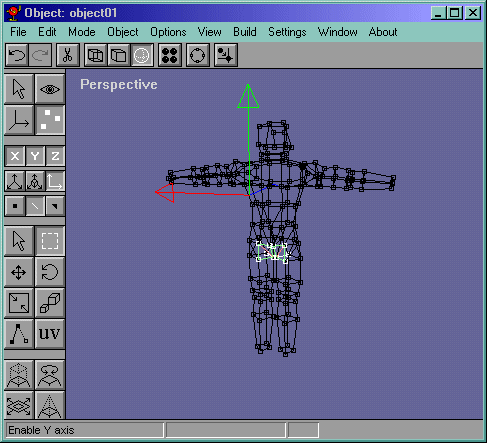
Look at it in the solid view mode. It doesn't look right, actually, it looks worse. So instead of turning edges to solve it, lets add some. Insert a vertex (by drawing an edge along the same edge, then delete the edge you are drawing against and connect the newly drawn edge with the vertex.) and connect the vertex with all the other vertices. Its kind of hard to explain, so look at Figure 44.
Figure 44
Enough for one page, lets make the feet and hand in the next page.