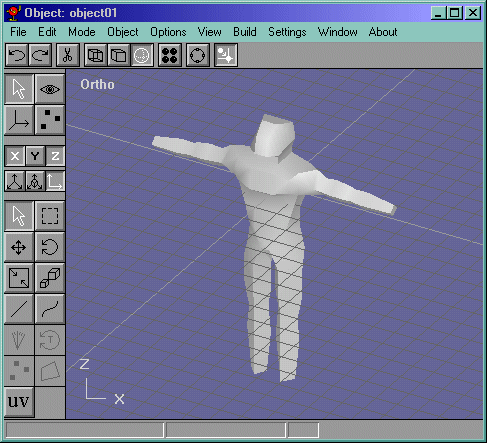
Lets do a little touch up now and make our guy a little rounder. Take the vertices selected in blue and in the front view move them outward a bit. Take the ones in green and move them inward a bit. These vertices after edit are shown in Figure 27.
Figure 27
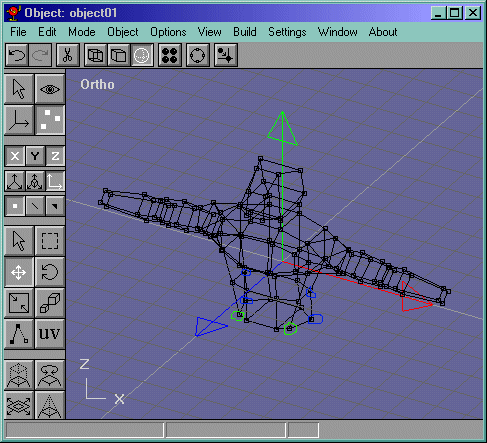
Now we make the legs! Select the bottom faces and extrude them like in Figure 28.
Figure 28
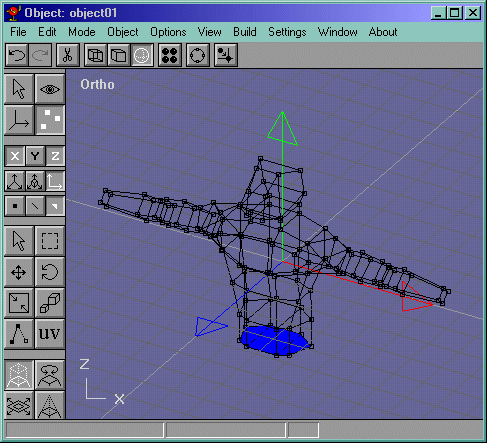
Now select the edges that were in the place of our last "surface" and delete them. They are shown here in Figure 29. Also select the 8 vertices that need to be merged that are right on top of each other that appear to be 4. Also, these are shown in Figure 30.
Figure 29
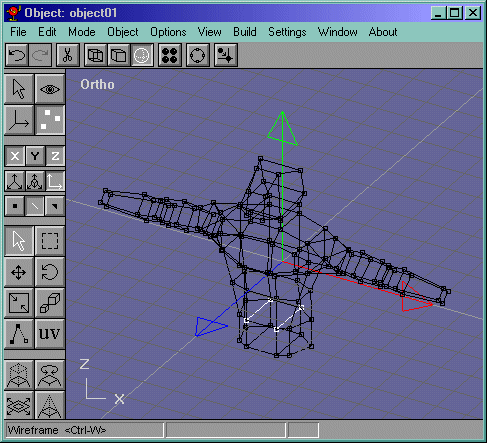
Figure 30
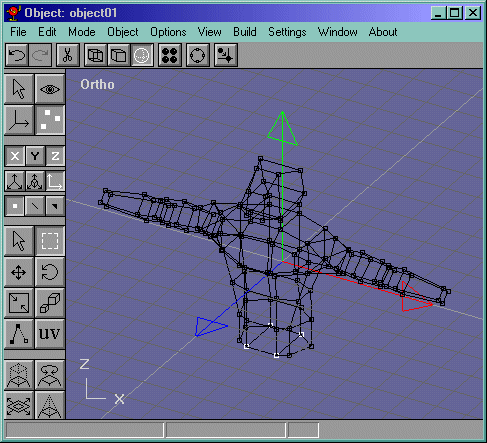
Before we go on, take those vertices that we just merged and scale them in a bit so that it looks like a triangle.Now we do the same thing we did to the arms to the legs. Take the left face and extrude it down. Delete the edges and draw new ones. Now select them and do Edit->Fill Holes. These edges are shown in Figure 31.
Figure 31
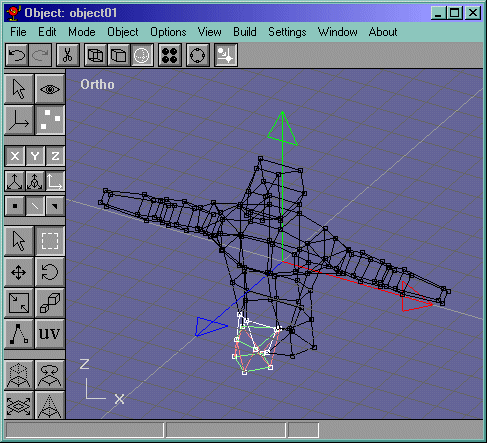
Now extrude that down once and again, scale that one, extrude it again and once more. Now take the back "Calf" vertex and move it back to show more muscle in the leg. It should look like Figure 32.
Figure 32
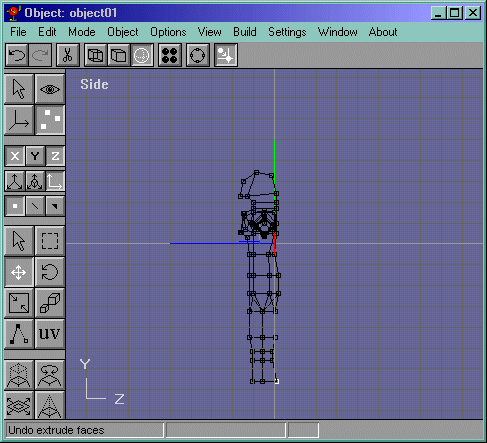
Now go into the front view and take the side vertices of the calf and move them out a bit. Your leg should look like Figure 33.
Figure 33
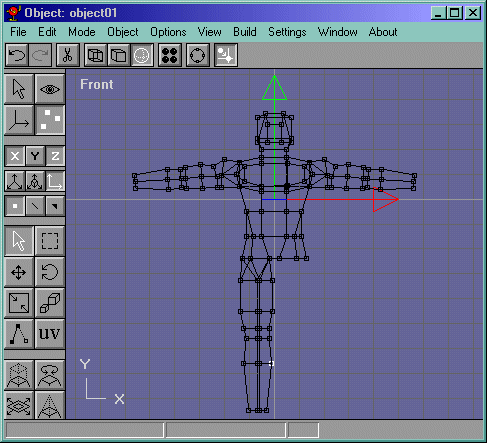
Now mirror the leg. (Actually, you should know by now, but you mirror the whole object and delete the rest of the vertices, and then move the leg into place.) Its shown in Figure 34. Now join them by doing Buil->Join Solids and merge the seam vertices. It should look like Figure 35.
Figure 34
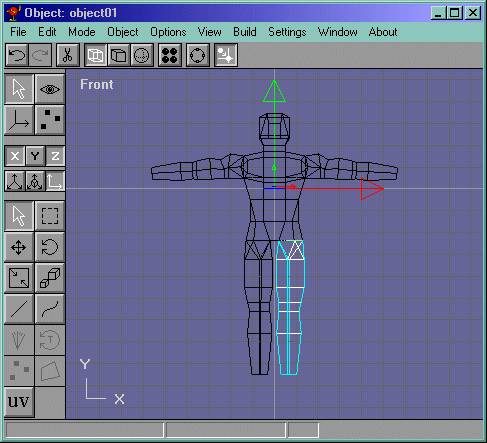
Figure 35