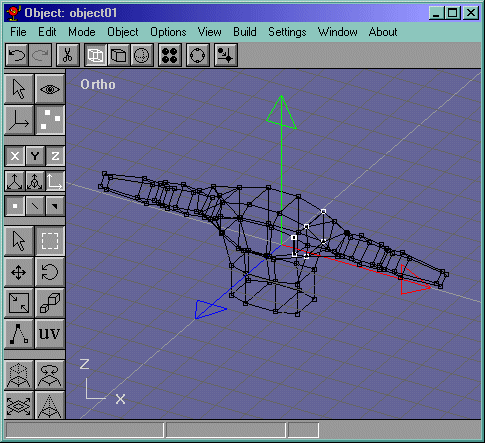
Now lets get that joining edge and try to divide it right in the middle. MAKE SURE YOU DELETE THE EDGE YOU ARE DRAWING OVER, but you can keep it there fo reference. Now connect all the vertices around it and fill them. It should look like Figure 21
Figure 21
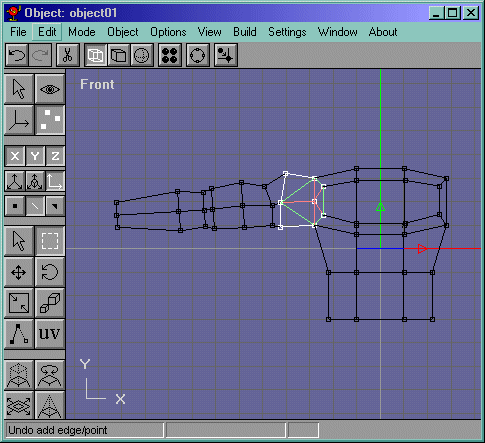
Go into the top view and move that vertex southwestardly like in Figure 22.
Figure 22
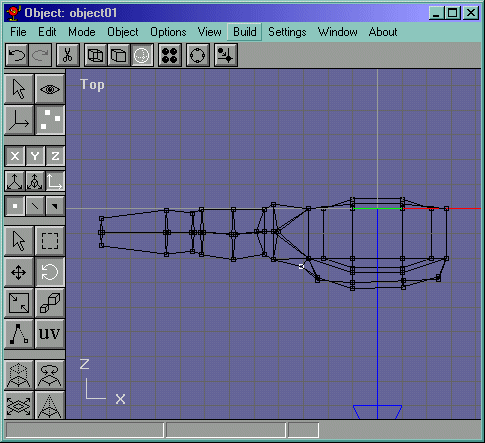
Now lets mirror the arm to get that done...select the object and hit mirror and mirror it on the x axis. select that object that was mirrored (can be selected by selecting nothing, then clicking on the left arm, right arm in our perspective.) Lock the y axis and move the object over a bit like in Figure 23.
Figure 23
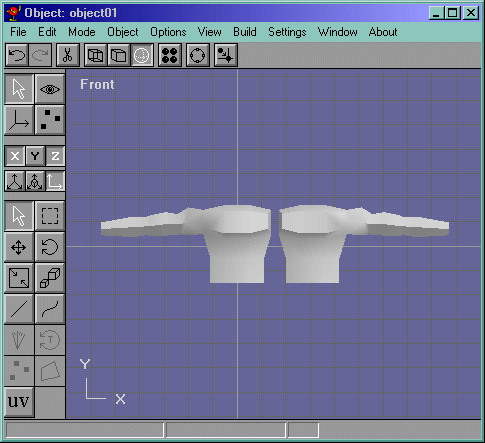
Now delete the rest of the body but be sure to keep the vertices that we created to make the arm-chest connection in the last page. Now select the edge shown in Figure 24 and delete it. Now go into the solid editing mode (where you can create primitives) and change the view to wireframe and go into the top view, not, with the mirrored arm selected and the y axis locked, move the arm into place where it needs to go like in Figure 25. Now select both of the objects and do Build->Join Solids.
Figure 24
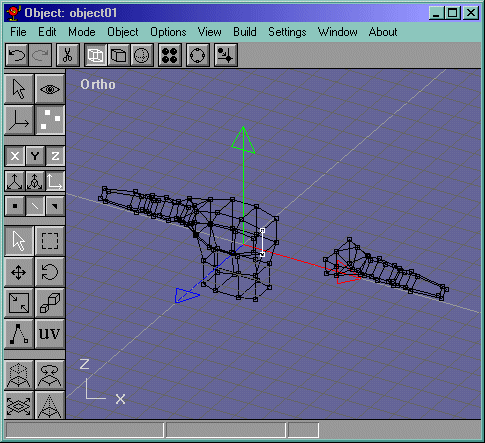
Figure 25
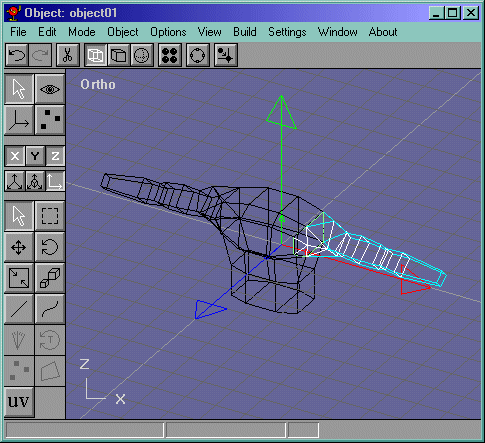
Now select the floating vertices and merge them. These are the ones shown in Figure 26.
Figure 26