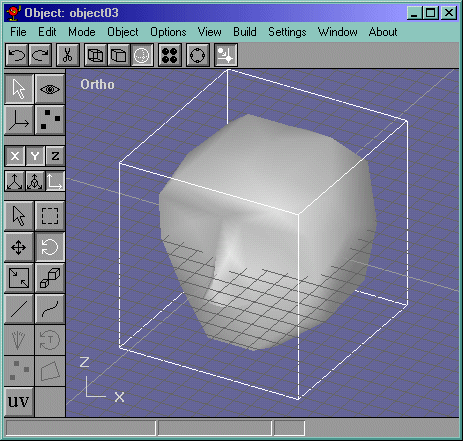
Now in th side view, select all the faces in the back and extrude them. Now select the edges in Figure 22. Now select all the vertices like in Figure 23 and merge them with .5, now 20. ;-)
Figure 22
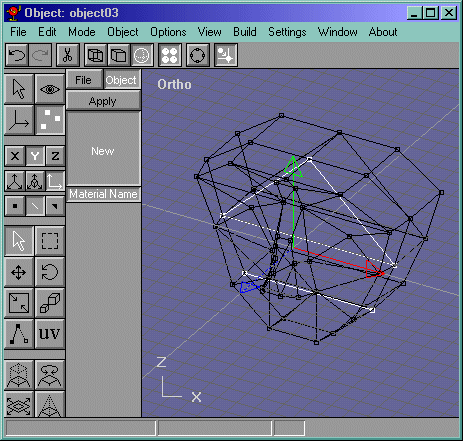
Figure 23
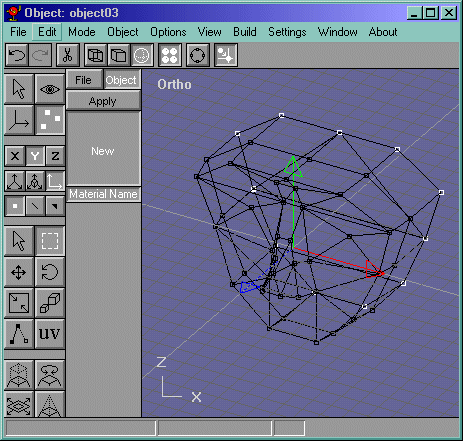
Keep on moving and extruding the faces, deleting the inside edges ect...And scrap, I forget how many times I extruded them, but I think 3 times. OK!!! START MERGING VERTICES!! We have too many faces right now and they need to be trimmed down. Start moving vertices to get them looking like Figure 24.
Figure 24
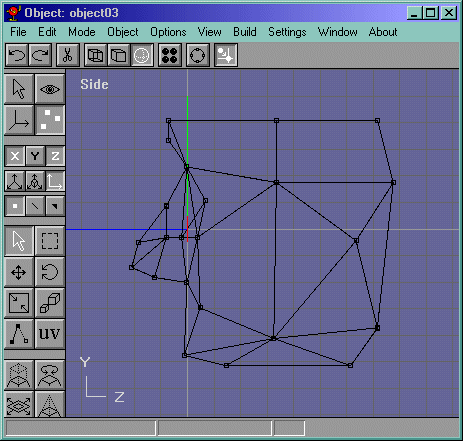
Now split the back faces right down the middle like in Figure 25. now select all the edges...blah blah...GUH!! Fill the Holes already.
Figure 25
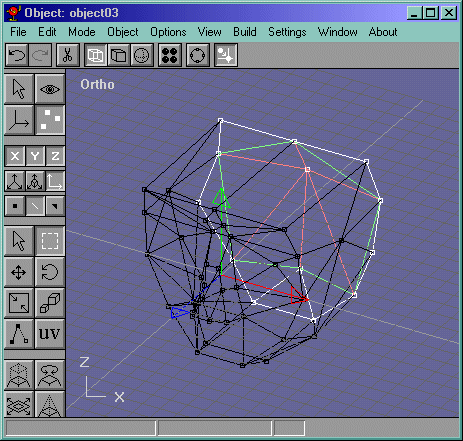
Now select the top faces and extrude them up and delete the inside edge. Now select the faces and in the top view, scale them a bit. Now move the vertices down. Select the edges that divides the face into 2 and delete it. Fill it, and "Point it" (Its right under the Face rotate button.) Ok, now, in the side view select ALL the edges that are selected in Figure 26. Now select the edges in Figure 27 and fille them. Select those faces and point them not too far like in Figure 28.
Figure 26
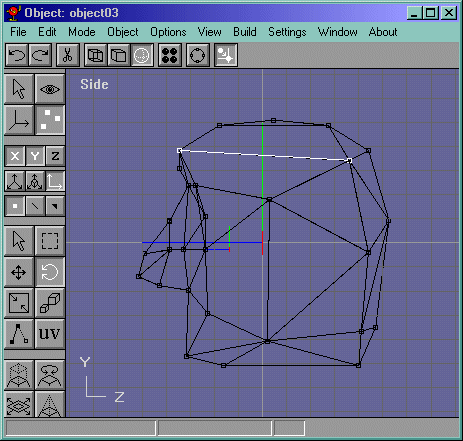
Figure 27
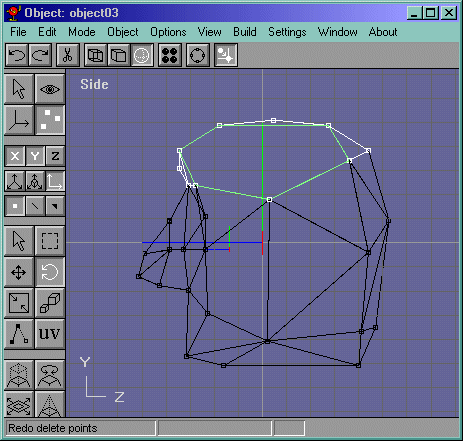
Figure 28
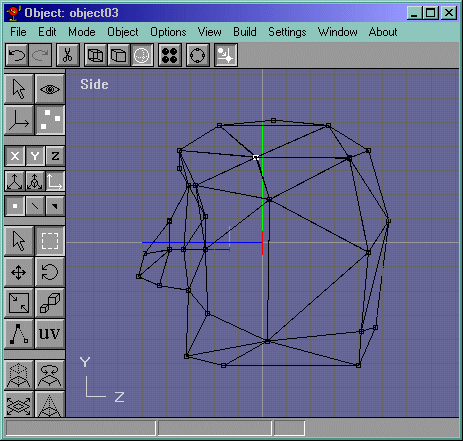
Guess what? Were done! It should look like Figure 29.
Figure 29