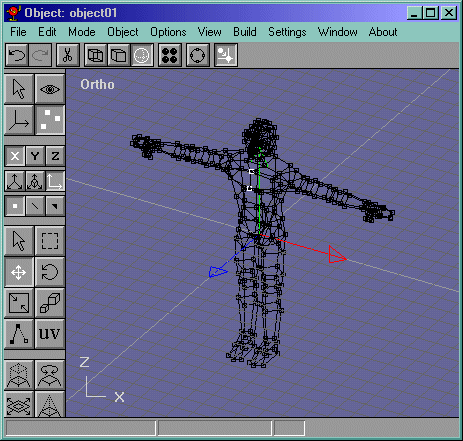
Select the head like Figure 30 and copy it. Now go to the body and select the place holder head like in Figure 31 and delete it.
Figure 30
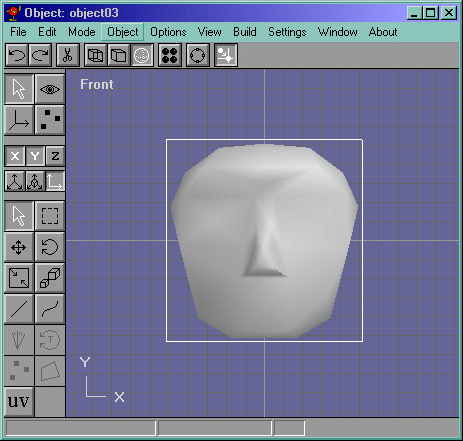
Figure 31
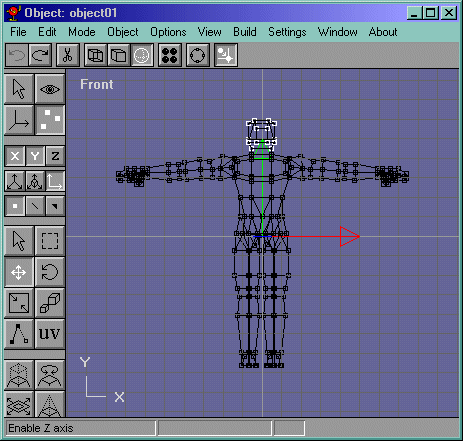
Now paste the head like in Figure 32. Now move the head up and scale it uniformally (the button with two boxes, one bigger and one smaller.) like in Figure 33. Now scale Non-Uniformally sideways so that the head gets more elongated like Figure 34.
Figure 32
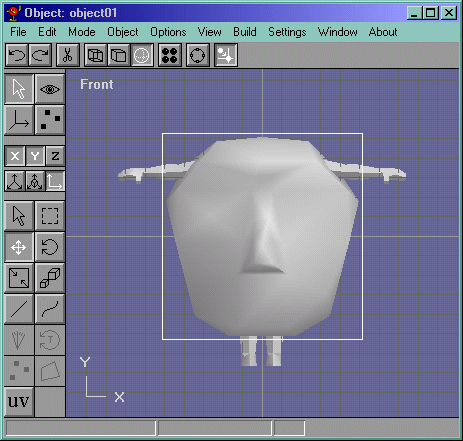
Figure 33
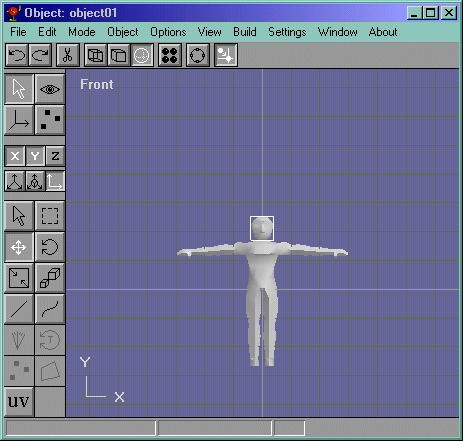
Figure 34
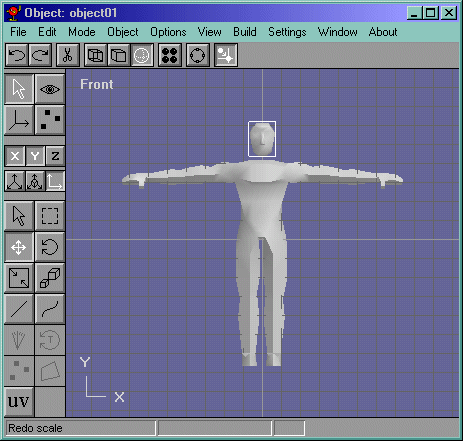
Now select the edge that makes the neck part of the head and delete it. (If you noticed that you dont have that edge, its because I exported the head to 3ds so that it gets triangulated. Then I imported it and ungrouped it.) So if you dont have that edge, just select the face, and delete it. This edge is shown in Figure 35.
Figure 35
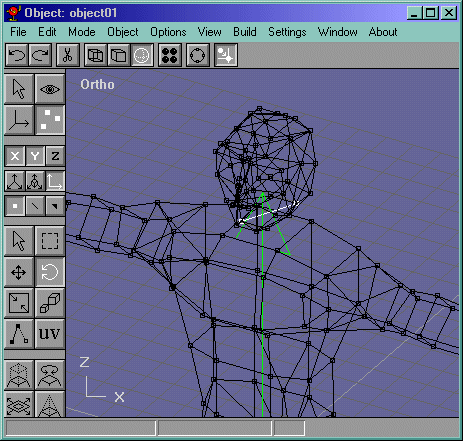
Now select the Head and the Body like in Figure 36 and do a Build->Join Solids. Now draw edges from the neck part and connect them to the neck vertices in the head and select them all like in Figure 37. Guess what? Our model mesh IS DONE!!! Our model looks like Figure 38.
Figure 36
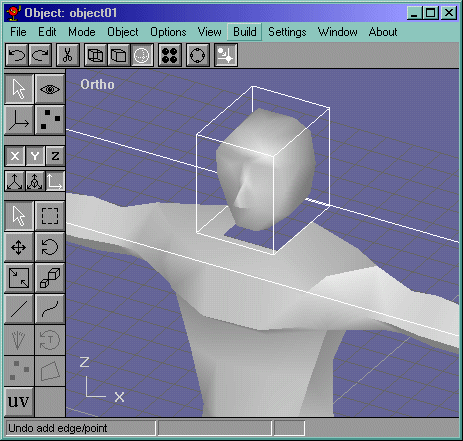
Figure 37
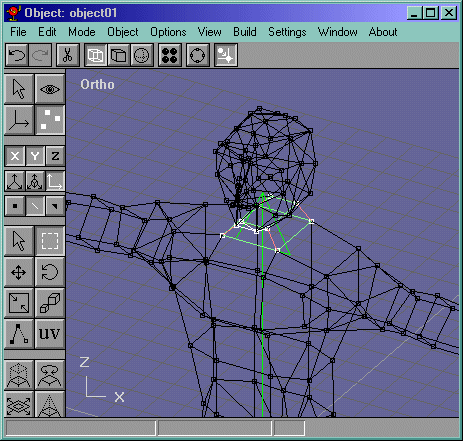
Figure 38
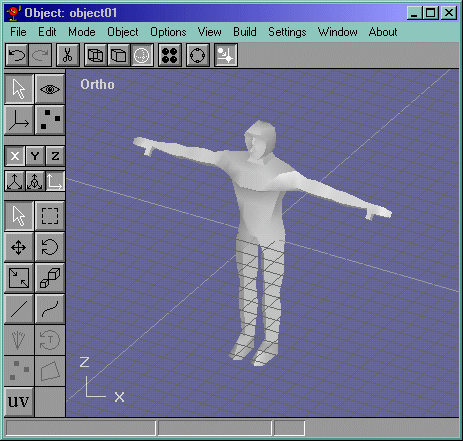
My model, unoptimized except at the chest, weighed in at 562 faces. NOT TOO BAD considering optimal face counts in Halflife are 750 - 800 faces. Try optimizing your mesh. Notice how I merged the 4 vertices in Figure 39? Remember what we did to the head to decrease the poly count and add more detail? Do that to the model. Play with the edge drawing tool to add more curves to the model. And PLEASE, keep your model under 1000 AT THE MOST
Figure 39