Ok, now draw edges like in Figure 11 and fill them with Build->Fill Holes. Do the same like Figure 12.
Figure 11
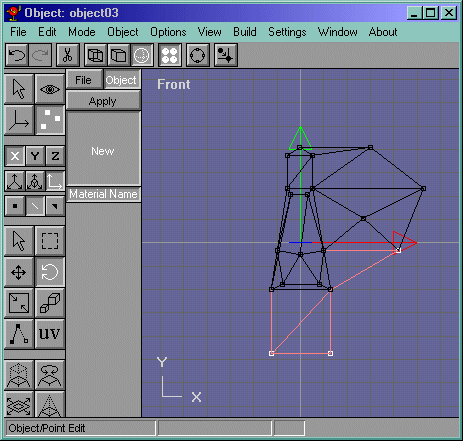
Figure 12
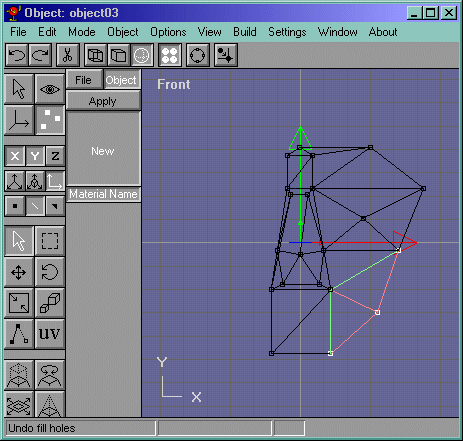
Now go to the side view and select the brow vertices and move them to the left a bit like in Figure 13. Your Face should look something like Figure 14.
Figure 13
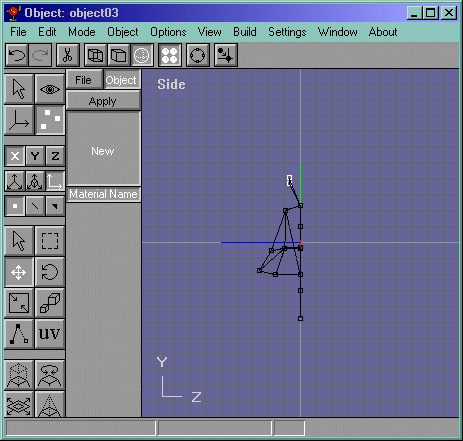
Figure 14
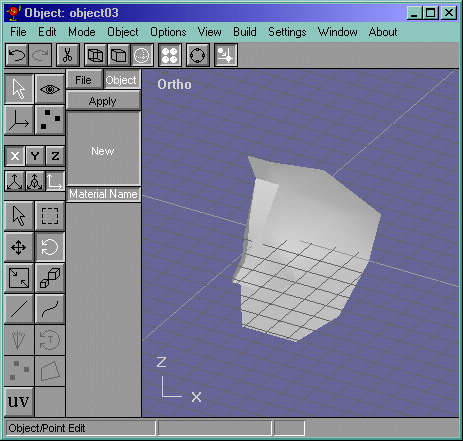
Ok now copy it like Figure 15 and...oops! not what I want to do now. Dont do that. Instead, mirror it and move it to the side a bit like Figure 16. Delete the nose area and move the objects together like Figure 17.
Figure 15
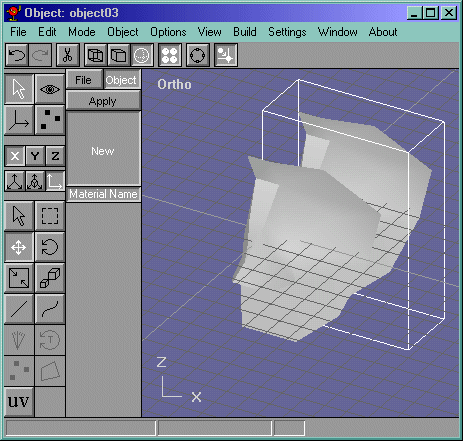
Figure 16
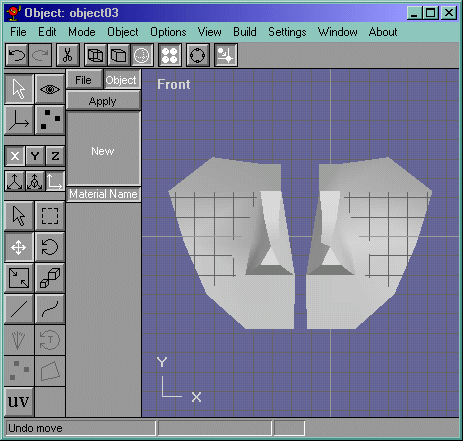
Figure 17
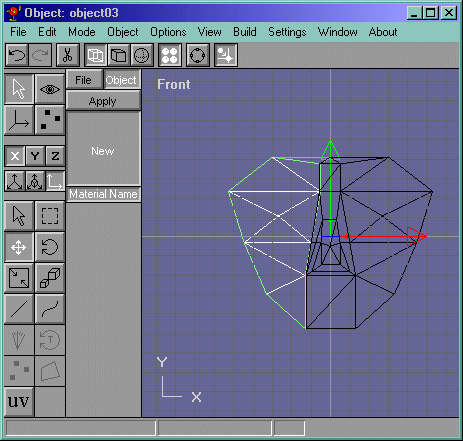
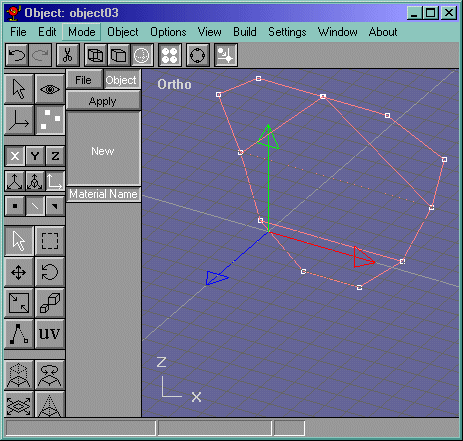
Now copy the face and move it back a bit and hide the original one. Now select the vertices shown in Figure 18 and delete them. Now draw the edges shown in Figure 19 and do Edit->Fill Holes.
Figure 18
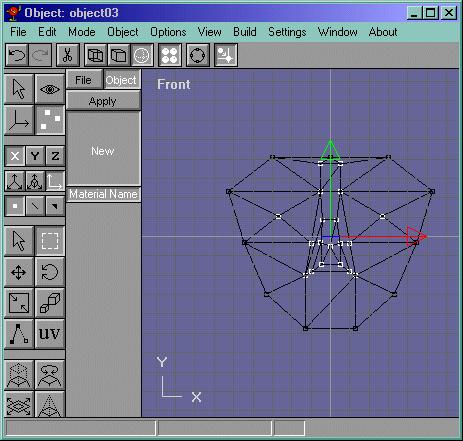
Figure 19
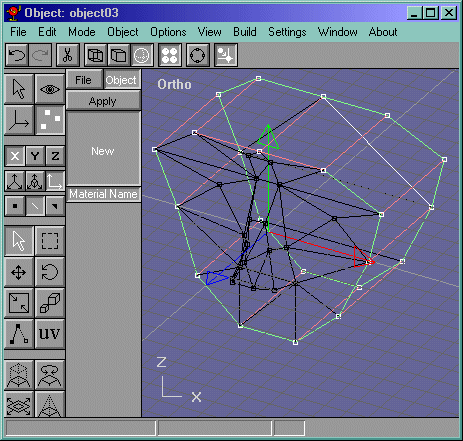
Now SAVE!!! If you havent that is... select both objects and join them with Build->Join Solids. Now draw edges to each corresponding vertices like in Figure 20. Select them all and Fill Holes.
Figure 20
Now go into the side view and select the vertices and move them closer to the face and scale them a little bit like in Figure 21.