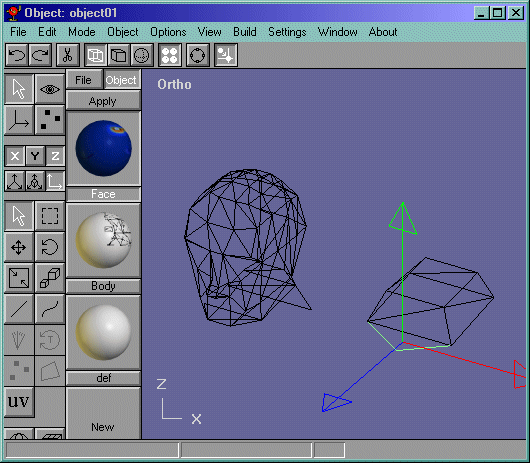
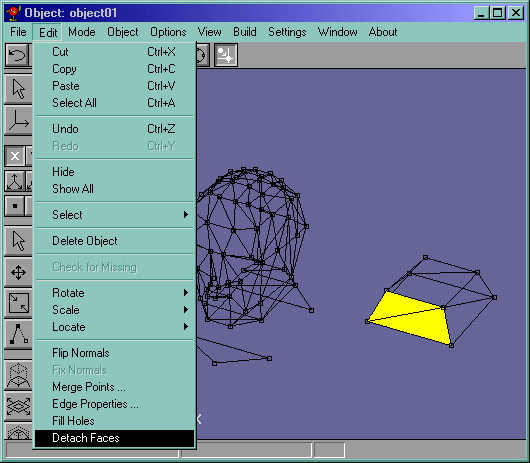
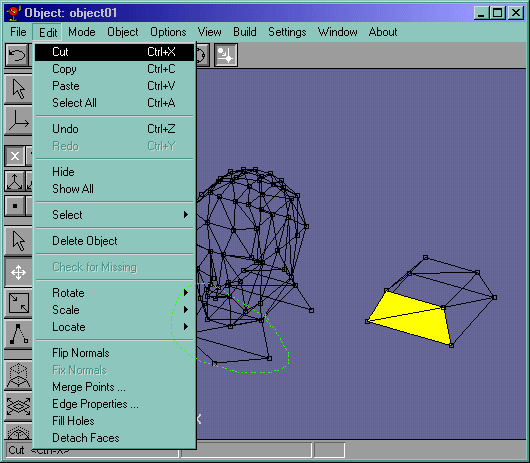
I have reassembled my head kind of without merging them together, just placing them together. All thats left is the neck area. Take the breastbone face and disconnect it like in Figure 13. Now move it into the reassembled head. Do the same to the neck faces like in Figure 14. Notice that when you disconnect the neck faces, those faces are still connected. Well delete those faces like in Figure 15 because they will cause problems later. (Notice I already moved those disconnected neck faces into place circled in green.).
Figure 13
Ok now select the edges shown in Figure 16. I looks like there are faces there, but remember, you already disconnected them as the front neck part and the back of the neck part. So delete them.
Figure 16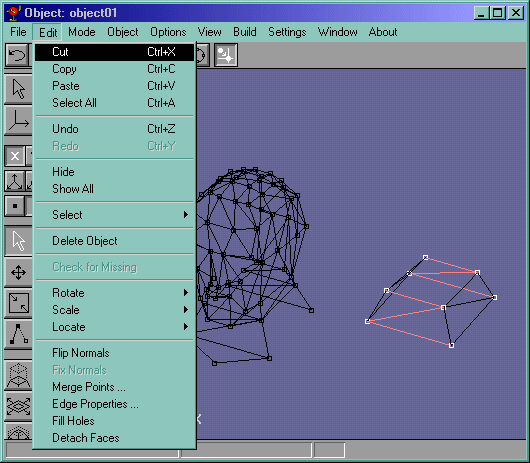
We are done! Wait, select the side of the face group (Figure 17) and mirror it and move it into place so that we have a completed head.
Figure 17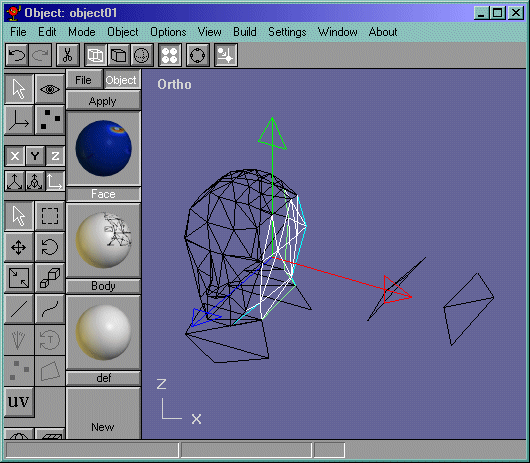
Now lets create the texture map and apply the UV coords!!