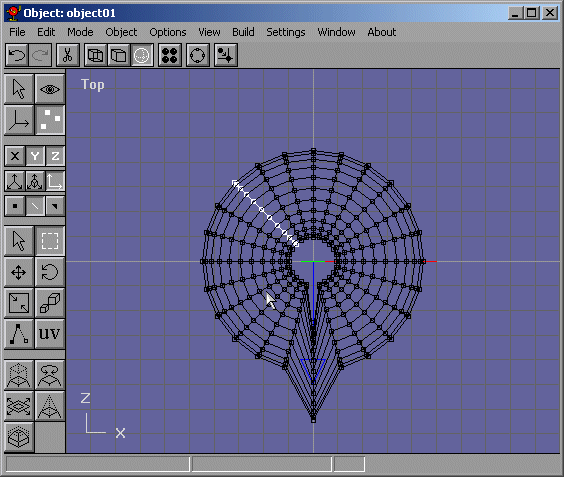
Lets say we want to select something. depending on what the model is, selecting what you want can be easy or hard. Anything parallel to the selection box will be a snap to select like Figure 1.
Figure 1
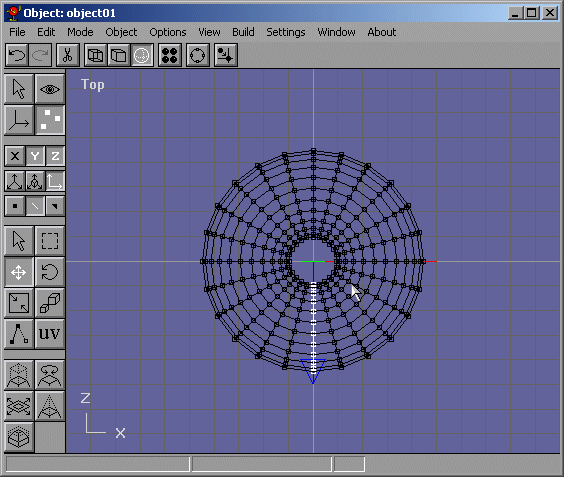
Easy huh? Ok I moved those edges down just for viewing purposes. Take a look at the row of edges that are under the cursor in Figure 2. I want to select them. but selecting them one by one or a little by little would take too long.
Figure 2
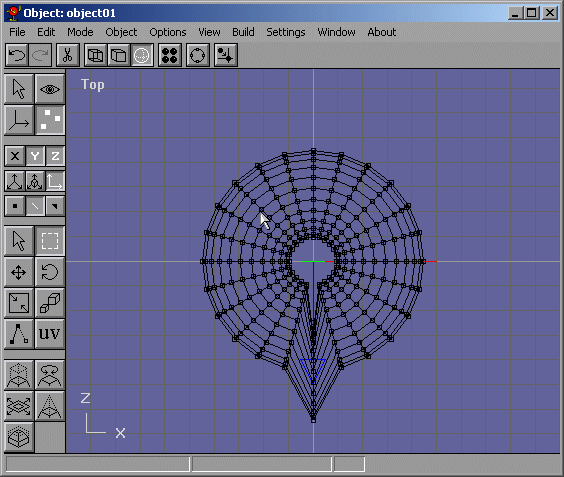
To do that easily, switch into Arc Rotate mode. Click on the outside of the arc, like where the mouse is shown in Figure 3.
Figure 3
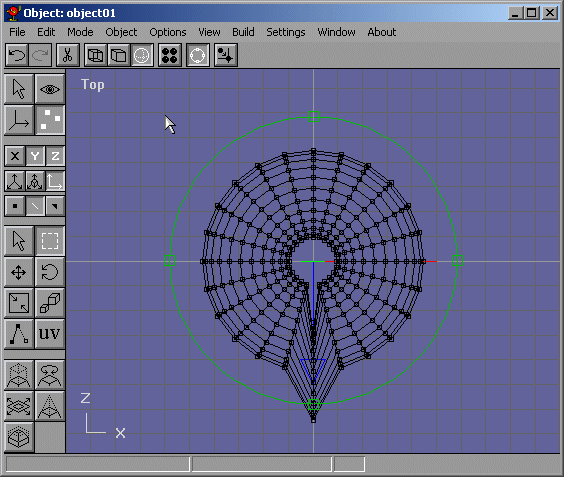
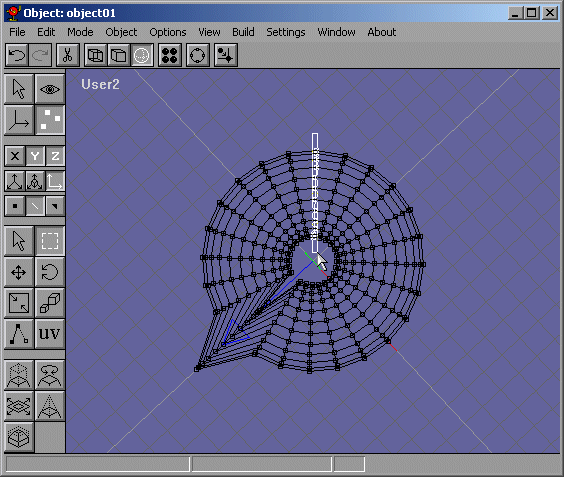
Now click and drag the mouse so that the row of edges line up verticall or horizontally. Notice how the view name changed to User2? Well I rotated the view about 45 degrees. Now I can select the edges I want. These edges are shown in Figure 4.
Figure 4
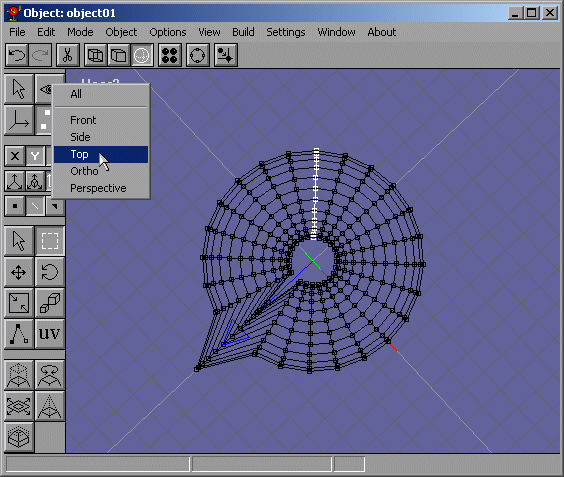
Now to go back to the view mode I was in before, I click on "User 2" and select "Top" like in Figure 5 because I was in the Top View.
Figure 5
Voila! Now I have the edges I wanted, selected and now I can do whatever I want with them. The selected edges are shown in Figure 6.
Figure 6