|
Lesson
three
For
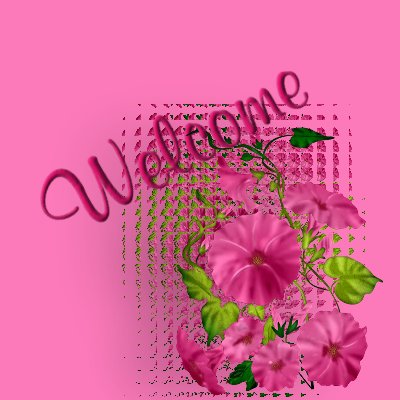
this lesson, I first made my Welcome
sign.
I
did this by duplicating my flower tube,
and then using the
texture
effects/mosiac glass effect until I was
happy with the result.
I
then applied a drop shadow to both
layeres, added my Text, and finally
merged all layers, and saved as JPG.
Next
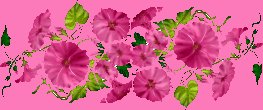
I made my page divider.
I
created a new image 500X300.
I
pasted one copy of my flower tube, on the image, and rotated it right 90.
I then pasted another copy of my tube,
and rotated it left 90. I
positioned them together, and saved as
JPG.
These
are the background tiles that I used on
my page.
I
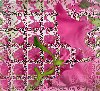
created the above tile by selecting part
of my welcome sign, and then applying
Selections/convert
to seamless pattern.
I
created the above tile by flood filling
a 100X100 tile with #FD7ABA, and then
applying
eye
candy/swirl/halva.

I
created the above tile by simply flood
filling a 100X100 tile with #FD7ABA.
(it
is the background, so I guess you can't
see it! :-) )

I
created the above gradient by having the
color #AA1054 on both ends, and the
color #9BBC1C in the middle, and playing
until I got the right effect.
Both colors where taken from my Welcome
sign.
I
then created my Buttons, in the same way
I created the Welcome sign.



Page best viewed at 1024x768
|