| File Folders |
| The following pages will show you how to make FILE FOLDERS, SUB-FOLDERS, A TEXT FILE, save the text file in a folder of your chosing, MOVING FILE, RENAME AND DELETING ALL OF THE ABOVE. |
 |
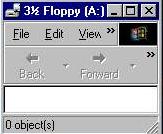 |
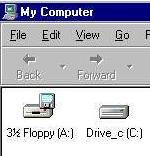
| Start by placing a 1.44 floppy disk in DRIVE A. Double click with the left mouse button on MY COMPUTER as shown in the graphic left. This opens the program where a double click again with left mouse button on 31/2 FLOPPY (A) opens the A drive as shown on the right. |
 |
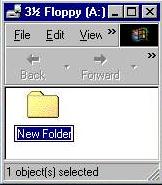 |
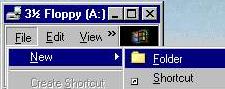
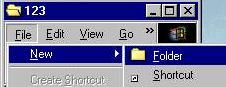
| Using the left mouse button a double click on FILE a click on NEW again on FOLDER give us the first folder as shown on the right. Notice the NEW FOLDER is highlighted. The first stroke of a key will erase those words. |
 |
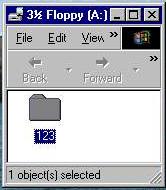 |
| I named the folder 123 as indicated on the left a double click on the new folder opens it up as shown on the right. I repeat my click on FILE, NEW, and FOLDER to make a SUB-FOLDER in the 123 folder I am going to give a name of ABC |
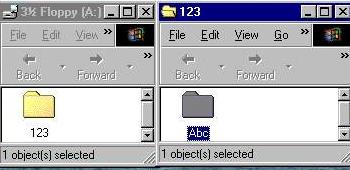 |
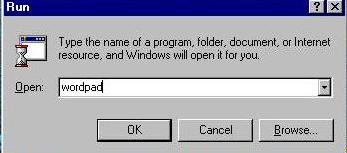
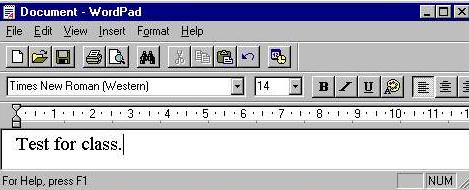
| Above we have made two FOLDERS. Now we will make a text file to place in one of those folders. A click on the word START produced a popup menu where a click on the word RUN type in the command WORDPAD PRODUCE the program wordpad as shown in the bottom graphic. My test file will read test for class. |
 |
 |

|