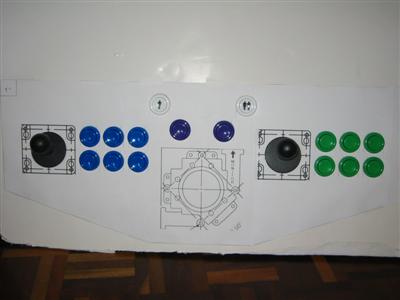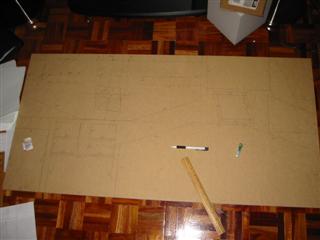




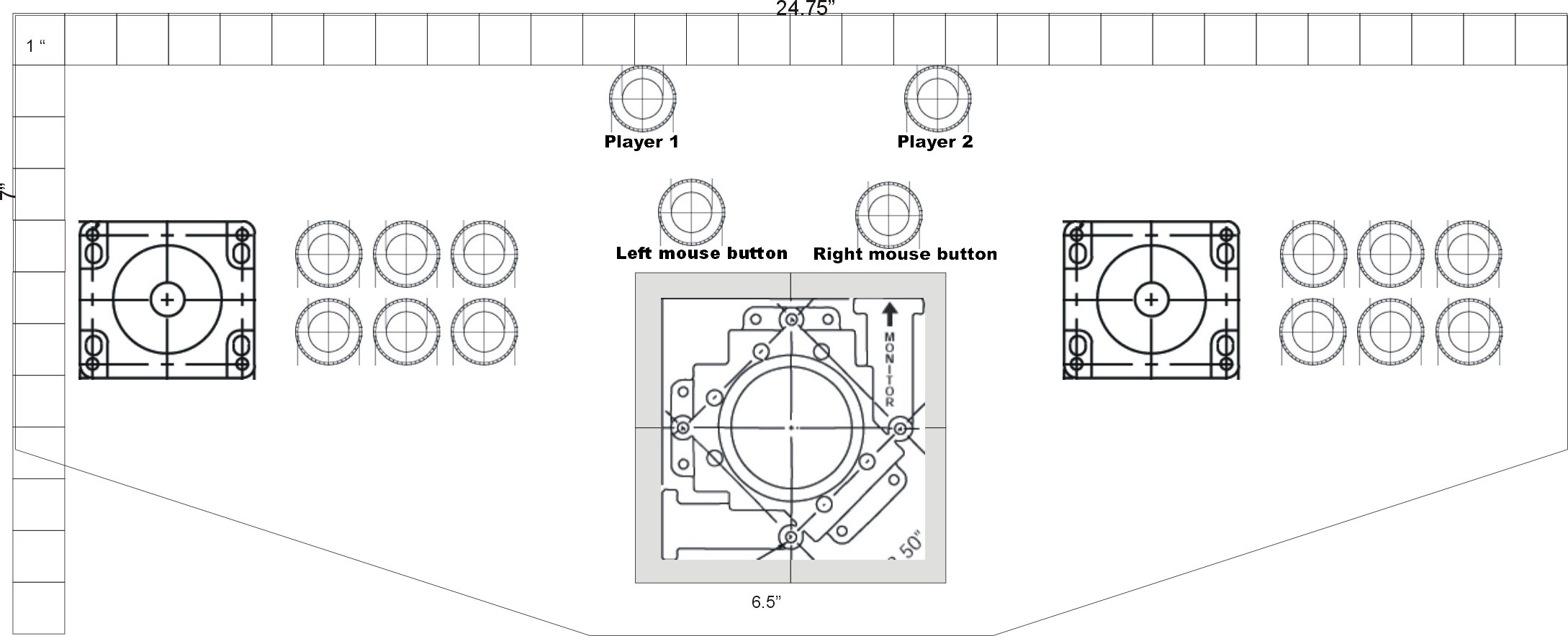
The 'To Scale' blueprints of the control panel (yes, I know the inch marker doesn't line up, but this is what I used, be-it I had to slightly move around the buttons....I will post the FINAL version of this soon)
Buttons
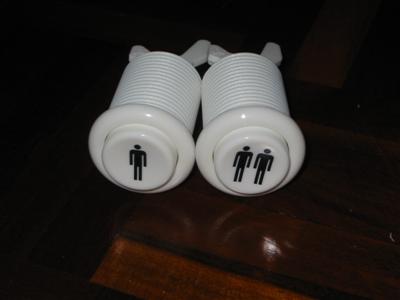
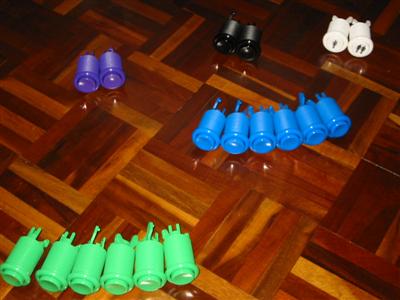
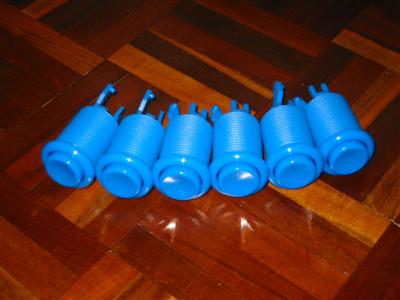
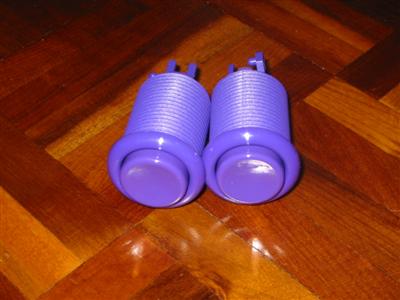
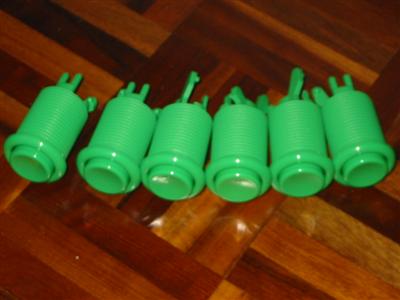
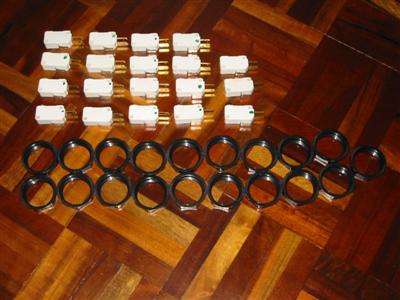
Player1 and Player2 buttons All 18 pushbuttons Black buttons - to be used on sides for pinball Blue buttons - player 1 buttons Purple buttons - mouse buttons Green buttons - player 2 buttons Got an extra switch and nut :)


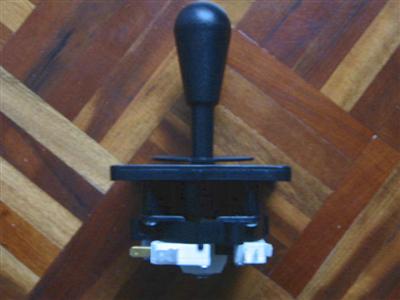
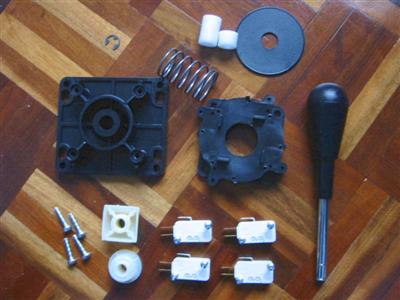
Joysticks
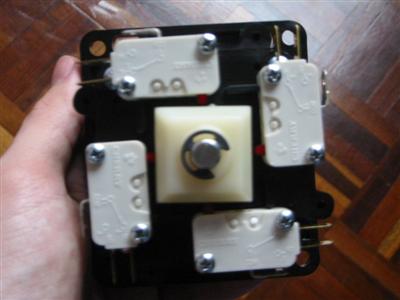
Joystick with 8-way adapter installed Joystick fully assembled Joystick fully disassembled


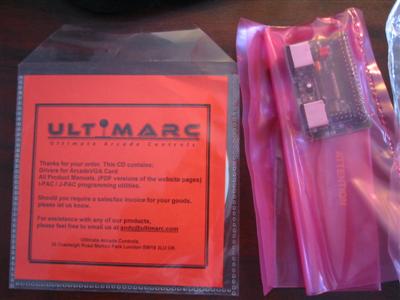
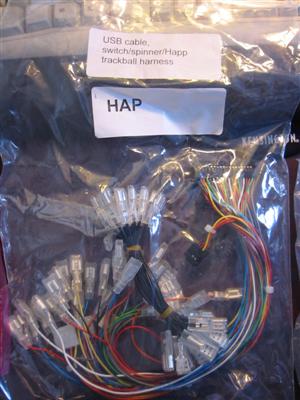
Ultimarc Order
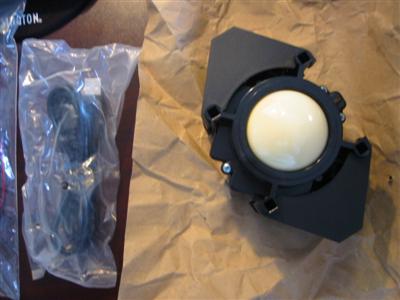
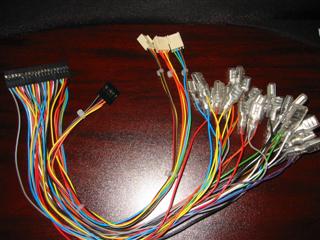
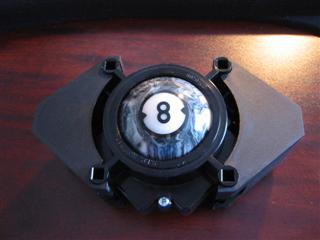
Minipac and ultimarc driver CD Minipac wiring harness (I ordered the HAPP one instead of the Ultimarc one) USB Cable & Ultimarc 2.25 inch Trackball Finally got the correct wiring harness...thanks Andy for your patience and help! Changed the boring white ball to a cool marble '8-Ball'


Control Panel Layout - Version 1
Version 1 - a bit too crowded!


CONSTRUCTION

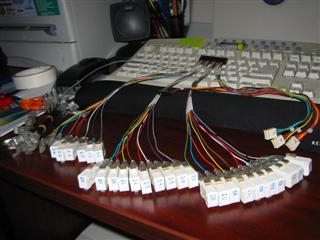
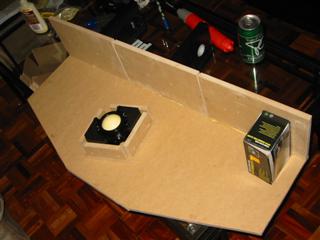
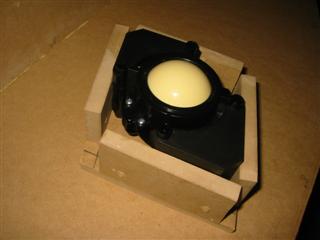
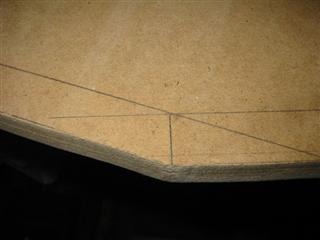
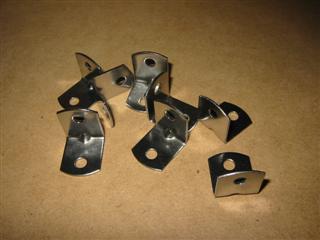
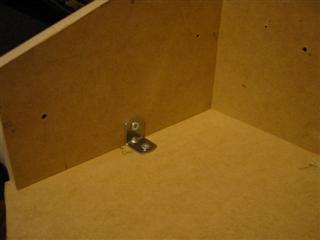
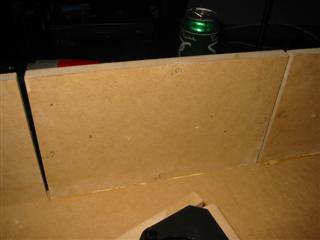
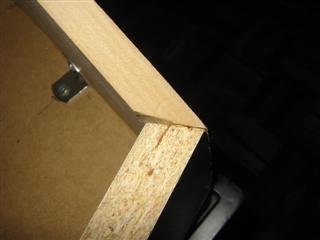
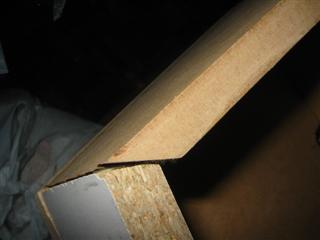
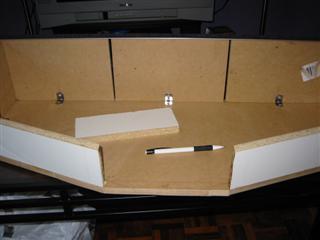
Sketched on the MDF...just need to cut it out Attached all the switches and labelled them all :S Starting to glue the back of the control panel To save $20 on a trackball mounting plate, I made my own out of wood! This is going to be weird to cut! 'L' brackets used for support See... Major measurement miscalculation (actually...this happened because of sanding, and a crooked jig-saw blade!) The best I could do given the crappy tools I had to work with! This one is even worse!...nothing some wood filler can't fix Just need the center piece.

Next up: Pictures of...

the control panel top
the hinges used to flip up the top
the control panel with all the holes and gaps filled
the control panel during painting
wiring the control panel
attaching the custom build trackball box
FIANL CONTROL PANEL PICTURE

Hosted by www.Geocities.ws

1