 |
|
|
|
|
|
|
|
|
|
|
|
|
|
|
|
|
 |
|
|
|
How to Fly Capital Ships |
|
|
 |
|
|
|
|
|
|
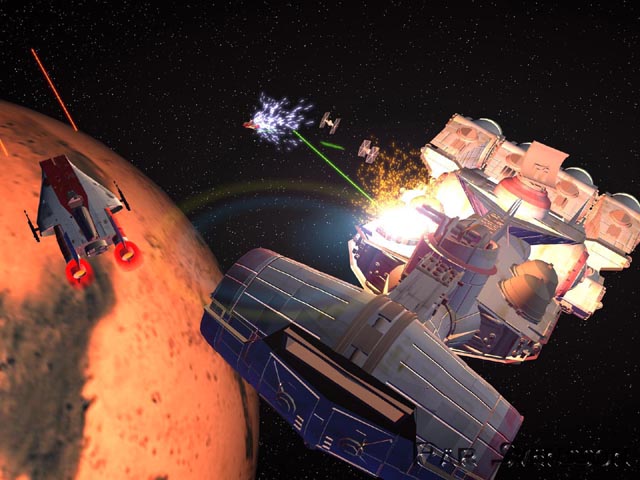
On XWA, you can't fly capital ships, Zero G Stormtroopers, space stations, and a lot of other stuff. If you follow these instructions, you will be able to fly capital ships etc. On XWA Star Destroyers are super slow, and the same with all capital ships. Also, their turrets don't work, meaning you have to link their 60 odd lasers to shoot frontwards. That is a problem because on XWA the capital ships are not manuverable at all. So you couldn't track a small fast object, such as any type of fighter, and it is difficult to hit smaller capital ships. But, you can take space stations and other Star Desroyers, Calamari Cruisers etc. |
|
|
|
|
 |
|
|
|
|
|
 |
|
|
|
|
|
|
Note: You can't fly as the Death Star, because in the four missions that it is in, it is only part of the backdrop, except for the last mission, where you get to fly in the trench. Don't change anything other than the Non-Flyable part, or you might mess something up. The "ships" that are entitled DontUseMe, leave them alone. They are for the ships that you can make with certain XWA game editors. |
|
|
|
|
 |
|
|
|
|
|
|
Step 1. Put the XWA CD in your CD drive. (Needless to say, this is a very detailed guide:-)
Step 2. Double-click on My Computer.
Step 3. Right-click on the CD drive.
Step 4. Click Explore on the menu that comes up when you right-click the CD drive.
Step 5. On the left of the explore menu, double-click the hard drive.
Step 6. Double-click Program Files.
Step 7. Double-click LucasArts.
Step 8. Double-click XWingAlliance.
Step 9. Scroll down untill you see Shiplist.
Step 10. Double-click Shiplist.
Step 11. For every ship that is Non-Flyable that you want to be able to fly, erase the Non-Flyable and replace it with Flyable (including the capital "F").
Step 12. Enjoy your handiwork. |
|