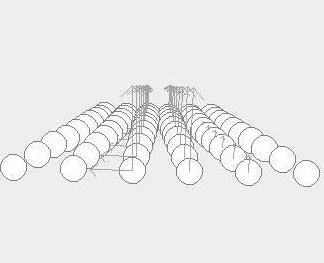
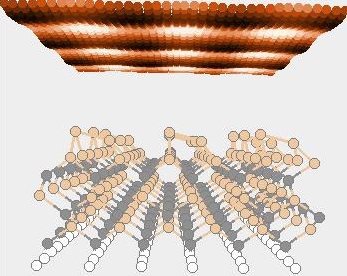
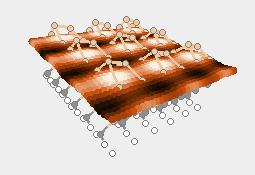
[
table of contents]
Options
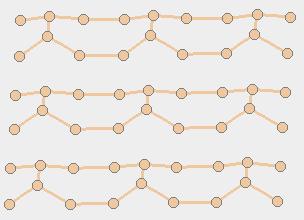
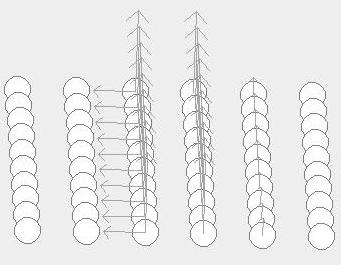
To move atoms selected in 3D: you can chosee 1 Asix and move in the red direction
(right MousePressed) or (MouseWheelMoved). Also you can move in 2,3-Axis and to bring near of his neighbour.
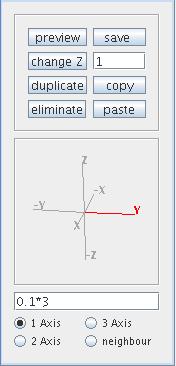
To change atomic number, duplicate,
copy and paste (also in other project) the atoms selected
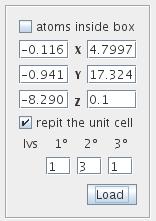
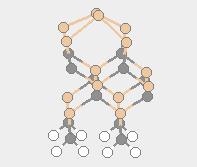
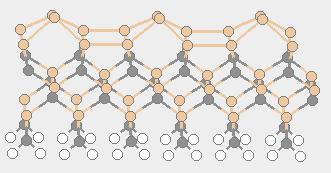
Options to repit the unit cell
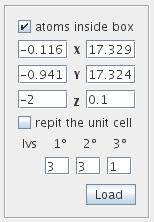
Also we can see the atoms inside of the box:
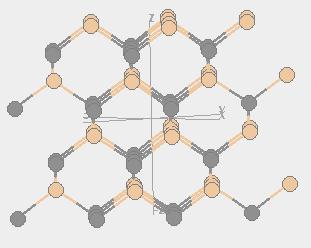
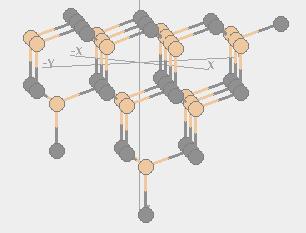
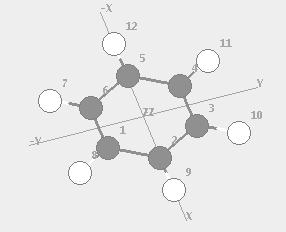
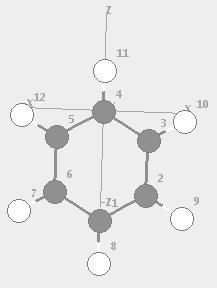
To rotate the atoms in some direction
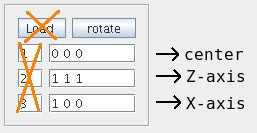
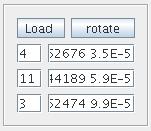
To rotate the atoms using positions of another atoms,
firts introduce the number of atoms you want in your axis,
and then press load to auto-load the positions in labels
Menu options
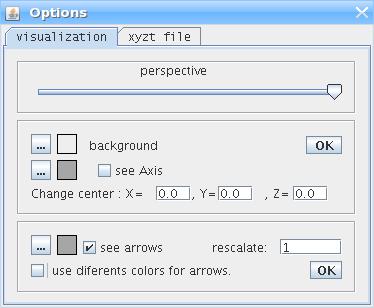
Perspective
xyzxt options
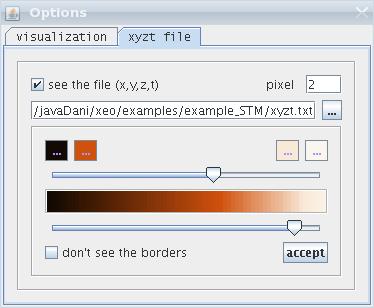
load xyzt file