Step 3a - Splitting the movie using Ifoeditor
Overview: This shows how to split the movie into two discs. By doing this, you keep the original video quality of the movie and make two blank dvds
Programs Required
-Ifoeditor
-PowerDVD or WinDVD
4. Once ifoeditor finishes splitting the files, we just need to do some final adjustments to each of the two new movies we made.
Open ifoeditor, then open the new VTS_01_0.ifo we created for the first disk (in my example, C:\Temp\3\1\VTS_01_0.ifo)
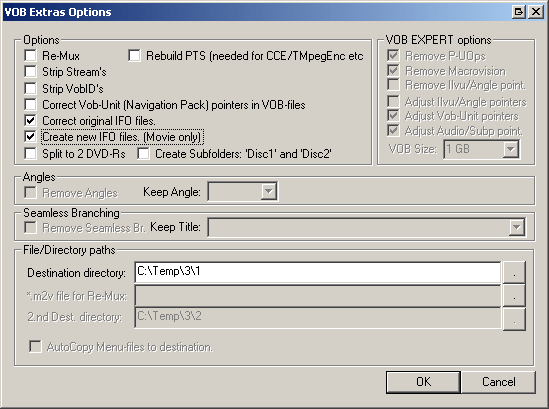
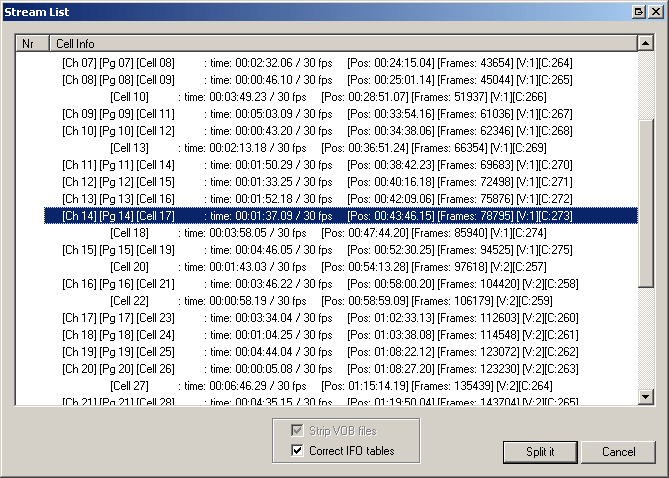
Then in ifoeditor, click the VOB Extras button again. All we need to do now is to Create new IFO files and Correct original IFO Files. Change the VOB Extras Options to this (See right) and click OK.
-Make the destination folder the same as the VTS_01_0.ifo file we opened (so in my example, i would set my destination directory to C:\Temp\3\1 , since the VTS_01_0.ifo was saved here.).
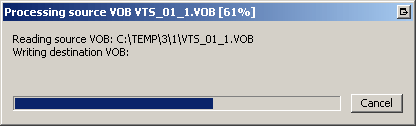
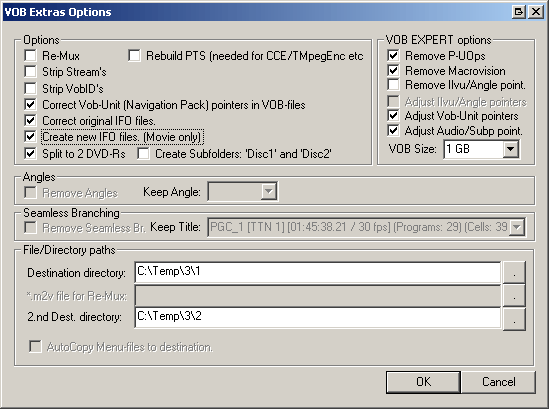
It will show the normal processing screen, but there won't be anything in the Writing Destination VOB part. Thats ok since we are just making a new VIDEO_TS.ifo and VIDEO_TS.bup file that will include the movie's chapters.