Hypervoxel
Hypervoxel is a plug in that capable of adding the texture to the particle, thus allowing the particle to become visible. Apart from that, Hypervoxel can also effect other objects like null of any other polygon just to create a volumetric effect like liquid, flame, smoke, cloud etc.
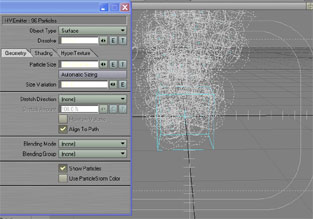
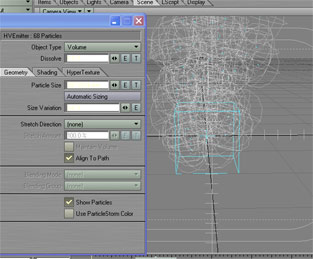
The illustrationabove is hypervoxel with object type "surface". This will make the polygon of the particle become sort of the ball shape .
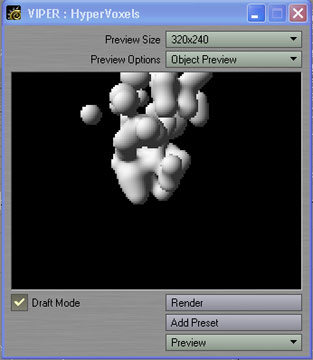
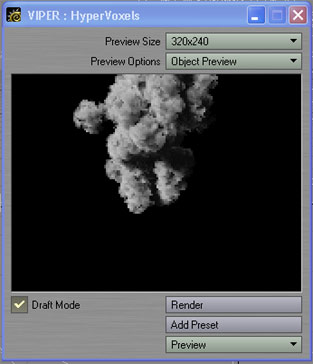
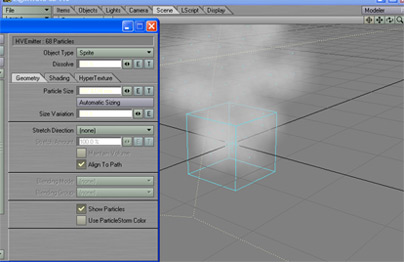
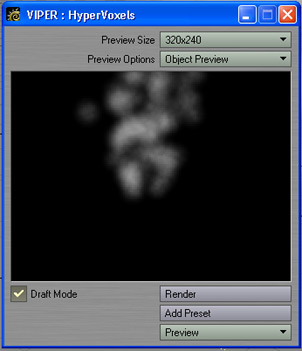
The interface of the hypervoxel plug in is separated into 3 sections, geometry, shading and hyper texture.
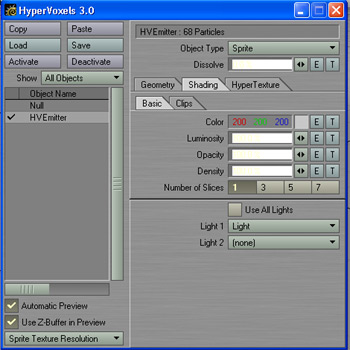
Geometry has a role in manipulating the size of the particle as well as creating the variation by using texture box or envelope to create the animated effect, while shading has a major role in creating luminosity, diffuse, spetacular etc something that close to Surface Editorbut also added along with opacity and density. Nevertheless, the setting for shading can be various depend on the type of hypervoxel object.
With the hyper texture, similar to the texture box of the Surface Editor as it provides the option of procedure map, graidient or even allowing for any image mape to create the texturing effect to the particle thus allowing for the interesting effect to the particle.
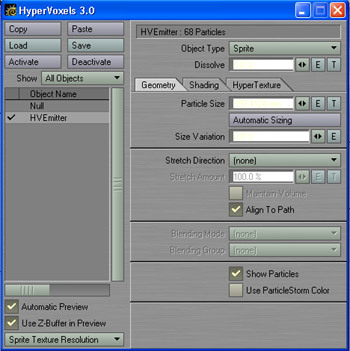
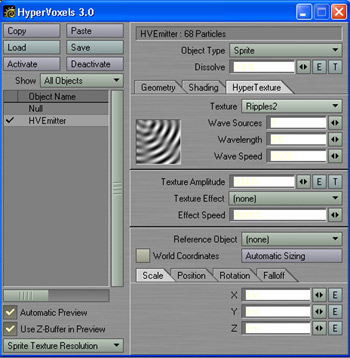
(Top left) Geometry interface, controlling the size of the particle.
(Top right) Shading interface, manipulating the colour of the particle along with density and opacity.
(left) Hyper texture, for adding the characteristic of the particle.